Astah Community Release Notes: 6.0

  • Model Version:31
    Astah files (.asta) are upward compatible. If the files have been edited by the newer model version of Astah, they cannot be opened in the older model version.

New Functions

  • Astah community
    • The product name has been changed from JUDE/Community to Astah community.
    • The setup files are moved from \.jude\community to \.astah\community.
      • The Astah setup files are copied from User Home Directory\.jude\community to User Home Directory\.astah\community when starting Astah.
    • To JUDE/Community Users
      • About Setup Files
        • The Astah setup files are copied from User Home Directory\.jude\community to User Home Directory\.astah\community when starting Astah.
      • The extension.jude is changed to .asta
        • .jude files can be opened in Astah
      • Astah log file
        • Astah log files are moved from User Home Directory\jude.log to User Home Directory\.astah\community\astah_com.log
  • astah API enhancement
    • New Util methods
      InterfaceMethodDescription
      ProjectAccssorfindElements(Class elementKind, String name)Get models by specifying model type and name
      findElements(Class elementKind)Get models by specifying model type
      findElements(ModelFinder picker)Search model by ModelFinder
      IElementgetContainer()Get parent of model
      getContainers()Get parent of model
    • Operation's body condition, Precondition and Post condition
      InterfaceMethodDescription
      IOperationgetBodycondition()Get Body condition of Operation
      getPreconditions()Get Precondition of Operation
      getPostconditions()Get Post condition of Operation
    • Attribute's Navigability
      InterfaceMethodDescription
      IAttributegetNavigability()Get Navigability
    • New Interfaces
      InterfaceModel
      ICompositeStructureDiagramComposite Structure Diagram
      IPortPort
      IConnectorConnector
      IInstanceSpecificationInstanceSpecification
      ILinkLink
      ILinkEndLinkEnd
      ITerminationTermination
    • Some Classes have been changed to @deprecated
      InterfaceMethodDescription
      ITopicPresentation-Interface for topics. INodePresentation is recommended.
      MindmapDiagramEditor-Interface for modifying (Creating/Deleting) Mind Map. MindmapEditor is recommended.
      IModelEditorFactorygetMindmapDiagramEditor()Interface for creating MindmapDiagramEditor.
      IDiagramEditorFactory.getMindmapEditor() is recommended.
      IDiagramgetText()Get Text that is drawn on diagram. IDiagram.getPresentations() is recommended.
      IAttributeisEnable()Check if it is navigable or not. Using IAttribute.getNavigability() to get the navigability is recommended.
  • Improvements on Sequence Diagram
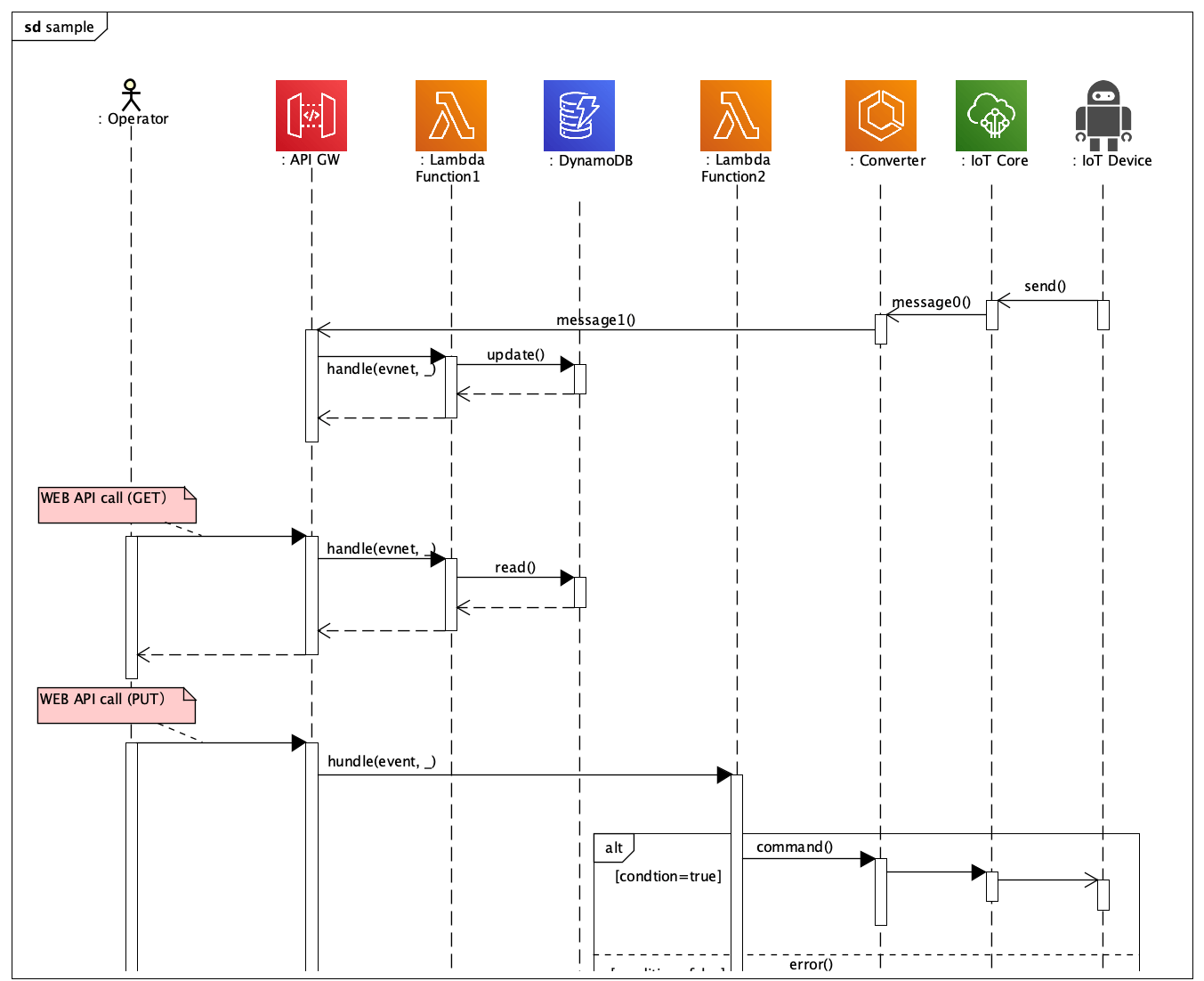
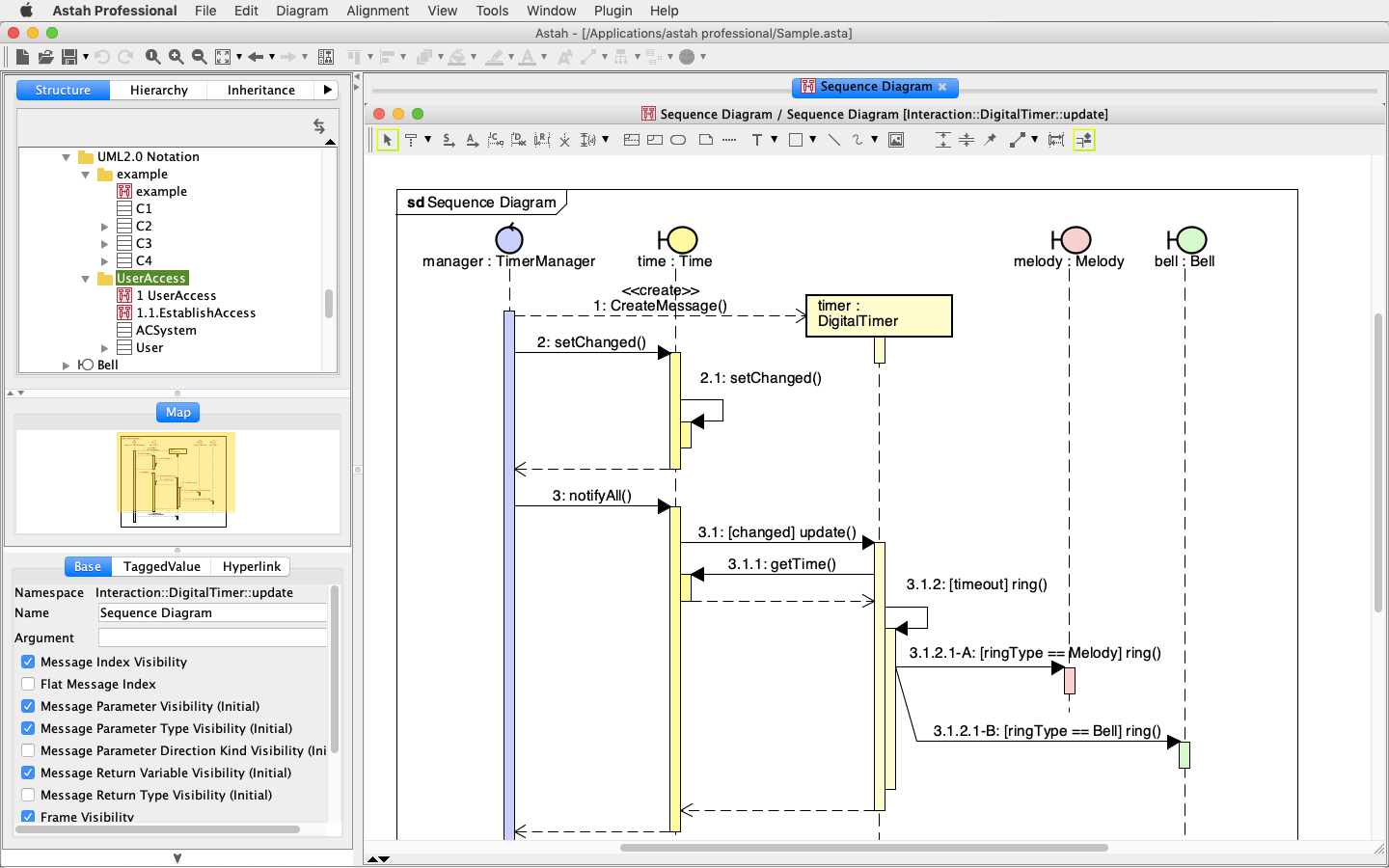
    • Lifeline names are visible by enabling following option
    • [Tool] - [System Properties] - [Diagram Editor] - [Show temp name for Lifeline in Sequence Diagram] (Default: ON)
  • Adjust Lifeline's length
    • Adjust Lifeline's length
      • Select [Adjust Lifeline Length] from Lifeline's Pop-up Menu
    • Adjust the length of plural Lifelines
      • Select [Adjust Lifeline Length] from Pop-up menu of Sequence Diagram in the Diagram Editor or of selected multiple Lifeline's Default, Align to Minimum or Align to Maximum
  • Adjust ExecutionSpecification's length
    • Adjust ExecutionSpecification's length
      • Select [Adjust ExecutionSpecification] from ExecutionSpecification's Pop-up Menu
    • Adjust the length of plural ExecutionSpecifications
      • Select [Adjust ExecutionSpecification] from Pop-up menu of Sequence Diagram in the Diagram Editor or of selected multiple ExecutionSpecifications
  • Improvement on InteractionUse
    • Creating another sequence diagram through InteractionUse
      • If InteractionUse does not have a Sequence Diagram created in, double-click on InteractionUse or select [Create Sequence Diagram] from InteractionUse's Pop-Up Menu to create a sequence diagram
    • Opening a sequence diagram under InteractionUse
      • Double-click on InteractionUse or select [Open Nested Diagram] from InteractionUse's Pop-Up Menu to open the diagram
  • Improvement on Partition in Activity Diagram
    • Partition names in Activity Diagram are visible by enabling the following option
    • [Tool] - [System Properties] - [Diagram Editor] - [Show temp name for Partition/Lane] (Default: ON)
  • Improvement on Callbehavior Action
    • Creating another activity diagram through Callbehavior Action
      • If Callbehavior Action does not have an Activity Diagram created in, double-click on Callbehavior action or select [Create Nested Diagram] from Callbehavior action's Pop-Up Menu to create an activity diagram
    • Opening an activity diagram under Callbehavior Action
      • Double-click on Callbehavior Action or select [Open Nested Diagram] from Callbehavior Action's Pop-Up Menu to open the diagram
  • Improvement on Activity Diagram's option
    • Default setting of this option has been changed to OFF, [Tool] - [System Properties] - [Basic] - [Allow only one InitialNode in Activity Diagram]
  • Improvement on Submachine state
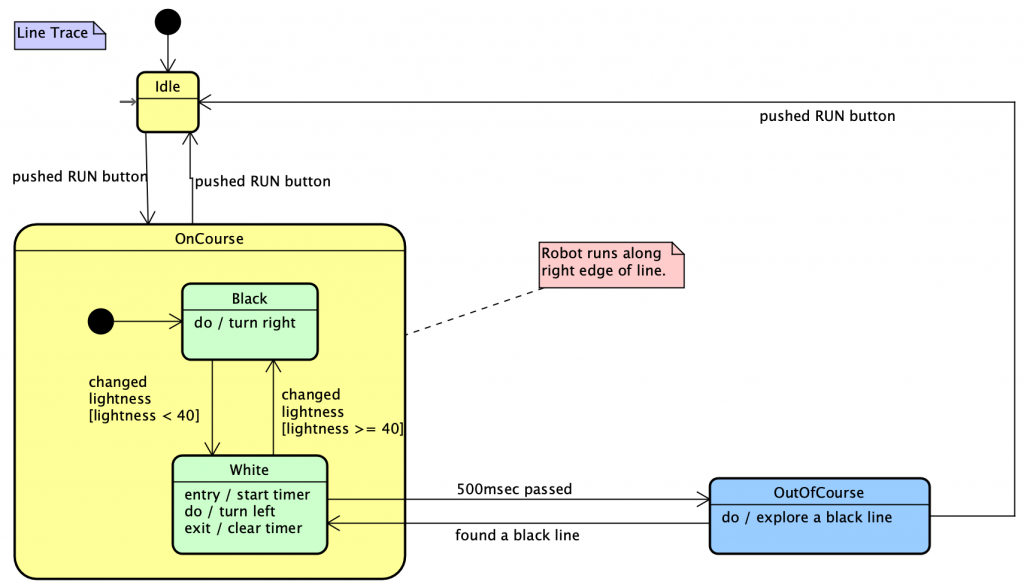
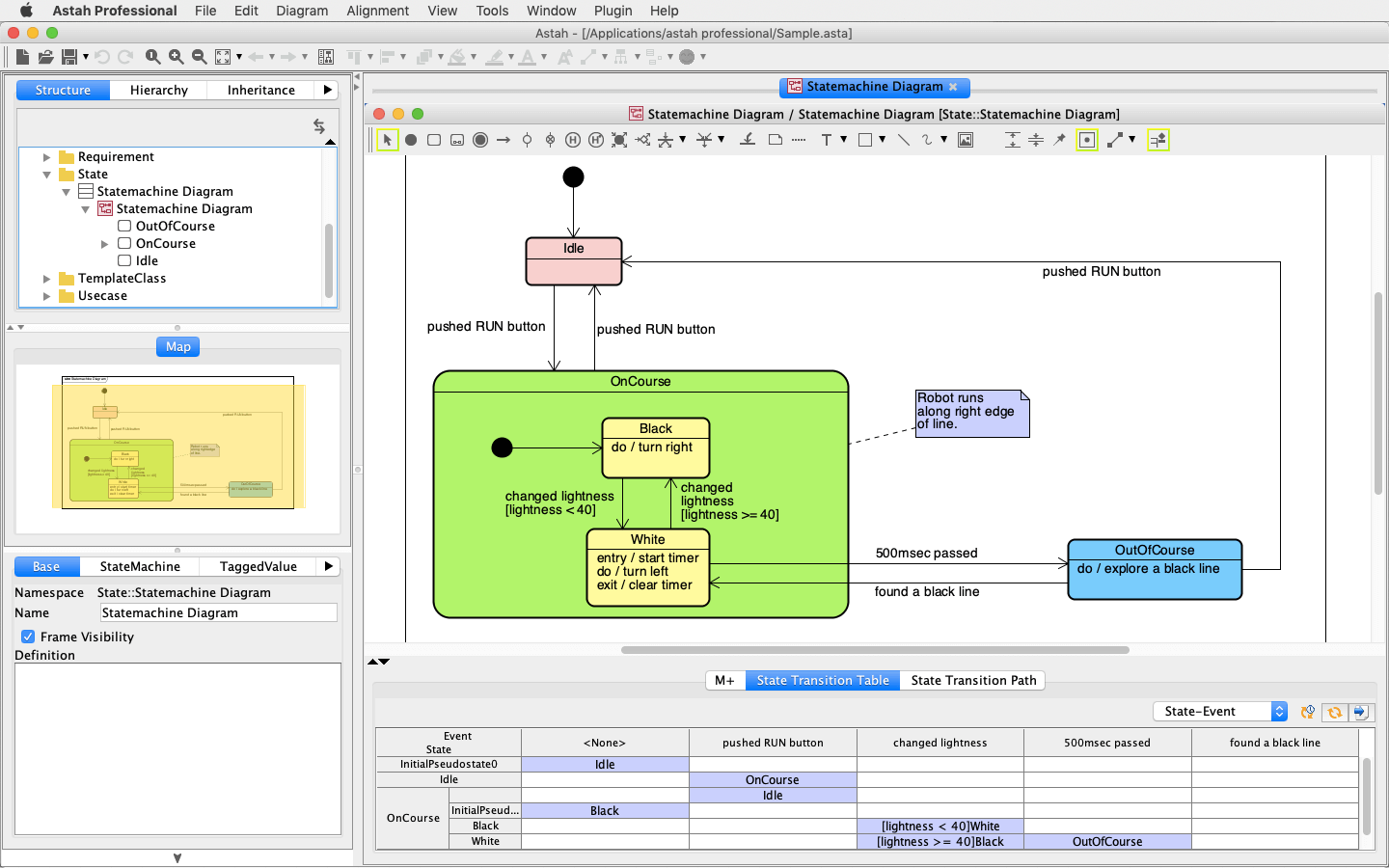
    • SubmachineState is now added in Statemachine diagram's toolbar
    • Creating another statemachine diagram through SubmachineState
      • If SubmachineState does not have a statemachine diagram created in, double-click on SubmachineState or select [Create Nested Diagram] from SubmachineState's Pop-Up Menu to create a Statemachine diagram
    • Opening a Statemachine diagram under SubmachineState
      • Double-click on SubmachineState or select [Open Nested Diagram] from SubmachineState's Pop-up Menu to open the diagram
    • Creating new Statemachine and modification of it is available from [Submachine] tab of SubmachineState
  • Improvement on crating lines on Line (Right Angle) mode
    • Association lines and Relationship lines won't overlap each other while creating them on Line (Right Angle) Mode
  • Specifying resolution of copying diagram elements as an image or exporting diagram images
    • Specify resolution when diagram images are copied onto Clipboard or exported as diagram images.
    • [Tool] - [System Properties] - [Image] - [Expansion rate to copy a diagram as a bitmap image (%)] (Default: 140)
    • [Tool] - [System Properties] - [Image] - [Use the zoom level of the screen for copy (Minimum 100%)] (Default:None)
    • [Tool] - [System Properties] - [Image] - [Resolution to export a diagram as a bitmap image (DPI)] (Default: 96)
  • Setting Body Condition, Post Condition and Precondition to Operation
    • New tabs [Body Condition], [Post Condition] and [Precondition] are implemented to Operation's Property View
  • Adding Stereotype with Shortcut key (Ctrl+Alt+S)
    • Shortcut key [Ctrl+Alt+S] adds stereotypes to selected model
  • New option for Text and Note
    • New option has been added in System Properties regarding Text and Note
    • [Tool] - [System Properties] - [Diagram Editor] - [Show Text and Note at the forefront of the elements] (Default: ON)
  • Minimum size of Frame has been smaller
  • Opening ".juth" file from Command-line is available

Fixed Bugs

  • [3789]An exception may occur when exporting a project with Data Store by csvexporter in API samples.
  • [3788]Class definition is not exported by csvexporter in API samples.
  • [3782]Association End Name and multiplicity cannot be moved on Class Diagram by key operation.
  • [3781]Destroy Message may be placed on the StateInvariant in Sequence Diagram.
  • [3776][Correct Invalid Models] may not correct some models.
  • [3769][MacOS] .juth files is not selected in the file chooser.
  • [3768][Select All] in the diagram popup menu is not working if the diagrams are supported in UML and professional versions only.
  • [3755]An exception occurs when moving the Usage of Required Interface on diagram
  • [3754]Attributes and Operations of Class can be moved to UseCase on diagram
  • [3750]An exception occurs after setting the proxy server in the system properties and restart the program
  • [3739]An exception may occur if a template class is specified as an attribute type.
  • [3738]A project cannot be saved if the image is inserted into the diagram and the name is changed.
  • [3736]A message is displayed after installing the program into the non-writable folder and running it at the first time.
  • [3730]"Operation Return Type Visibility" as missing in the [System Properties] - [Visibility1 (Initial)]
  • [3723]Doing Copy&Paste of InteractionUse causes an exception error if the InteractionUse has a Sequence Diagram setup
  • [3720]There is no [Add Required Interface], [Add Provided Interface] and [Show Interfaces] menu on Port's Pop-Up Menu
  • [3718]There is no [Show Part] and [Show Port] menus on Structured Class and Component's Pop-Up Menu
  • [3711]Messages get out of ExecutionSpecification when moving ExecutionSpecification on CreateMessage

Existing Bugs

  • When modifying a multiplicity of Associations directly, the entered multiplicity will be set as a Role name

JUDE/Community 5.5.2 (August 28, 2009)

  • Model Version: 30
    JUDE files (.jude) are upward compatible. If the files have been edited by the newer model version of JUDE, they cannot be opened in older model version.

Fixed Bugs

  • [3734]An error occurs when adding a Parameter to operation directly in Diagram Editor.

Existing Bugs

  • When modifying a multiplicity of Associations directly, the entered multiplicity will be set as a Role name.

JUDE/Community 5.5.1 (August 11, 2009)

  • Model Version: 30
    JUDE files (.jude) are upward compatible. If the files have been edited by the newer model version of JUDE, they cannot be opened in older model version.

Fixed Bugs

  • [3715]A Port on the Part is deleted after changing the Part name in the Composite Structure Diagram.
  • [3707]By clicking a root of message, it could break the indenting of Execution Specifications in Sequence Diagrams.
  • [3705]An relationship remains when selecting "Show as Class" popup menu on the Structure Class with Part and relationship, and an exception occurs by dragging the relationship.
  • [3703]Set ON to [System Properties] - [Basic] - [Set Unknown Type for Part when deleting its type from model], then delete a Class related with an AssociationClass. The AssociationClass is not deleted.
  • [3696]An exception happens by right-clicking on ER Entity in the Diagram Editor.
  • [3695]Anonymous bound classes are not included in IAttribute.getTypeExpression(), IOperation.getTypeExpression(), IParameter.getTypeExpression()
  • [3693]It is unable to set "int*[]" for Attribute type directly in the Diagram Editor.
  • [3690][Import Java] fails when the parameter is relational operation in the Attribute initial value = method (Parameter).
  • [3685][Set color] applies to Messages in Communication Diagram.
  • [3683]Type Modifiers are not included in IAttribute.getTypeExpression(), IOperation.getReturnTypeExpression(), IParameter.getTypeExpression()
  • [3681][Import Java] fails if namespace of import statement includes enum.
  • [2716][3675][3680]"Execution Specifications" get out of lifeline sometimes in Sequence Diagram.
  • [3678]A.jude opens instead of A.juth, when you type in the file name on [File chooser] when opening a project and the file type is already set as ".juth".
  • [3674][3676]Moving messages in Sequence Diagram makes indenting of "Execution Specifications" wrong sometimes.
  • [3671]Modifying operation name creates invalid models when allocating a Class operation to messages in Sequence Diagram.
  • [3670]Modification you made for Return value of operation, Type modifier of Parameter when allocation a Class operation to messages in Sequence Diagram would not apply.
  • [3666]When you are running JUDE on Linux, files and directories appear in random order in the file chooser dialog when doing [Import Java].
  • [3664]Dragging and dropping Required/Provided Interfaces to another breaks the shape of model elements.
  • [3662]When drawing a Component/Structured Class that has a part from Structure Tree, Usage/Realization that is related to the part do not appear in the Diagram.
  • [3661]When deleting a Component/Structured Class that has a part from Model, Interfaces that are related to a part still stay.
  • [3659]When deleting a Structured Class that has a part in Composite Structure Diagram, Interfaces/Realizations/Usages that are related to a part still stay.
  • [3654]Interface icons do not appear correctly sometimes when drawing them by dragging from the Structure Tree.
  • [3653]Interface icons are still showing in a diagram sometimes even after deleting Realizations/Usages of Interfaces from the Property View.
  • [3650]Hyperlinks to model definitions from diagram image do not work sometimes on exported HTML if the project has two classes that have the exact same name.
  • [3647]When selecting more than one Stateinvariant at the same time, you can drag them onto a lifeline.
  • [3645]Renaming lifeline could get CombinedFragment, InteractionUse and Stateinvariants out off the lifeline.
  • [3640]Moving an Activation of CreateMessage could get an Activation out of the message.
  • [3637]After resizing lifelines and creating Createmessages, a Stateinvariant moves to wrong spot.
  • [3628]Sometimes messages are not attached to Lifelines.
  • [3630]We have improved to show an alert when invalid Create messages are made.
  • [3611]Moving CreateMessages could make other messages appear strangely.

Existing Bugs

  • When modifying a multiplicity of Associations directly, the entered multiplicity will be set as a Role name.

JUDE/Community 5.5 (April 8, 2009)

  • Model Version: 30
    JUDE files (.jude) are upward compatible. If the files have been edited by the newer model version of JUDE, they cannot be opened in older model version.

New Functions

  • Type modifier support (Pointer information such as *, &..etc)
    • Specifying Type modifier is available in the Property view of models listed below.
      • [Attribute] and [Operation] tabs of Classes
      • [Base] tab of Attributes
      • [Base] and [Parameters] tabs of Operations
      • [Association End A] and [Association End B] tabs of Associations and Parts
      • [Base] tab of Ports
      • [Template Parameter] tab of Template Parameters and Template Bindings
    • Defined Type modifiers are displayed on Diagram Editor for models listed below.
      • Classes
      • Attributes*
      • Operations
      • Parts
      • Ports
      • Anonymous bound classes*
      • Template Bindings
      • *Type modifiers defined for Attributes and Anonymous bound classes are displayed in the Structure Tree.
    • HTML Export of Type modifiers
      • Classes
      • Attributes
      • Operations (Including Associations and Parts)
    • Remarks
      • JUDE/Professional(ver 5.5 or later) has more advanced features regarding C++, and it supports :
    • Remarks
      • C++ Projects created in JUDE/Professional (ver 5.5 or later) can be opened by using JUDE/Community (ver 5.5 or later).
  • Improvements on Export HTML
    • The tools.jar of J2SE5.0 or 6.0 is required to export HTML.
      • Note: The tools.jar of J2SE1.4 is NOT applicable to export HTML since ver 5.5.
    • Template Classes are included in exported HTML.
    • Exporting Associations as Attributes
      • Associations that fit both conditions as below are exported as Attributes.
        ・They have names for Association Ends.
        ・They are not Non-Navigable.
  • Java5 Build
    • JUDE/Community installer is built with J2SE5.0 since ver 5.5.
    • NOTE :JUDE/Community no longer launches with J2SE1.4 since ver 5.5.
  • Improvement on Statemachine Diagram
    • When creating a new Transition, Events and Guards are defined in recommended case.
  • Show a namespace of diagram in Diagram Editor's title bar
    • Show a namespace of diagram's in Diagram Editor's title bar.
      • [Tool] - [System Properties] - [Diagram Editor] - [Show namespace in the Diagram Editor title (Restart JUDE)] (Default : ON)
  • Support Constraint for Classes
    • Specifying constraint for Classes is available in [Constraint] tab of Classes in the Property View.
  • Object diagram models have been changed into UML2.0 names.
    • Instance Specification (Former name: Object)
    • Slot (Former name: Attribute)
  • Improvement on Sequence/Communication Diagrams
    • The following selections have been added in Drop-down button of Lifeline in Toolbar.
      • Actor
      • Entity
      • Boundary
      • Control
  • Improvement on Object/Deployment Diagrams
    • The following selections have been added in Drop-down button of InstanceSpecification in Toolbar.
      • Actor
      • Entity
      • Boundary
      • Control
  • Improvement on partition size (Activity Diagram)
    • Default size of partition has been adjusted, so it fits in Diagram Editor when the first partition is created.
  • Improvements on API
    • Get Return Value variable from a message by adding getReturnValueVariable() to IMessage
    • Get Type Modifier
      • Get Type Modifier from IElement by adding getTypeModifier() to IElement.
      • Get Type Modifier of actual parameter by adding getActualParameterTypeModifier(IClassifierTemplateParameter param) to ITemplateBinding.

Fixed Bugs

  • [3610]An exception happens sometimes when changing the end of Message in Sequence Diagram
  • [3605]By double-clicking a slot of Instance Specification that has a base class with Attribute more than once, the Attribute's string appears and you are able to modify it.
  • [3600][Import Java] may fail if the Java contains an Attribute that is using a Template and also is initialized by Method that is using the template.
  • [3581]We should not add "_x" at the end of operations when we copy them if they had the same name but had different parameters.
  • [3569]A confirm dialog now indicates which version of JUDE last modified the .jude file when opening it.
  • [3568] When you copy and paste Attributes/Operations, an order of them will change from an original order.
  • [3567] Unable to delete Stereotypes/Constraints of Attributes/Operations directly from Diagram Editor.
  • [3557]Invalid icon appears for Class’s property on following areas (Class’s Property View [Property] Tab [Depend Type] / Class’s Pop-Up Menu [Show Part] dialog [Depend Type].)
  • [3555]Inner classes cannot be imported properly by [Import Java] if they have deep class hierarchy.
  • [3542][Set Line Color] menu is missing from [Template Binding] Line 's Pop-Up Menu
  • [3540][Correct Invalid Models] does not work for some invalid models properly.
  • [3535]Javadoc files cannot be opened after Export HTML.
  • [3534]It is unable to click on anything in the Structure Tree after changing [Look and Feel] on JUDE that is running upon on Java6.
  • [Version Information] dialog box is modeless. [3532]
  • It is unable to create anonymous bound classes with ? by modifying Attributes/Operations directly. [3528]
  • It is unable to create anonymous bound classes with Primitive type by modifying Attributes/Operations directly. [3527]
  • There is a difficulty in scrolling with right-drag on Diagram Editor.[3525]
  • Unable to get namespace by using JUDE API getOwner() method toward Activity Diagram, Statemachine Diagram, Sequence Diagram, Flowchart and Data Flow Diagram. [3524]
  • [Correct Invalid Models] menu does not work sometimes for invalid models in Sequence Diagram.[3522]
  • [Software Update Information] menu does not work. [3521]
  • An exception could occur when converting a Class into an Association Class. [3517]
  • It is unable to transfer BoundClasses to another package. [3515]
  • It is unable to delete Parameters from Operations on the Diagram Editor. [3514]
  • An exception could occur when opening UseCase Description that is created by JUDE/Professional. [3511]
  • When you adjust size of a Class with ports on, a Class size changes and leaves ports out off the Class. [3464]
  • If "String - java.lang" is applied to System Properties's [Basic] - [Default Type of Attribute], deleting java package could call an invalid message dialog and generate invalid models.[3509]
  • An exception happens by clicking Frame with holding CTRL key down if frame and other objects are selected in diagram. [3503]
  • An error occurs in parser when importing Java files. [3495]
  • When you copy a State containing an Internal event in Statemachine diagram, copied state will have duplicated Interval events. [3489]
  • Community version should not allow to add Hyperlinks to Attributes/Operations. [3487]
  • Color of model elements changes automatically when adding another model to diagram from structure tree. [3485]
  • Sequence Diagrams should not be able to have the same name under package. [3484]
  • When a state is inside another state, it is unable to create a Transition from one to another. [3479]
  • Interface Icon does not show right sometimes when adding it from the Structure Tree. [3475]
  • An exception happens when creating Provided/Required Interface while the [Create relation in original direction] option is ON. [3466]
  • It is difficult to change a direction of messages in Communication Diagram. [3462]
  • AssociationClasses are not included in [Java Parse Chooser] list when importing Java. [3458]
  • [Java Parse Chooser] does not show up when importing .java with associations that have static definitions. [3456]
  • An exception happens when importing the same .java files several times. [3455]
  • Scrolling up/down (with mouse wheel) enlarges a diagram without any limit. [3451]
  • JUDE freezes when opening a file if it contains invalid models. [3445]
  • An exception occurs when doing UNDO after deleting Lifeline in Sequence Diagram. [3444]
  • An exception occurs if jude-community.jar is in front of jude-api.jar in CLASSPATH of Java projects that use JUDE API. [3428]

Existing Bugs

  • When modifying a multiplicity of Associations directly, the entered multiplicity will be set as a Role name.

  • Release Notes for JUDE/Community 5.4.x or older versions have been omitted.