Quick Links
Astah Community Release Notes: 6.3(November 26, 2010)
[System Environment for Mac OS X]
- Apple Computer, Inc. Java(TM) SE Runtime Environment version 1.6.0_20 or later
- Mac OS X 10.6.2 or higher
- Intel Processor
[Notes for Mac OS X]
- [Ctrl] key mentioned in this Release Note indicates [Command] key in Mac OS X
[What's NOT supported in Mac OS X]
- While Aqua Look and Feel is applied, you can't move tabs sideways on Diagram Editor by dragging them
- Customize of Keybinds is not supported
- Model Version:34
Astah files (.asta) are upward compatible. If the files have been edited by the newer model version of Astah, they cannot be opened in the older model version.
[System Environment]
- Sun Microsystems JDK 6 Update 16(JRE 6 Update 16) or later is required
- Astah community no longer runs on JDK1.4,JDK5
[Bundled Java version]
- JRE 6 Update 22
New Functions
More models available for Suggest feature
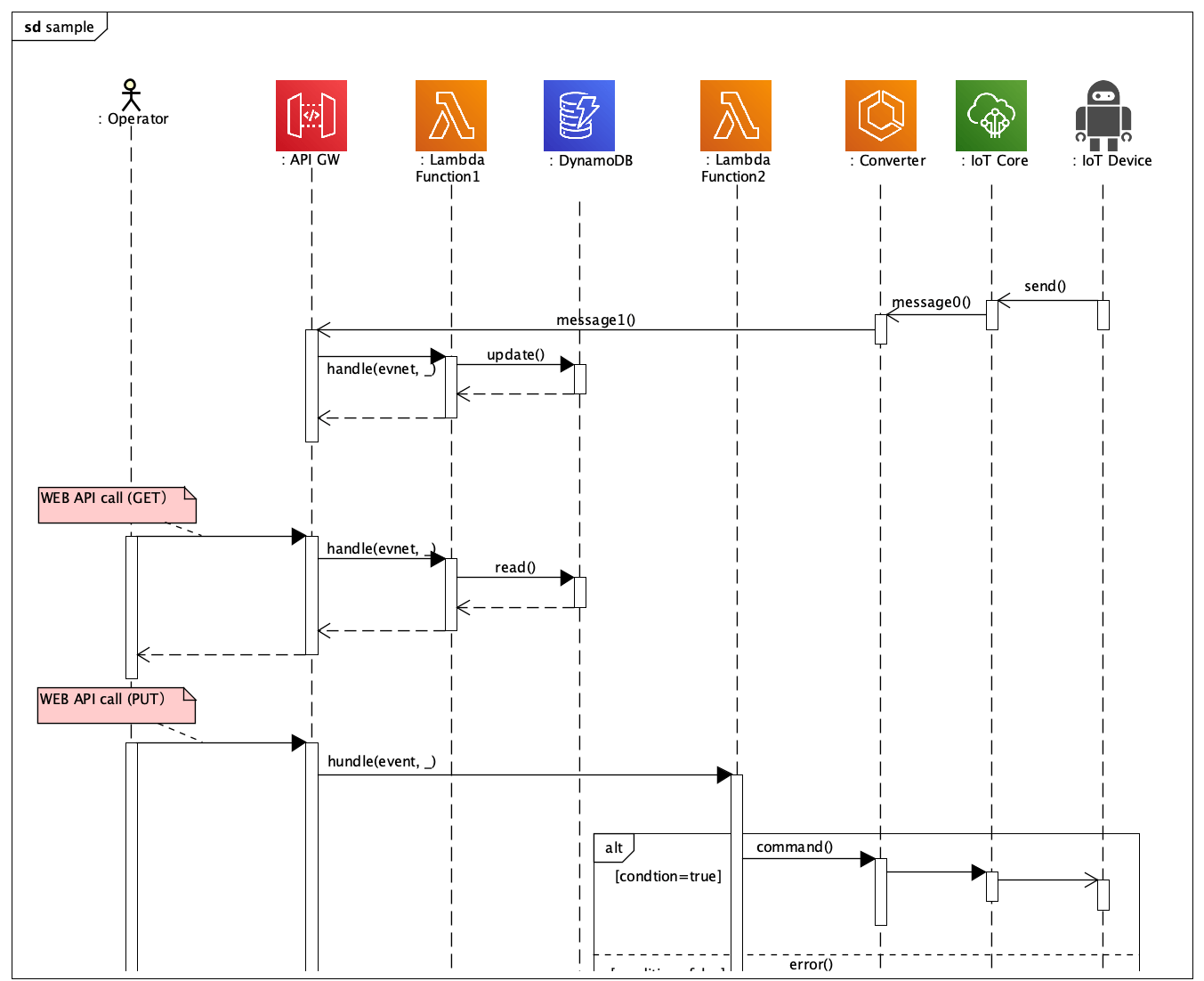
- Sequence Diagram: Synchronous Message / Asynchronous Message
- Icon button appears when you put your mouse over a lifeline, execution specification, InteractionUse or Frame
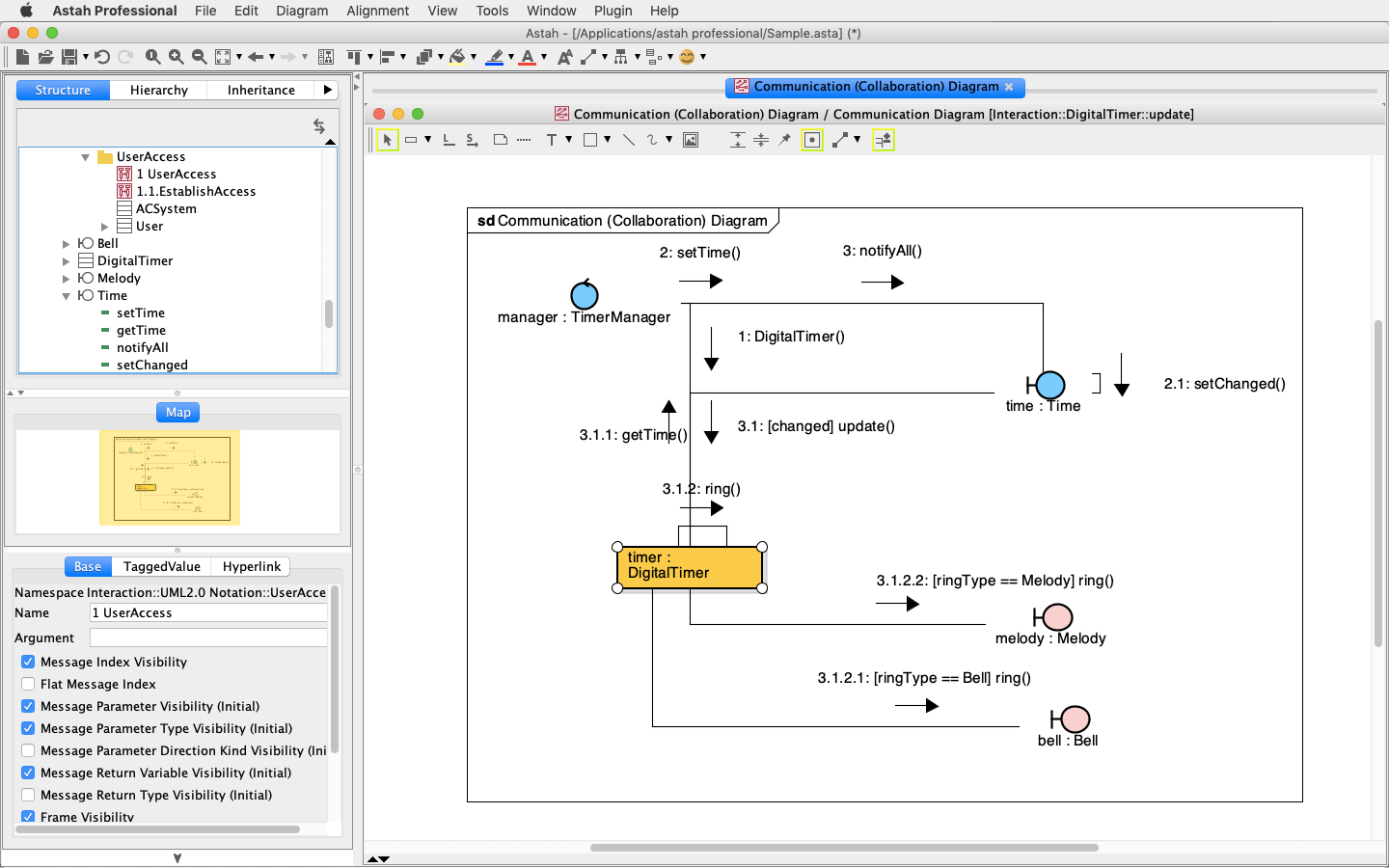
- Communication Diagram: Message
- Icon button appears when you put your mouse over a link only when the link is drawn in straight line, not curved type
Customizing Keybinds [NOT supported in Mac]
- You are able to customize shortcut keys to use in Astah as you like.
- [How to change the Shortcut keys]
- 1. Close Astah
- 2. Copy the "astah-key.properties_org" in Astah install folder to Userhome\.astah\community and save it as "astah-key.properties"
- 3. Open "astah-key.properties" and remove "#" from the line of Shortcut key you want to change and set the key value (xxx.key)
- 4. Save the "astah-key.properties" and then restart Astah
- [Notes]
- Do not make duplicated keys
- By default, some different operations share the same Shortcut key(xxx.key), if you want to change one of them, make sure to change them all
- If you re-install Astah such as doing version up etc, please adjust the difference between the new "astah-key.properties_org" and your customized "astah-key.properties" file
- [How to change the Shortcut keys]
Shortcut key changed
- Shortcut key to add Attributes is changed from Ctrl+F to Ctrl+R
Auto-scroll support while modifying texts in diagram
- Now Astah automatically scrolls while you are modifying texts in Diagram Editor
More model can be created by double-clicking on diagram
- You are able to create a Part by double-clicking on structured class in Composite Structure Diagram
New option added about Software Update (Windows only)
- Following option is newly added on System Properties
- [System Properties] - [Software Update Information] - [Use Proxy settings from Internet Explorer (Only on Windows)] Default: ON
Improvements on API
- IconDescription added to obtain Icon description
- IDiagramViewManager added to manage the Diagram view
- IIconManager added to manage Icon
- IViewManager added to manage view
- IViewManager getViewManager() method added to ProjectAccessor. It returns the Interface, which manipulates the view.
- IConnector[] getConnectors() added to IAttribute. It returns the connector.
- New methods added to ProjectAccessor to get information about edition, version and also model version.
- String getAstahEdition()
- Obtain current Astah's edition
- String getAstahVersion()
- Obtain current Astah's version
- int getProjectModelVersion()
- Obtain model version of Astah project you currently work on
- int getAstahModelVersion()
- Obtain model version of Astah you currently use
- String getAstahAPIVersion()
- Obtain version of Astah API
- int getAstahAPIModelVersion()
- Obtain Model version when saving model by using Astah API
- String getAstahEdition()
Fixed Bugs
- [4326] A warning message now appears if a default model to open by [File] - [New By Template] has Reference models
- [4325] Internal IDs are not initialized sometimes when creating a new file by [File] - [New By Template] (Invalid models may be generated by merging this project file with others.)
- [4324] The width of State in Statemachine Diagram does not change even though vertical region is added while the Auto Resize is off
- [4298] Name of Required Interface would not be displayed after deleting a Realization of Provided Interface which connects with the Required Interface from Diagram or Model
- [4296] Submachine Name in [Submachine] tab of Statemachine State property will not be automatically set when creating a Submachine State by dragging a Statemachine Diagram from Structure Tree to Diagram (Same as CallBehavior Action in Activity Diagram)
- [4294] External Part does not be depicted in dashed line when selecting [Show Part] from Structured Class's Pop-up menu if the Structured Class is drawn on Diagram by dragging it from the Structure Tree
- [4293] [Tool] - [Correct Model] - [Correct Invalid Models] command does not correct certain invalid models
- [4264] [OK] button of [System Properties] windows does not work right after creating a new project
- [4259] Two messages appear overlapped when you create one from Lifeline to InteractionUse and vice versa. Furthermore, by dragging one of them to move would place the message on wrong spot
- [4252] Selections in the Combo-box of Operation of Message's Property appear wrongly if the Message's target lifeline's Base Class has two Operations with same name but different Return Value
- [4233] It is unable to specify a Template Parameter for [Actual Parameter] of Template Parameter tab of TemplateBinding's Property
- [4214] Necessary templates are not included in the selection of Class chooser combo-box
- [4185] Moving CombinedFragment could get the message out off the execution specification
- [4172] Improved the button label in [Stereotype Color Map] dialog
- [4165] Improved the hover display of Lifeline in Sequence Diagram and Partition in Activity Diagram
- [4113] It should not allow Template Parameters of ones other than Parent Class to be selected for Part Type
- [4323] [MacOS] All buttons are not shown on [Set Color for Stereotype] dialog when you open it
- [4309] [MacOS] Path error could occur by turning [Copy all formats of images to Clipboard with Ctrl+C] on the System Properties
- [4290] [MacOS] Wrong text is included on tooltip of ZoomIn/ZoomOut
- [4265] [MacOS] [Ctrl+C] mentioned in System Properties does not apply to Mac OS X
Existing Bugs
- When modifying a multiplicity of Associations directly, the entered multiplicity will be set as a Role name
- [4222] [MacOS] You are not able to rename Subsystem right after creating one
- [4034] [MacOS] Astah freezes when printing or previewing on Mac OS X 10.5
- [4005] [MacOS] Astah freezes when selecting [Print] - [Save as PDF] on Mac OS X 10.5


![Subscribe to our blog! [Subscribe]](/resources/images/main/rss.png)