
Thank you for your support!
Astah would like to thank the users of the Astah Community Edition but regret to inform you that this editions was discontinued on September 26, 2018. Astah is dedicated to continuing its support of our other products, including these options that may be of interest to you:

Why Upgrade
Astah’s other products offer more powerful features to take your diagramming and modeling to the next level.

Maintain Legacy Files

Expand Your Models

Communicate with a Team

Customize & Extend
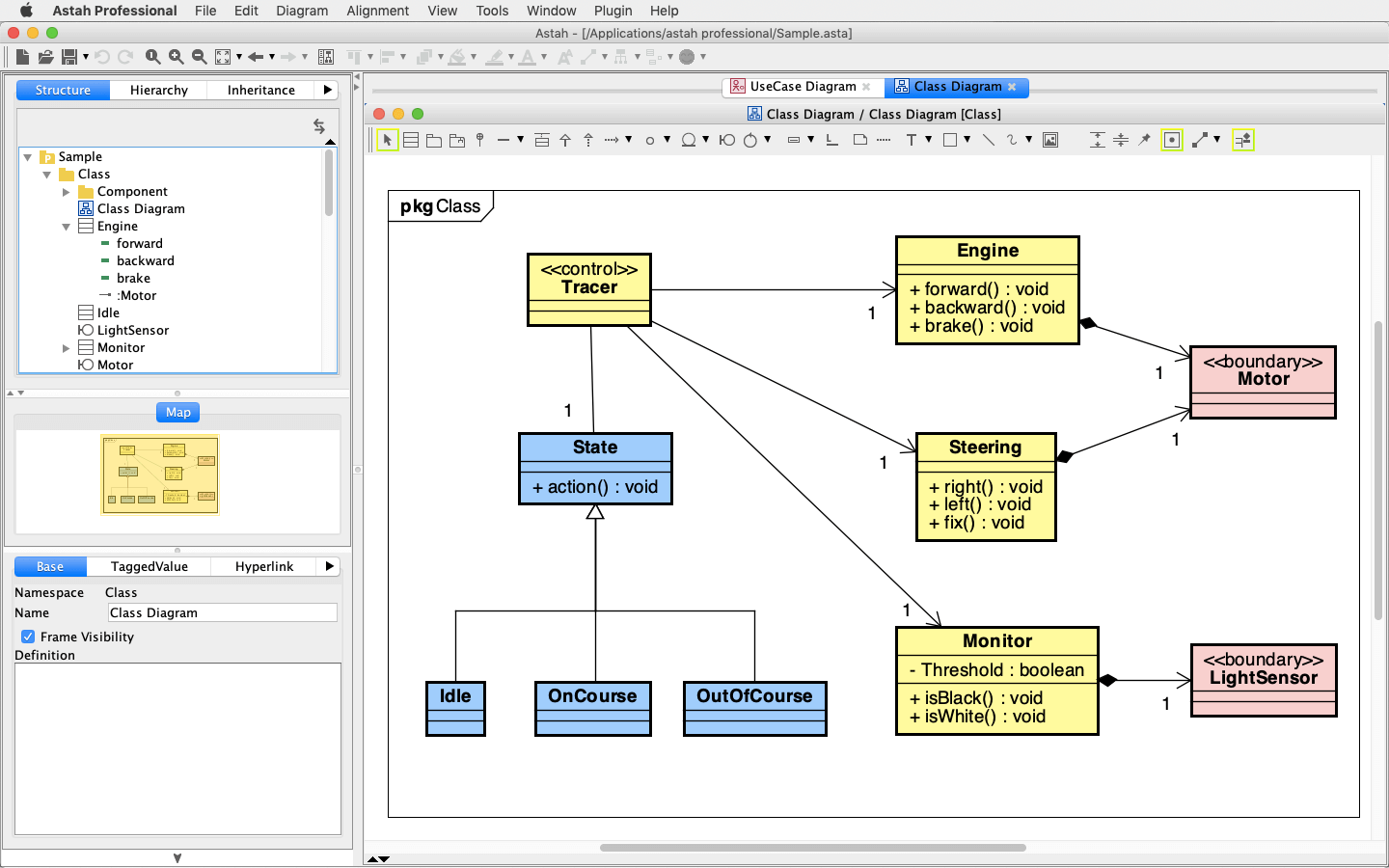
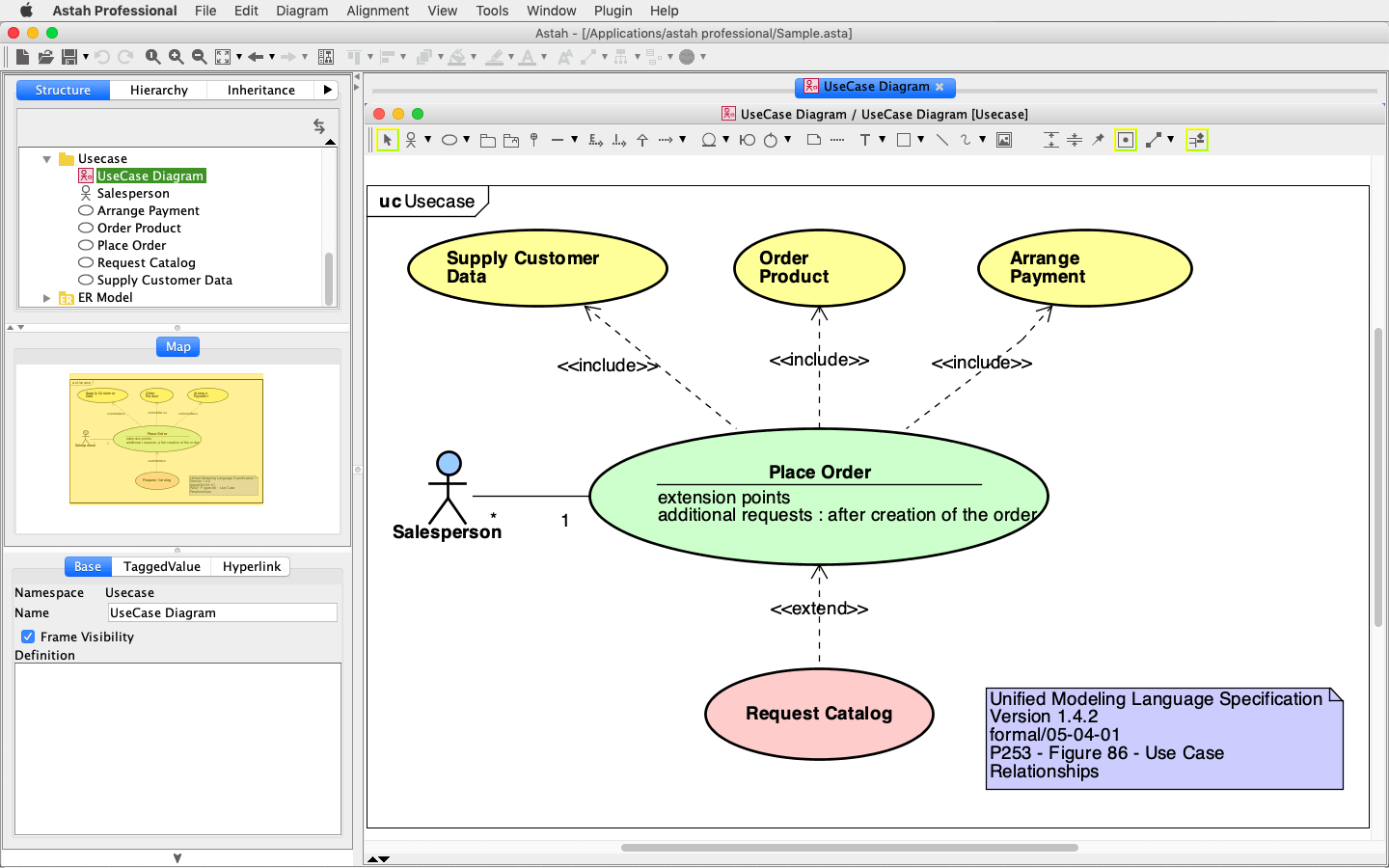
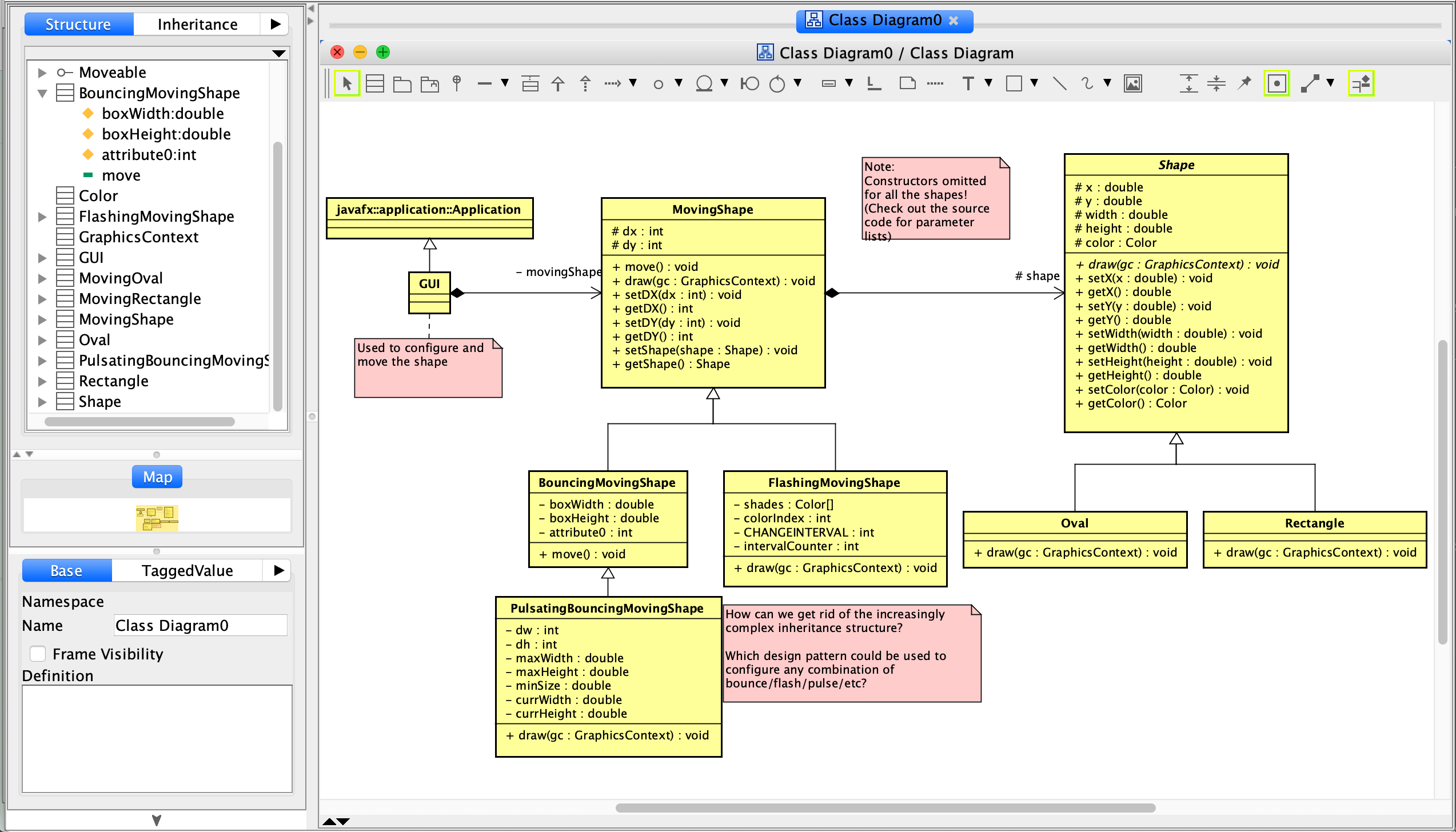
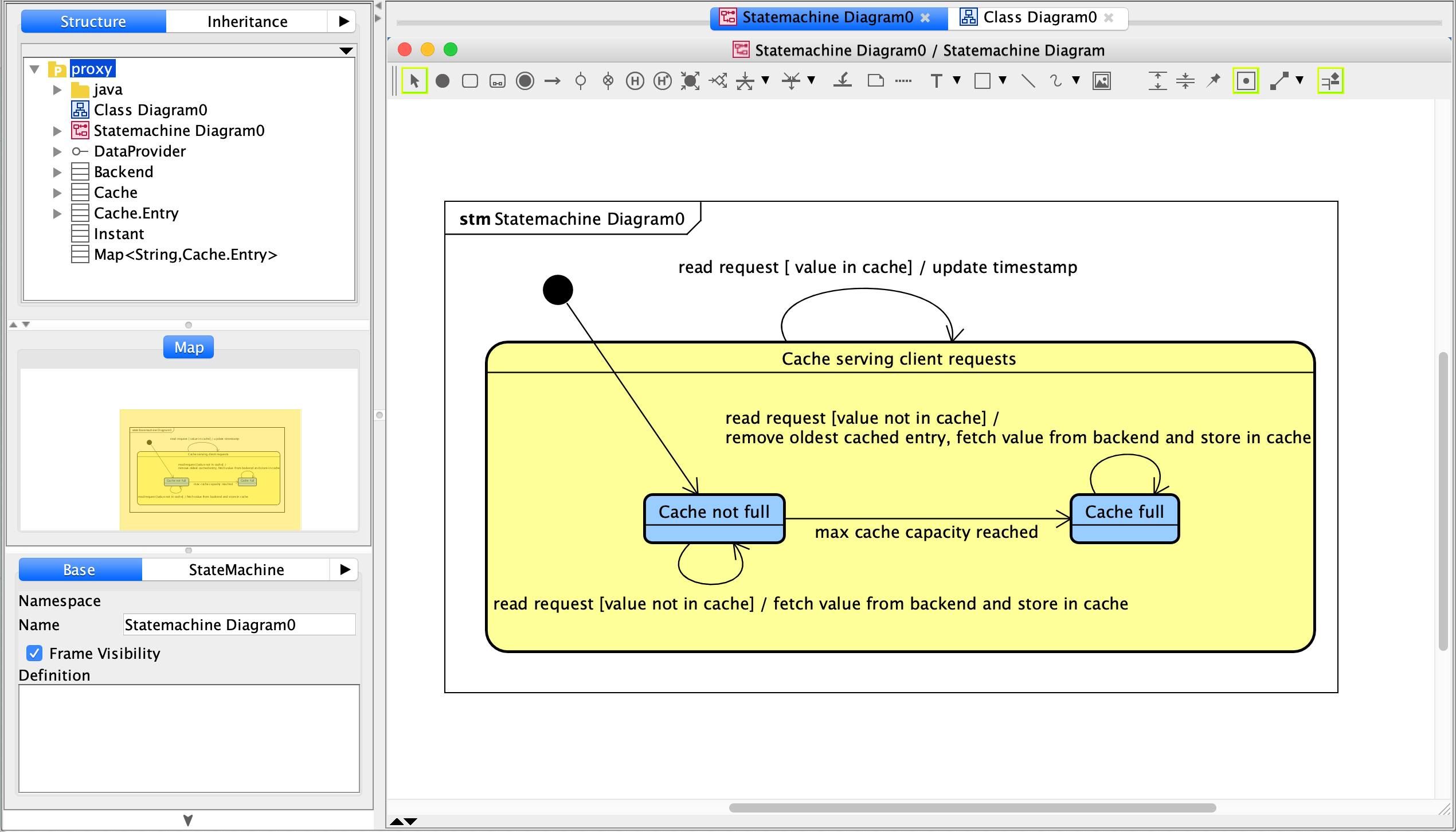
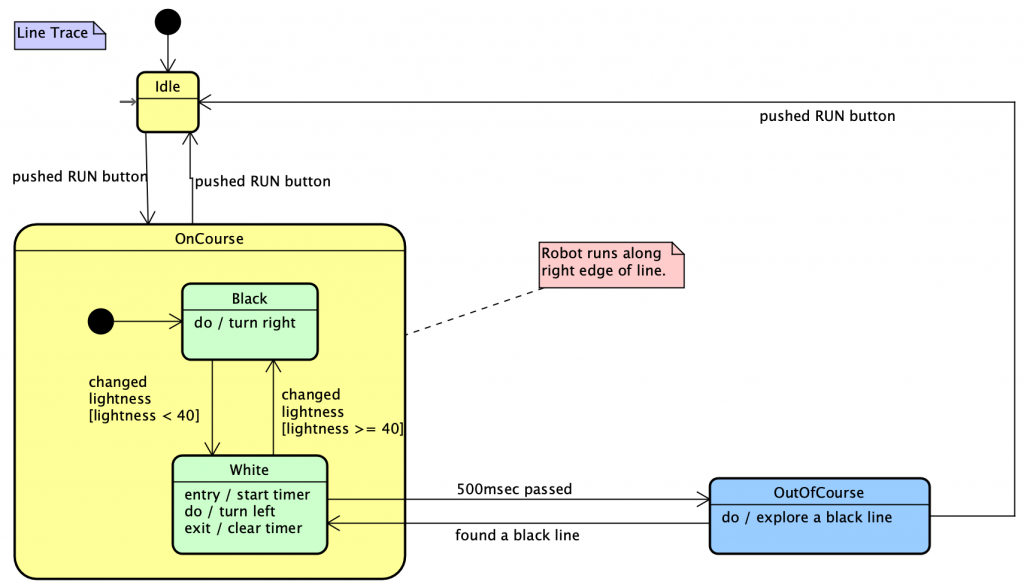
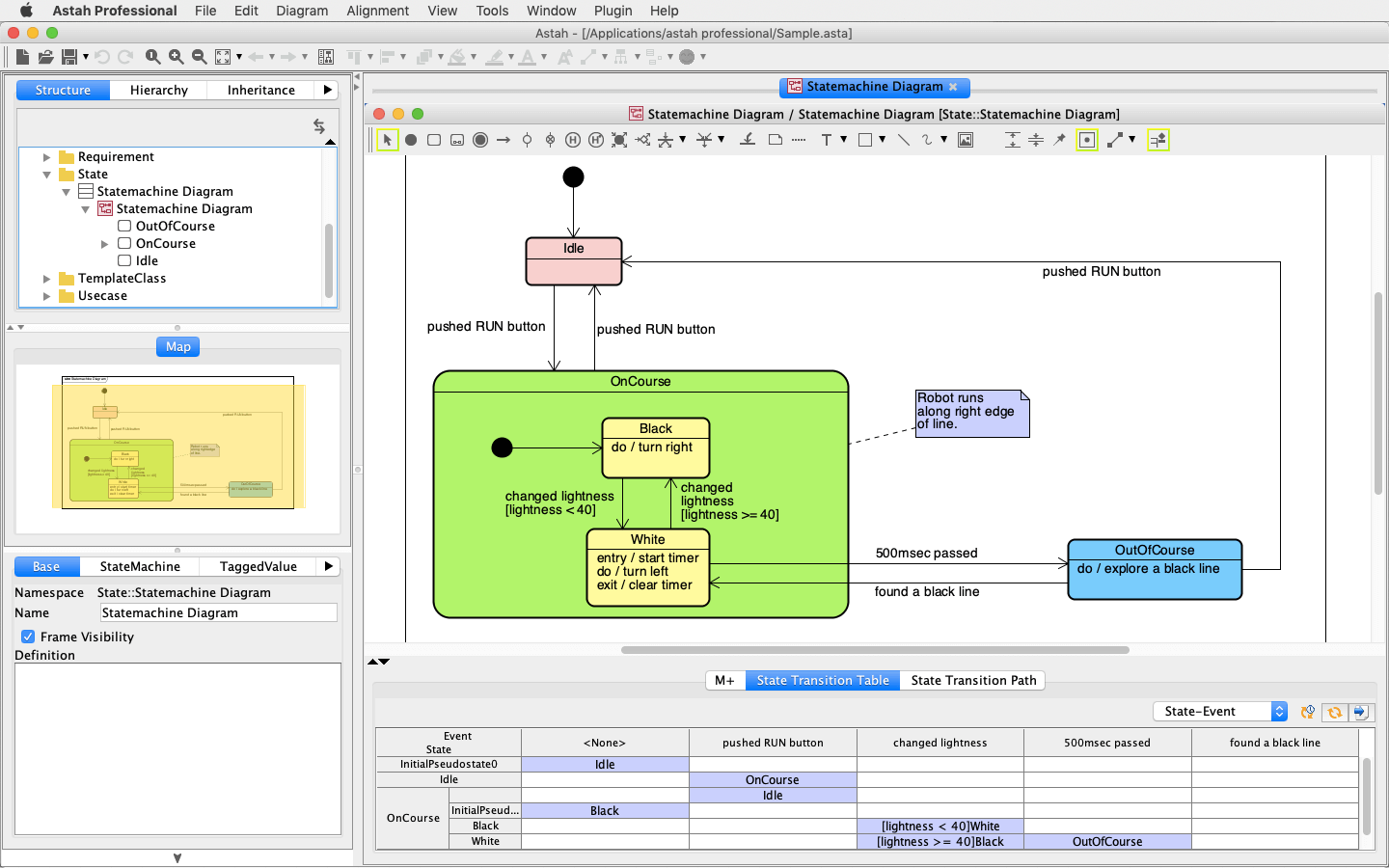
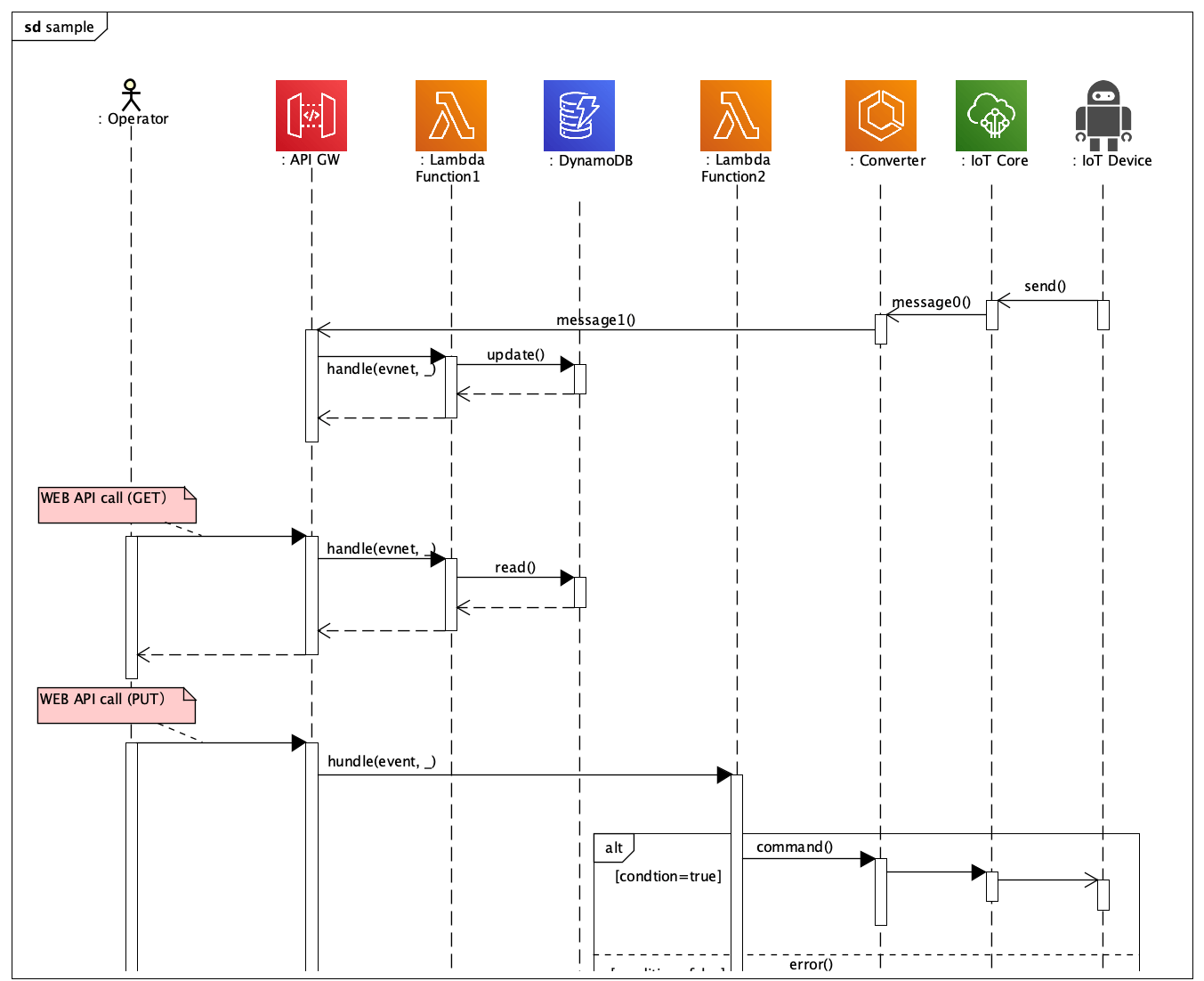
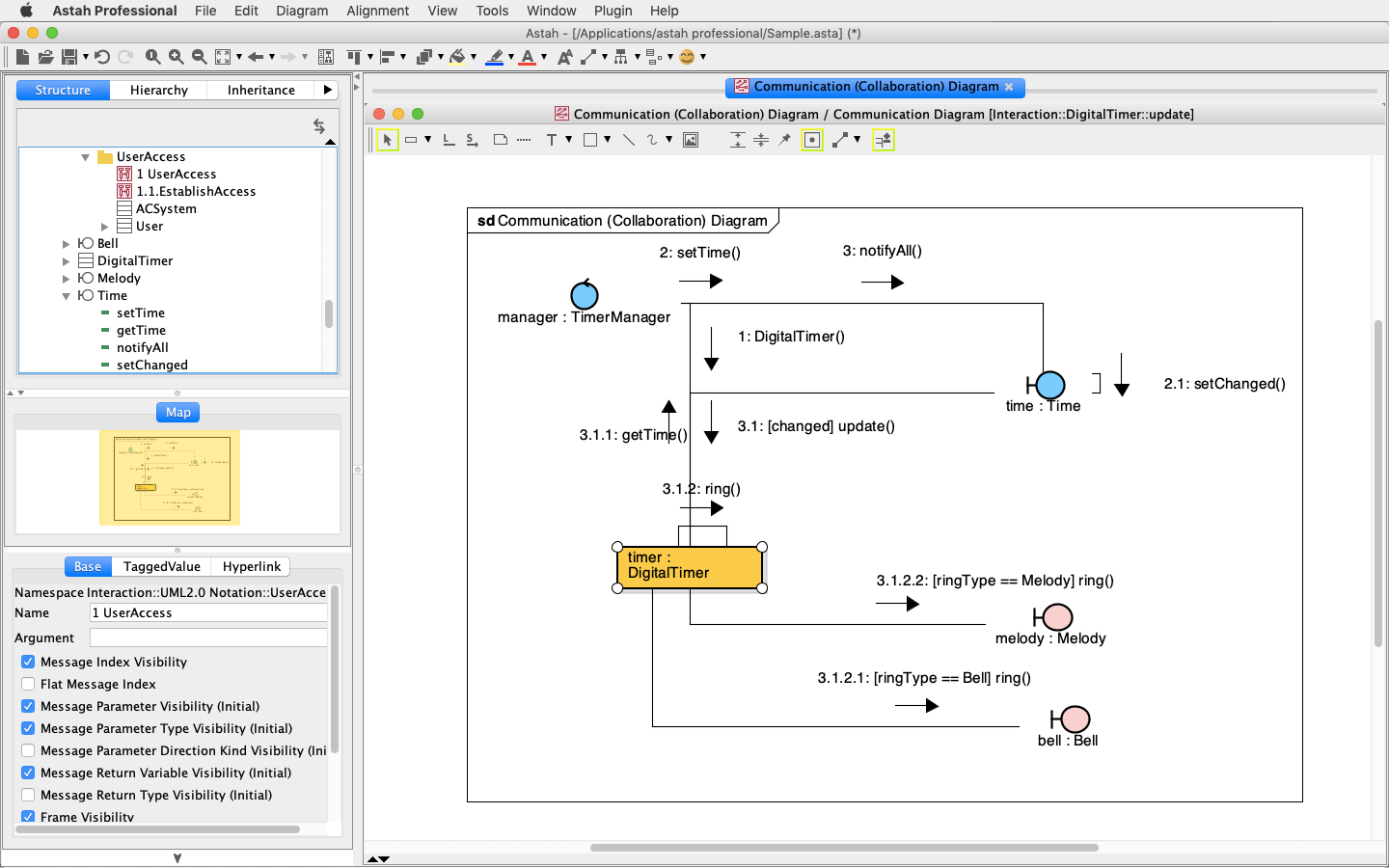
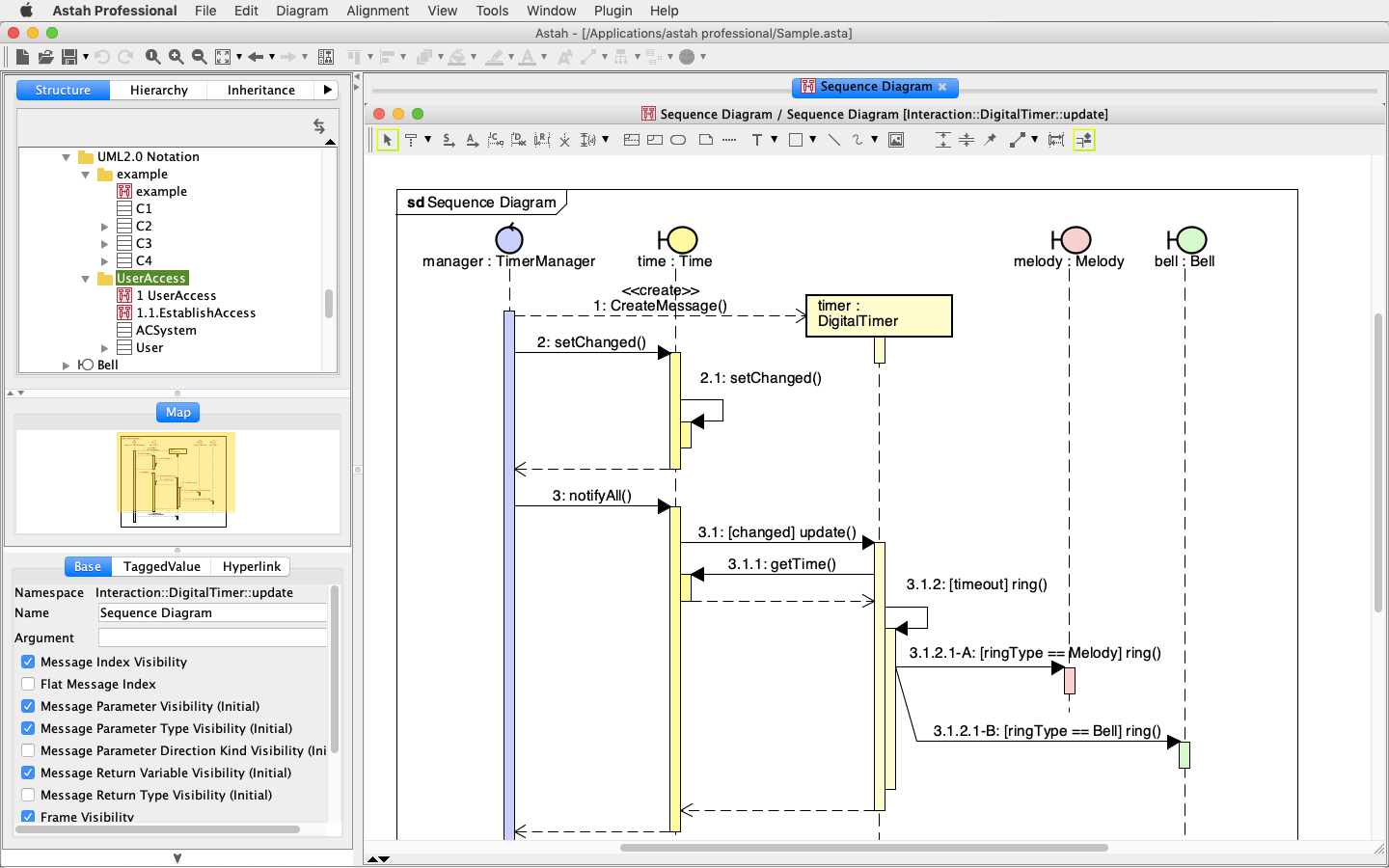
Astah Professional
Astah Professional can help you visualize your ideas, improve communication, and deliver success!
With Astah Professional, you can do everything in one tool, from UML to flowcharts to mind mapping and reverse-engineering code. The communication and collaboration features are built for all types of teams, from offshore to virtual. And the powerful library of plug-ins and well-documented API mean you can extend and customize the software as you see fit.
Try Astah Professional
Astah UML
Astah UML is a simple, lightweight UML editor meant to help you work quickly and easily. While it has the same ease of use, customization, and communication tools as Astah Professional, it is perfect for those who just want to get to work creating models without all the bells and whistles.
Try Astah UML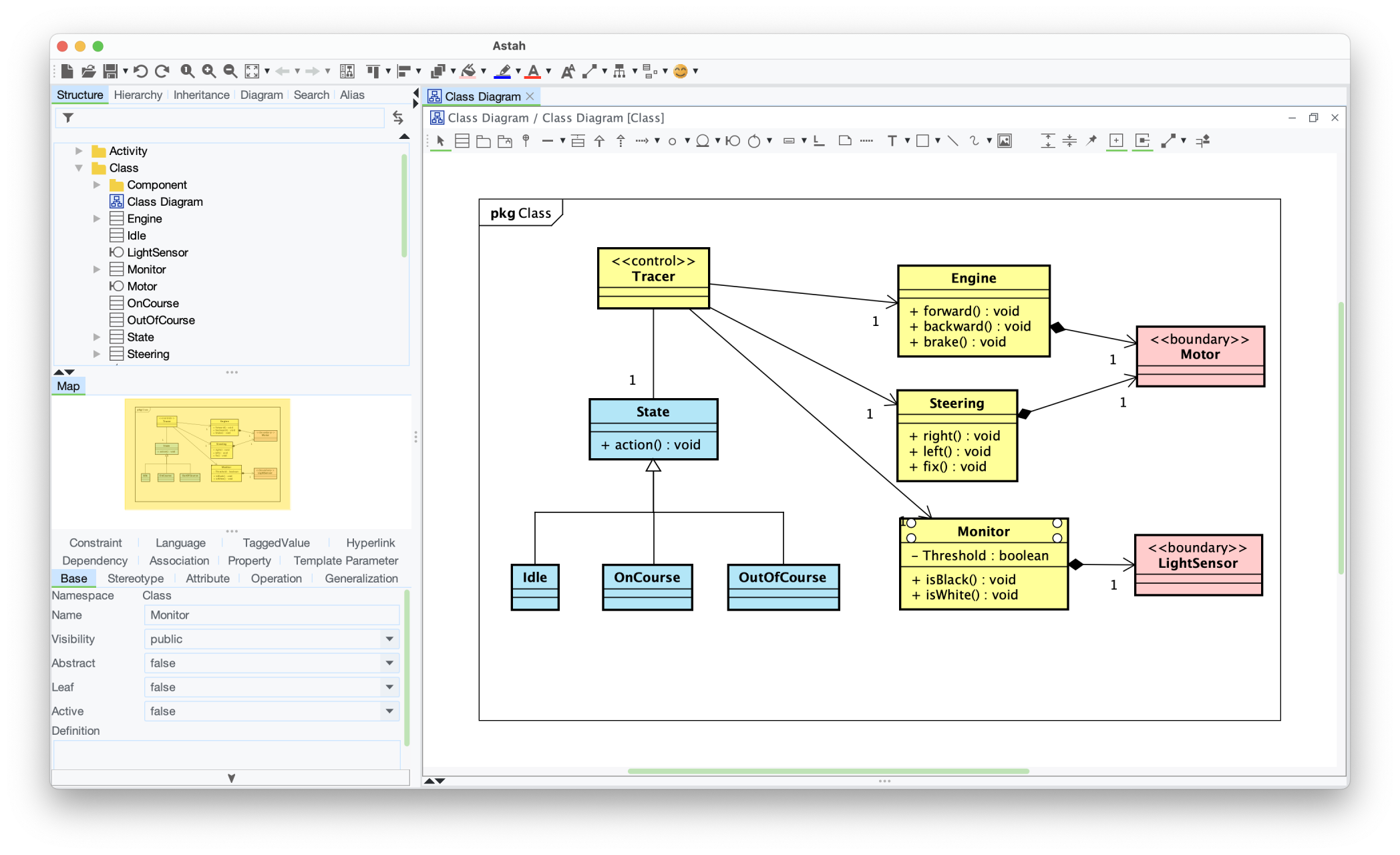
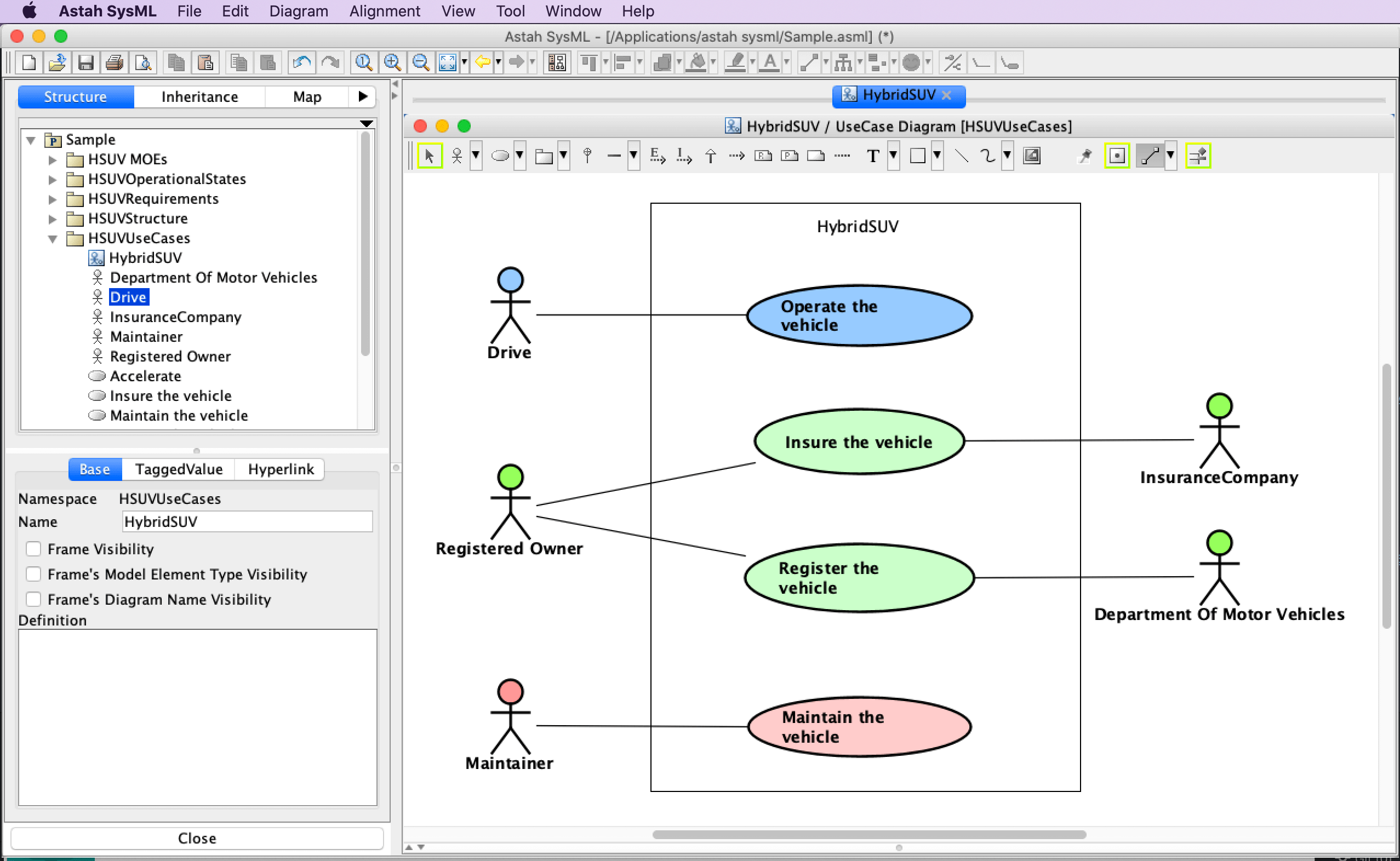
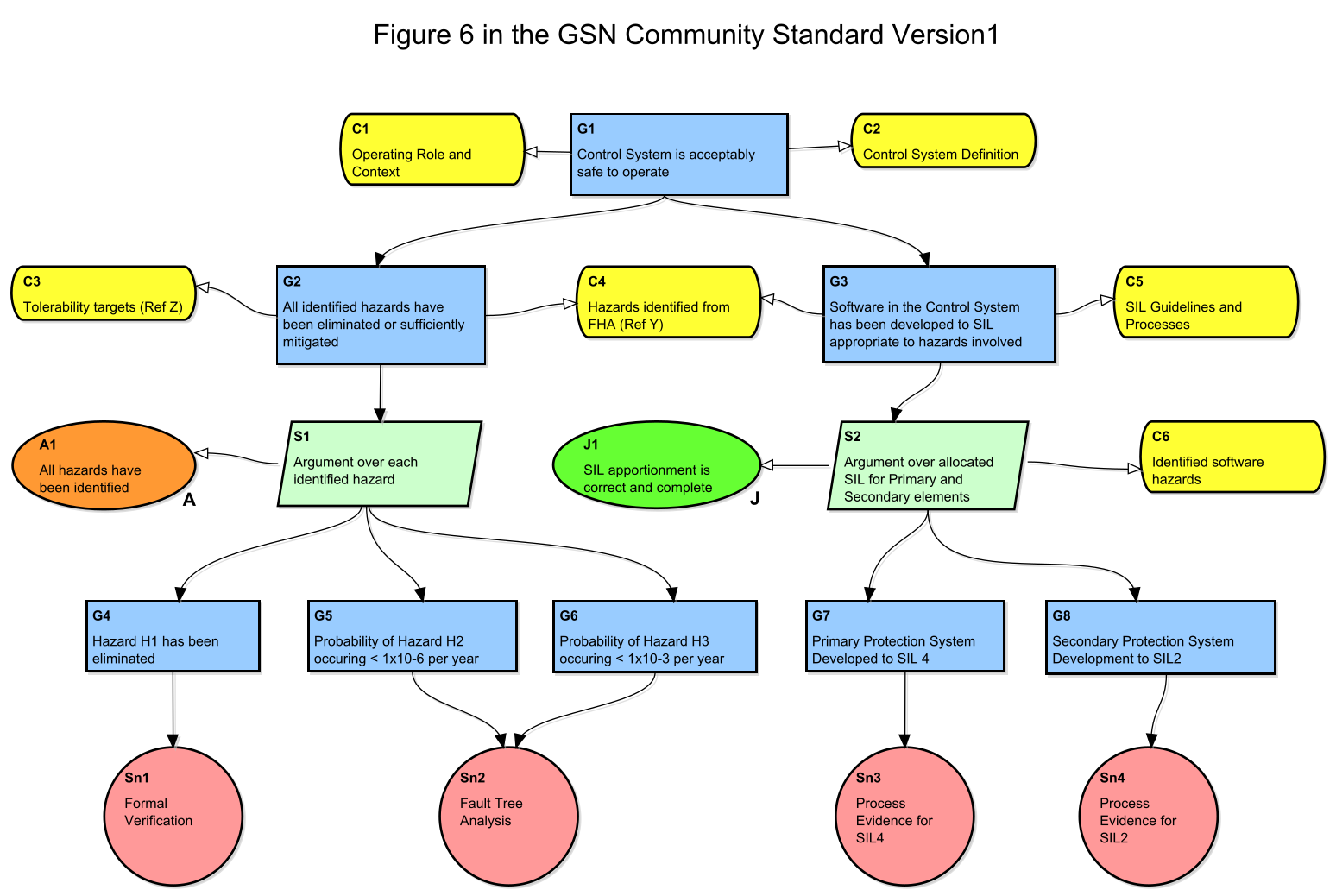
Try Astah for Free
Our free trials are fully functional. Experience the power of Astah for yourself!

Questions?
-
Can I continue using Community 6.9?
Yes, you can continue using Astah Community version 6.9 for commercial use if you already have it installed on your computer.Distributing a copy of Astah Community to someone else is forbidden in the End-User License Agreement.If your new team member wants to use Astah, he/she will have to purchase a license.
-
Can I give the installer to new team members?
No.Distributing a copy of Astah Community is forbidden in the End-User License Agreement. To continue using Astah, please purchase a license.
-
What do I do if I have more questions?
If your questions are not answered here, you can contact us for more help.
-
Can I use the free version of Astah for commercial projects?
Only Astah Community version 6.9 is allowable for commercial purpose and you cannot use Astah Community version 7.0 and later for any commercial projects.