
Astah Community Edition (Discontinued)
Thank you for supporting Astah Community Edition.
This edition was officially discontinued on September 26, 2018, and is no longer available for download.
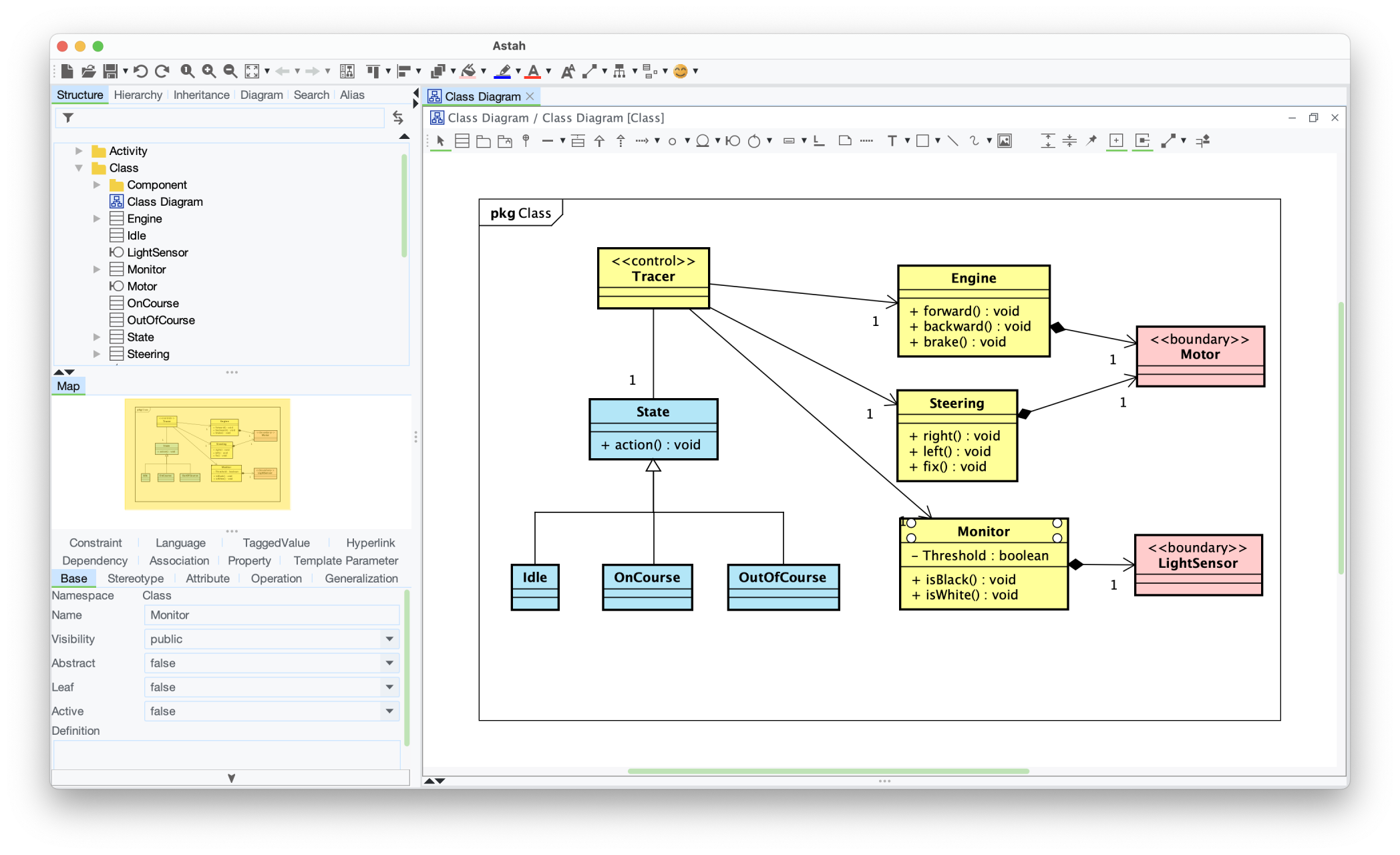

Recommended Alternatives
If you’re looking for a supported and full-featured solution, we recommend the following:
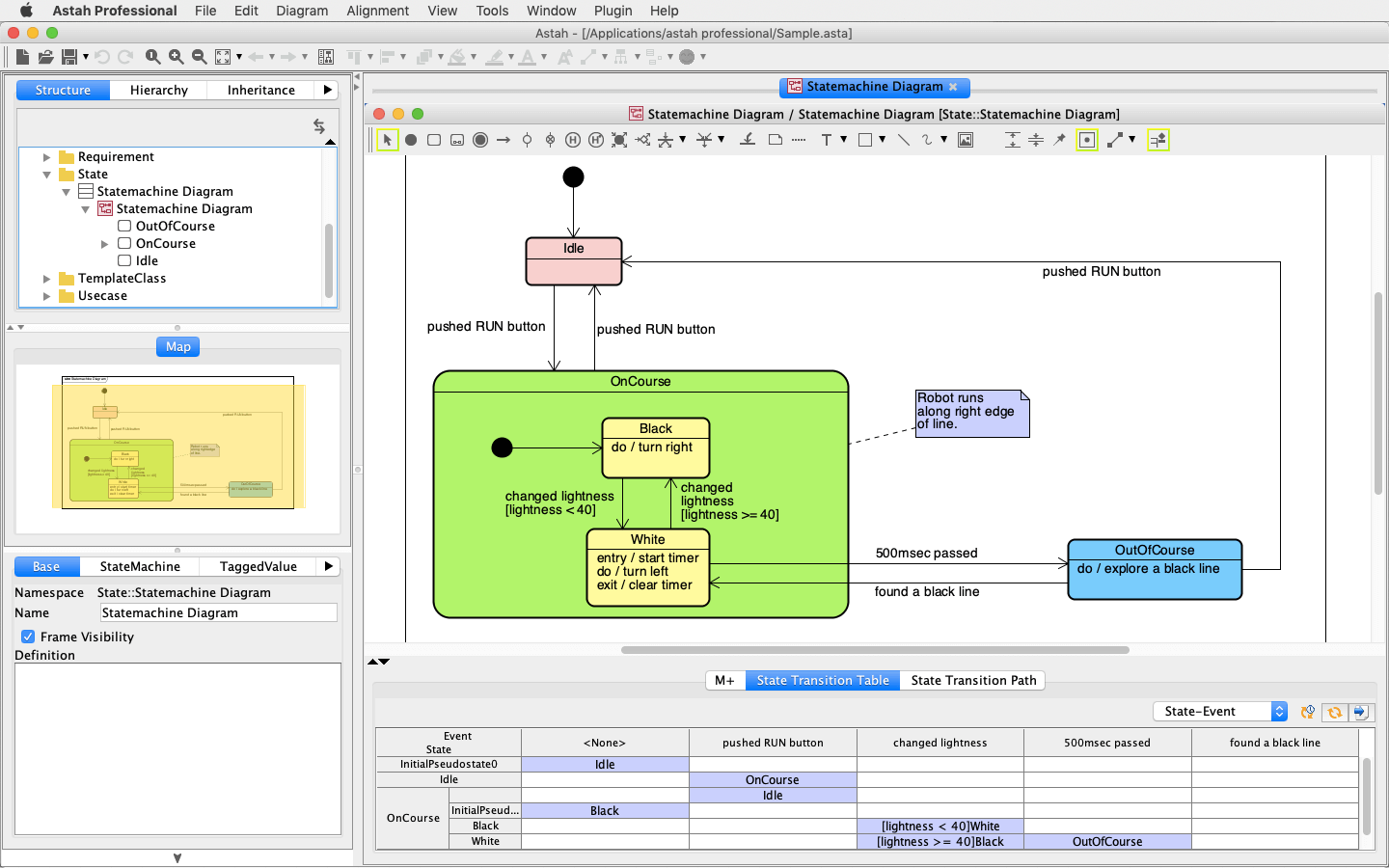
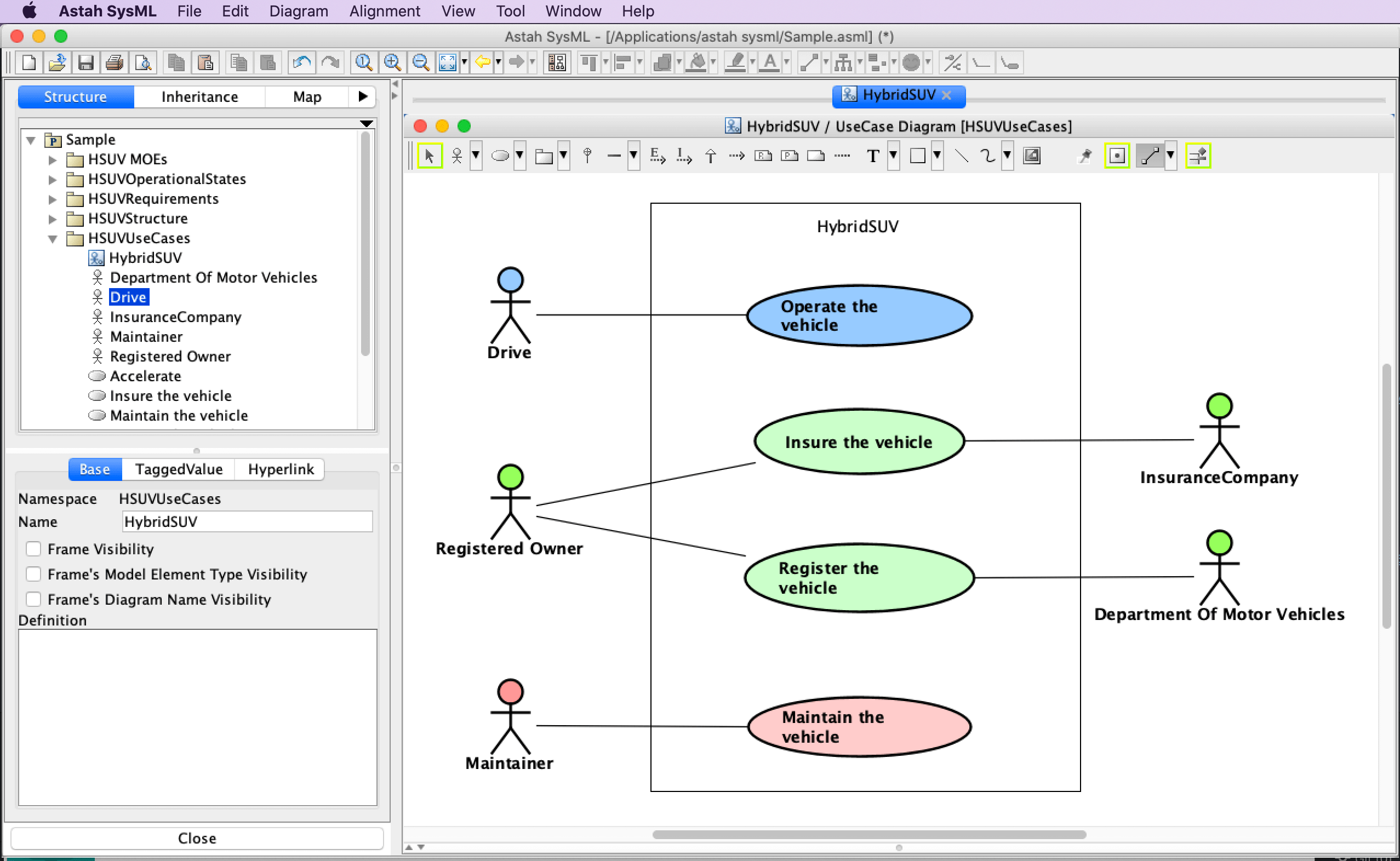
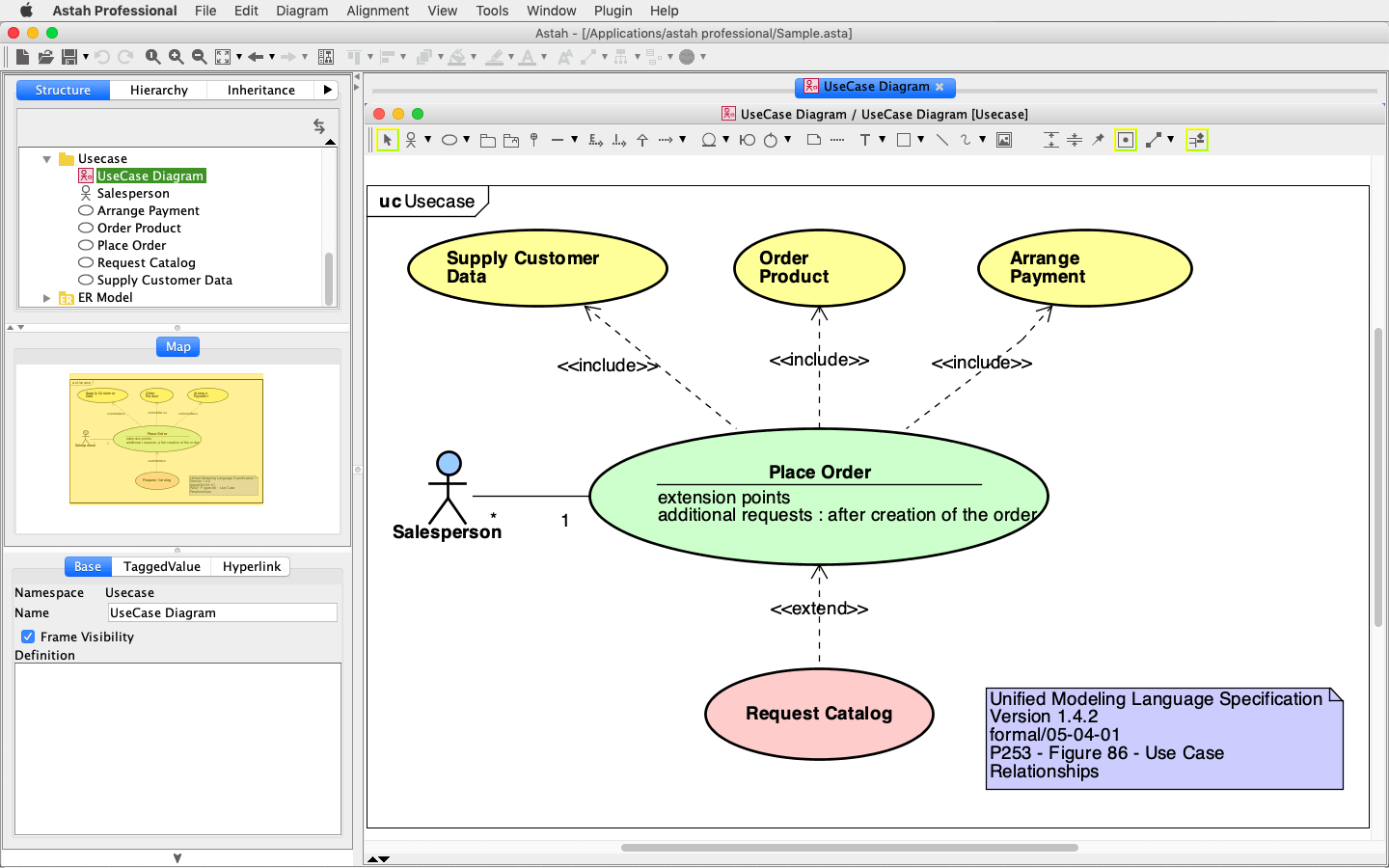
- Astah Professional and Astah UML are available with a 20-day free trial.
- Astah Viewer is completely free and allows you to view .asta files created with Astah Professional or UML.



Looking for a Free Version?
We offer a Free Student License for Astah UML. You must have a valid academic email address to apply.
If you’re not a student, we’re afraid no free versions are currently available.
However, you can try Astah Professional or Astah UML with a 20-day free trial, and flexible subscription plans are available.
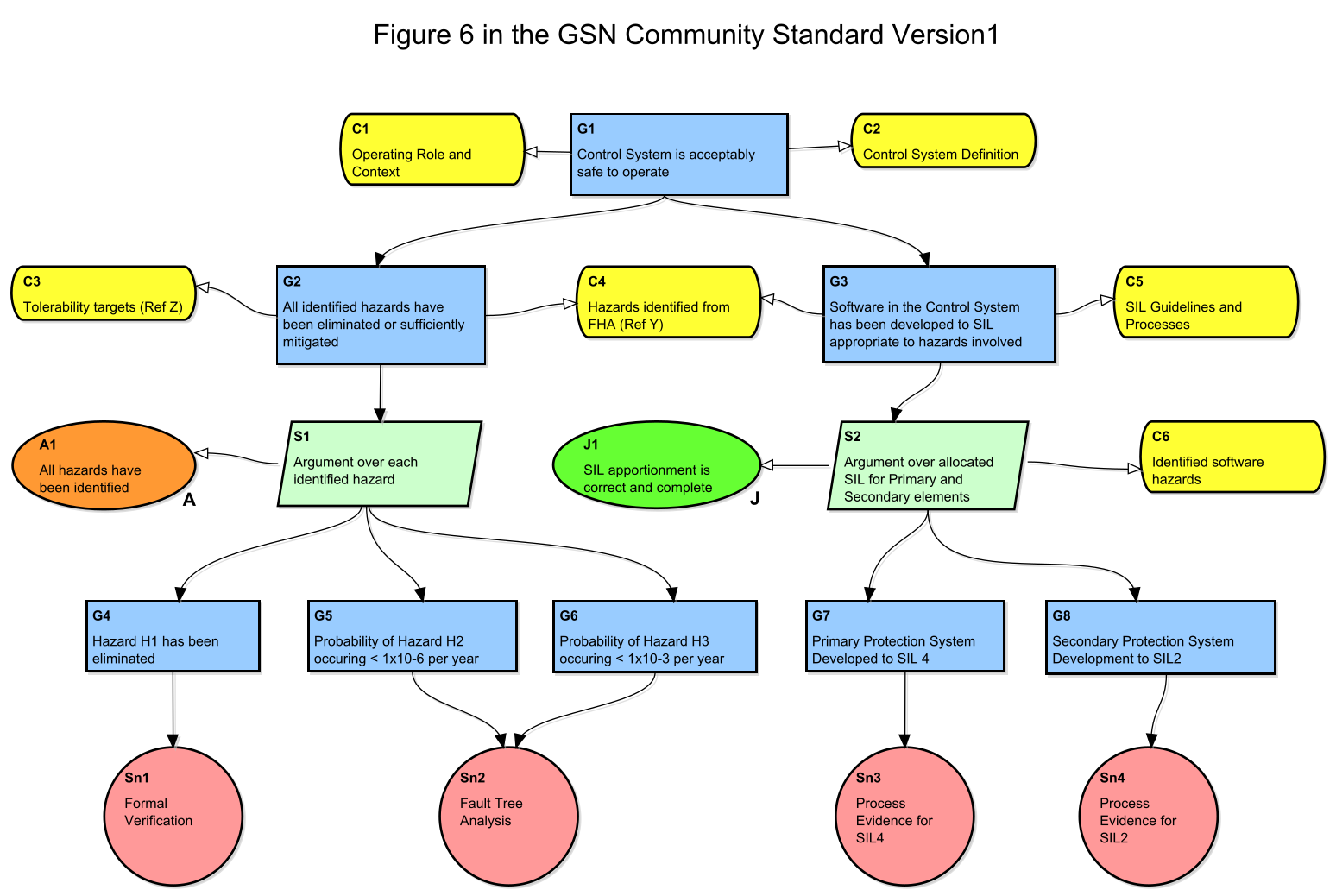
Try Astah for Free
Our free trials are fully functional. Experience the power of Astah for yourself!