
Free Astah Viewer
Share and Review Models Easily
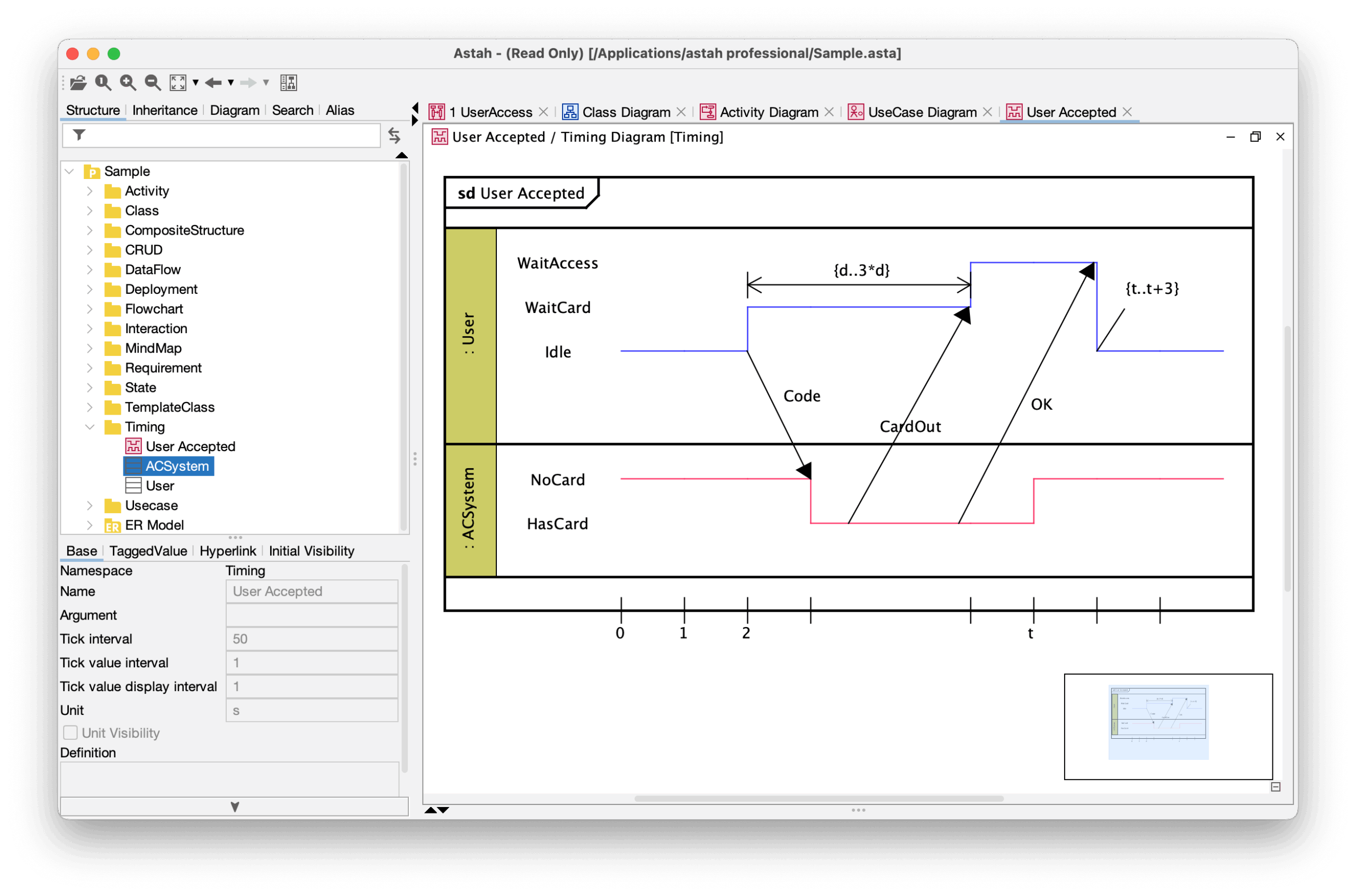
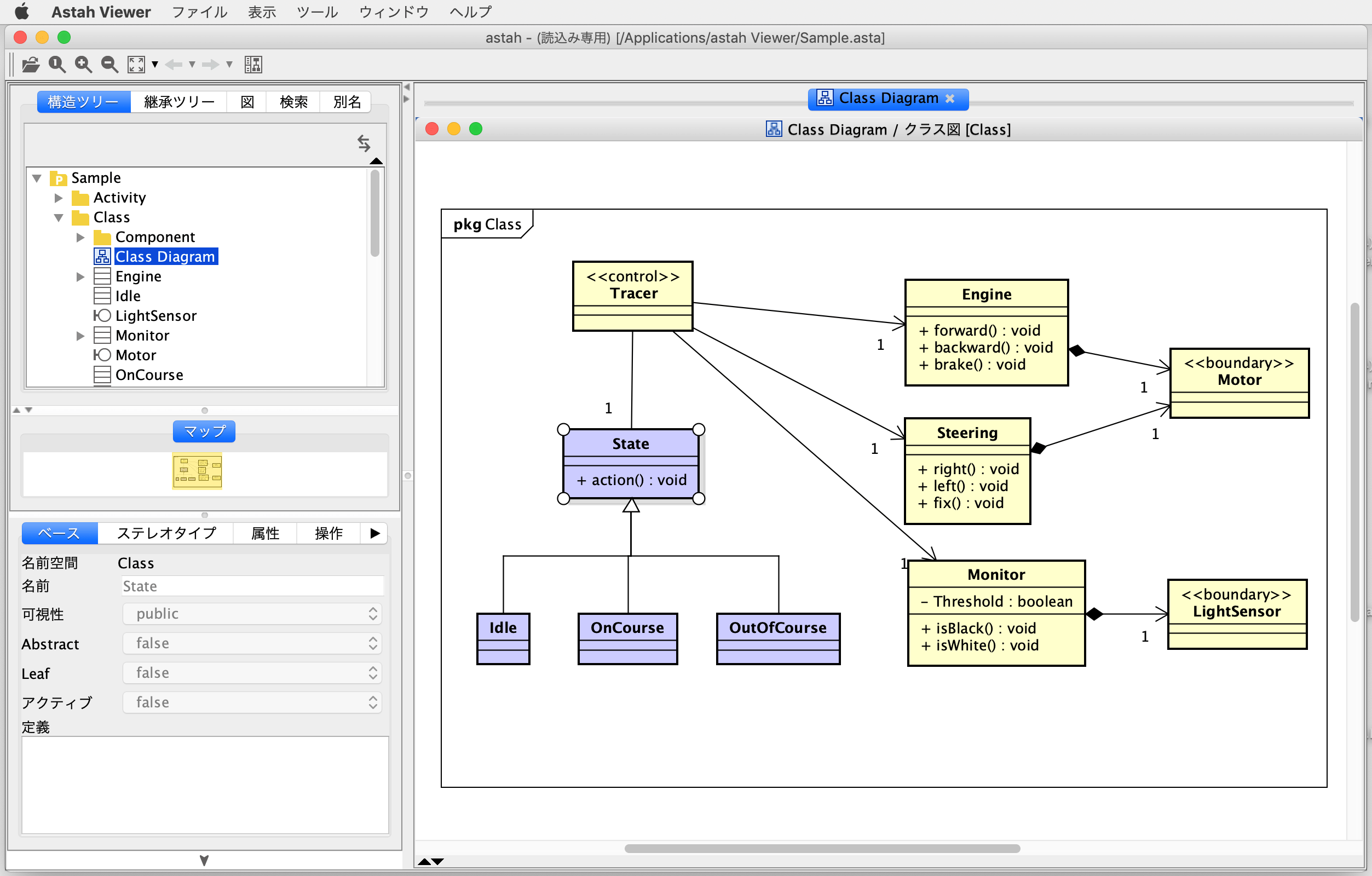
Astah Viewer is a free, dedicated viewer that lets anyone open .asta files created with Astah Professional and Astah UML.
It’s ideal for sharing models with teammates, clients, or stakeholders who don’t have an Astah license.
No need to install Astah Professional or UML – just send your model file and have them download Astah Viewer.

Viewer Capabilities
With the free Astah Viewer, you can review models smoothly using features such as:
*NOTE: Editing, saving, printing, and export image files are not available in Astah Viewer.
Want to view SysML or Safety Models?

Astah Viewer does not support .axmz files created with Astah SysML or Astah System Safety.
To share those models, please use the HTML Export Plugin to convert them into HTML that can be viewed in any web browser.

Need More Than Viewing?
If you’d like to edit diagrams, print them, or export images, consider upgrading to Astah UML.