
Support
Astah believes in the power of design and modeling. Our flexible and powerful software helps you clearly explain and demonstrate your ideas, and our support resources help you make the most of Astah’s tools. Find everything you need below, from user manuals to modeling best practices.
Learning Astah
Select your product to see user’s guides, videos, FAQs, keyboard shortcuts, and more.




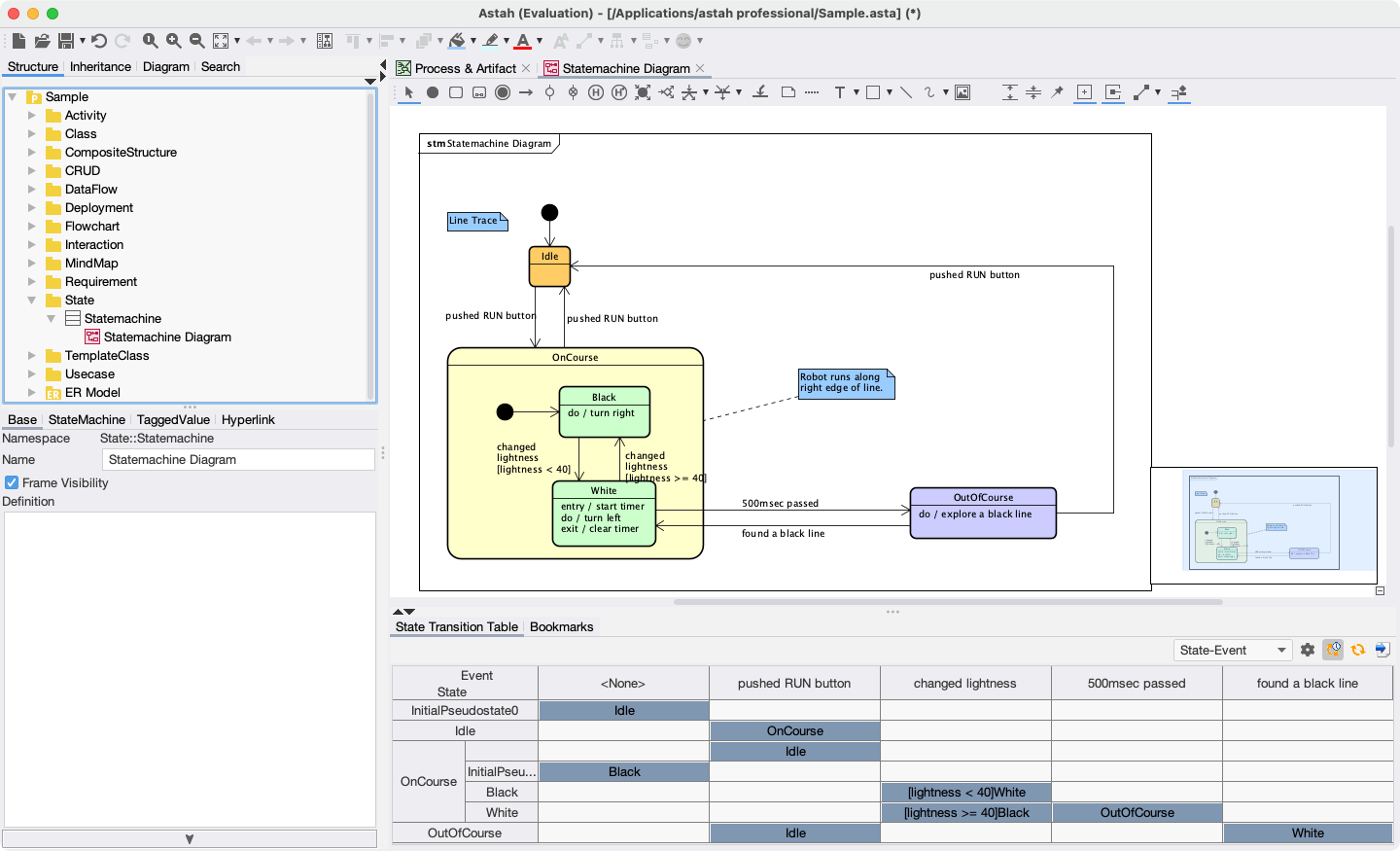
Modeling Basics & Best Practices
Learn more about the various types of diagrams and models that can be created using Astah products, when to use each, and how to best employ them for your purposes.
ExplorePlug-ins, Integrations & APIs
Additional Reference Guides

Can't Find the Help You Need?
If you are looking for FAQ or System Requirement information, please click target edition under [Learning Astah].