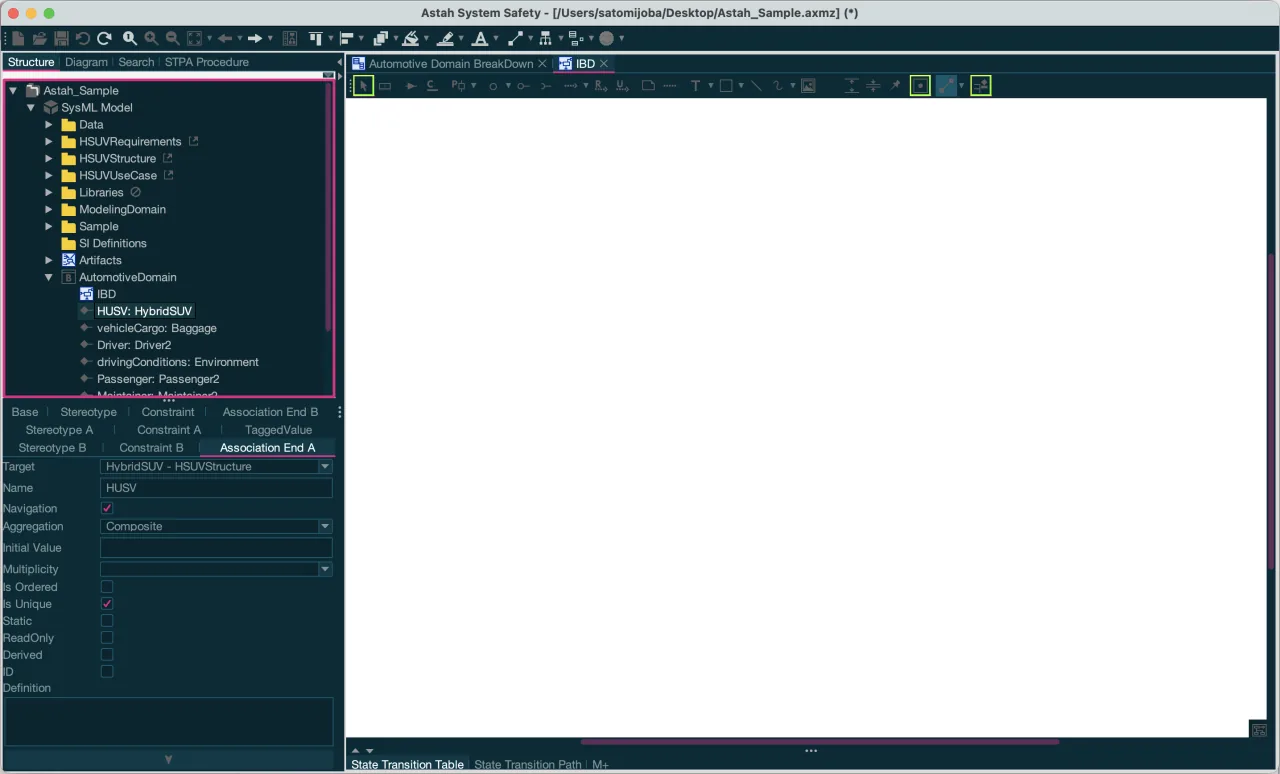
Dark Themes





Turn on dark theme (Material)
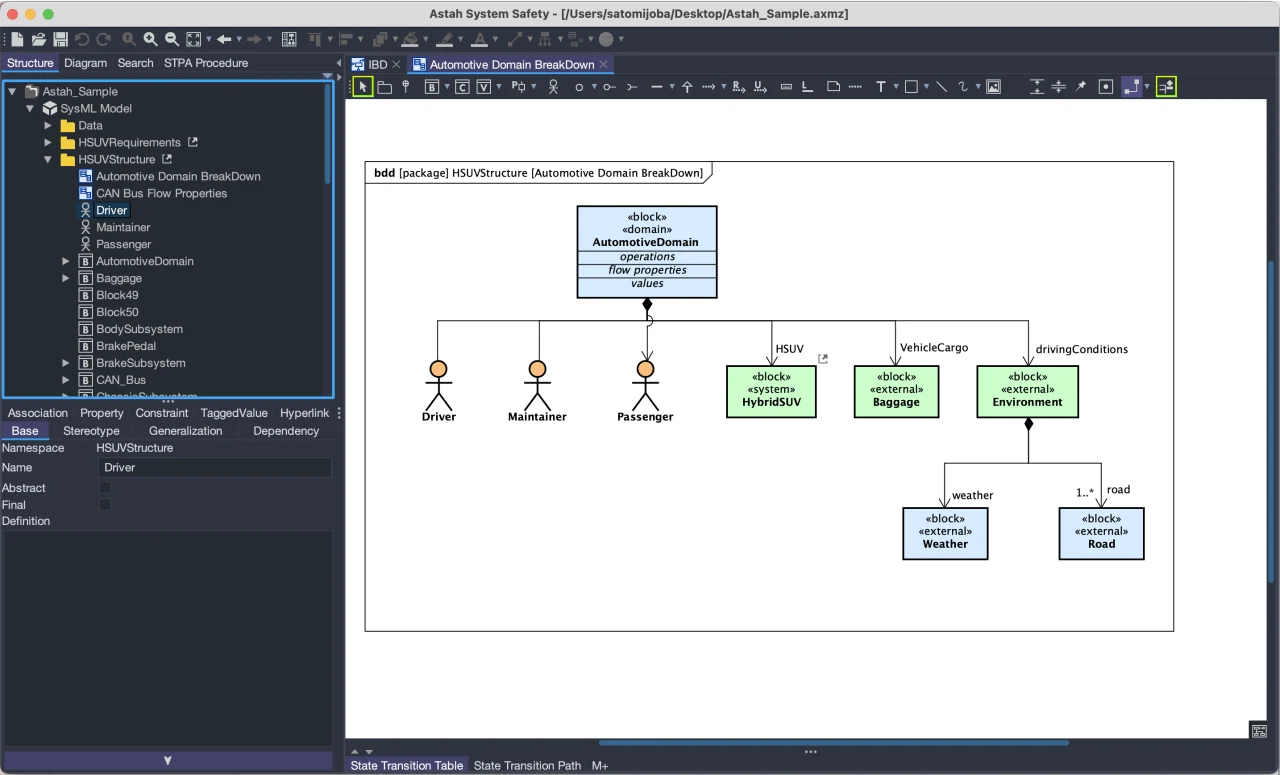
To apply a Material dark theme, go to [View] – [Look & Feel] – [Dark Themes (Material)] in the main menu and choose a theme. Material dark themes are available in:
- Astah Professional, Astah UML and Astah Viewer version 9.0 and later
- Astah SysML and Astah System Safety version 8.0 and later
Background of Diagram Editor
Themes do not change the background color of the Diagram Editor. To match it to a dark theme, change it here:
- Astah Professional and Astah UML: [Tools] – [System Properties] – [Diagram Editor] – [Background color]
- Astah SysML and Astah System Safety: [Tools] – [System Properties] – [Basic] – [Diagram Editor] – [Background color]
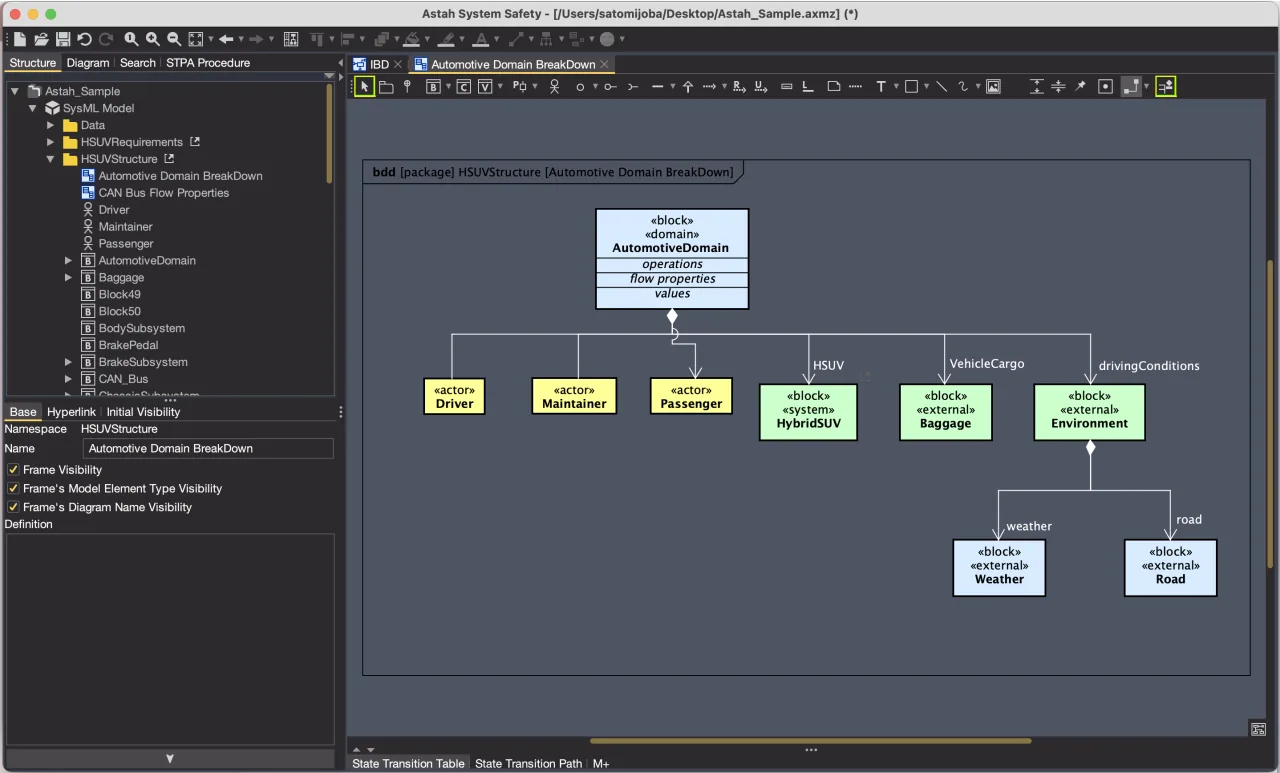
Pre-installed Themes
Astah comes with nearly 70 pre-installed themes. This page previews each Material dark theme; for our picks, see the 8 best themes we recommend.
To see all the available themes, pick a category:
Available Dark Themes (Material)
- Arc Dark (Material)
- Arc Dark Contrast (Material)
- Atom One Dark (Material)
- Atom One Dark Contrast (Material)
- Dracula (Material)
- Dracula Contrast (Material)
- GitHub Dark (Material)
- GitHub Dark Contrast (Material)
- Material Darker (Material)
- Material Darker Contrast (Material)
- Material Deep Ocean (Material)
- Material Deep Ocean Contrast (Material)
- Material Oceanic (Material)
- Material Oceanic Contrast (Material)
- Material Palenight (Material)
- Material Palenight Contrast (Material)
- Monokai Pro (Material)
- Monokai Pro Contrast (Material)
- Moonlight (Material)
- Moonlight Contrast (Material)
- Night Owl (Material)
- Night Owl Contrast (Material)
- Solarized Dark (Material)
- Solarized Dark Contrast (Material)
Arc Dark (Material)
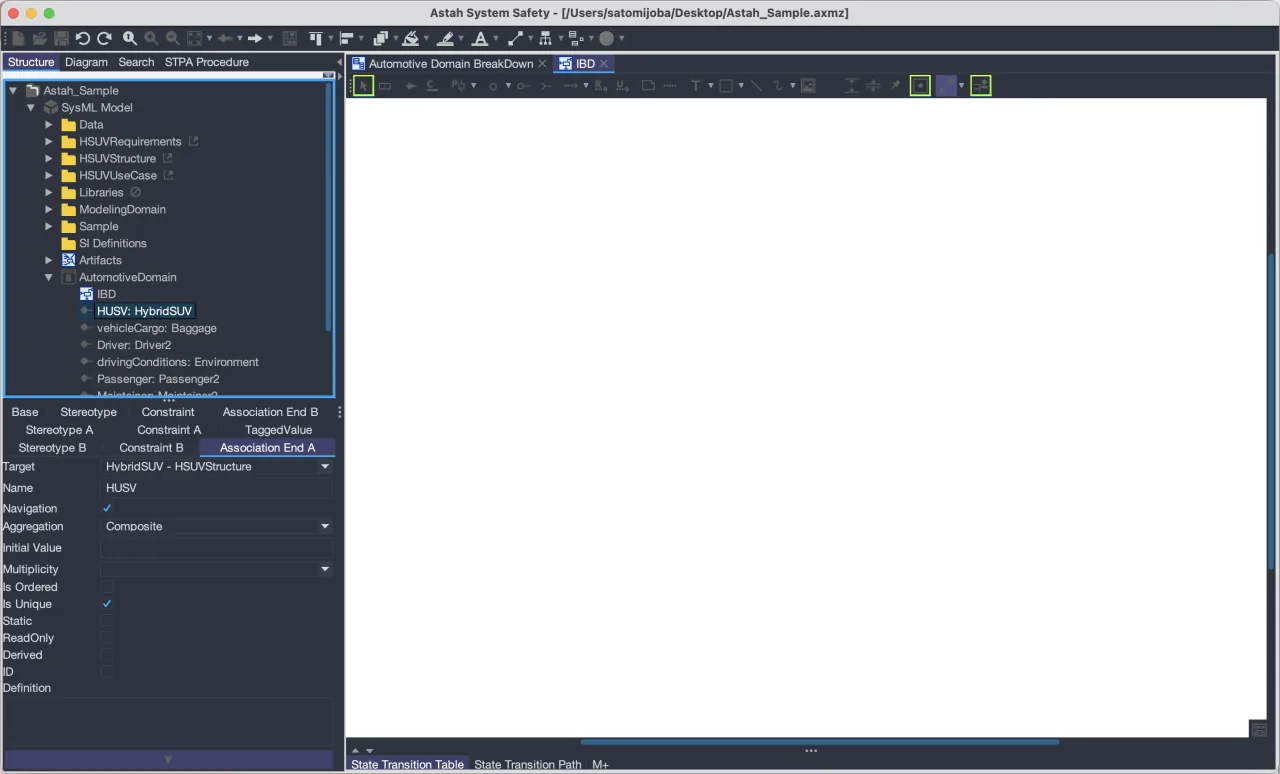
Arc Dark Contrast (Material)
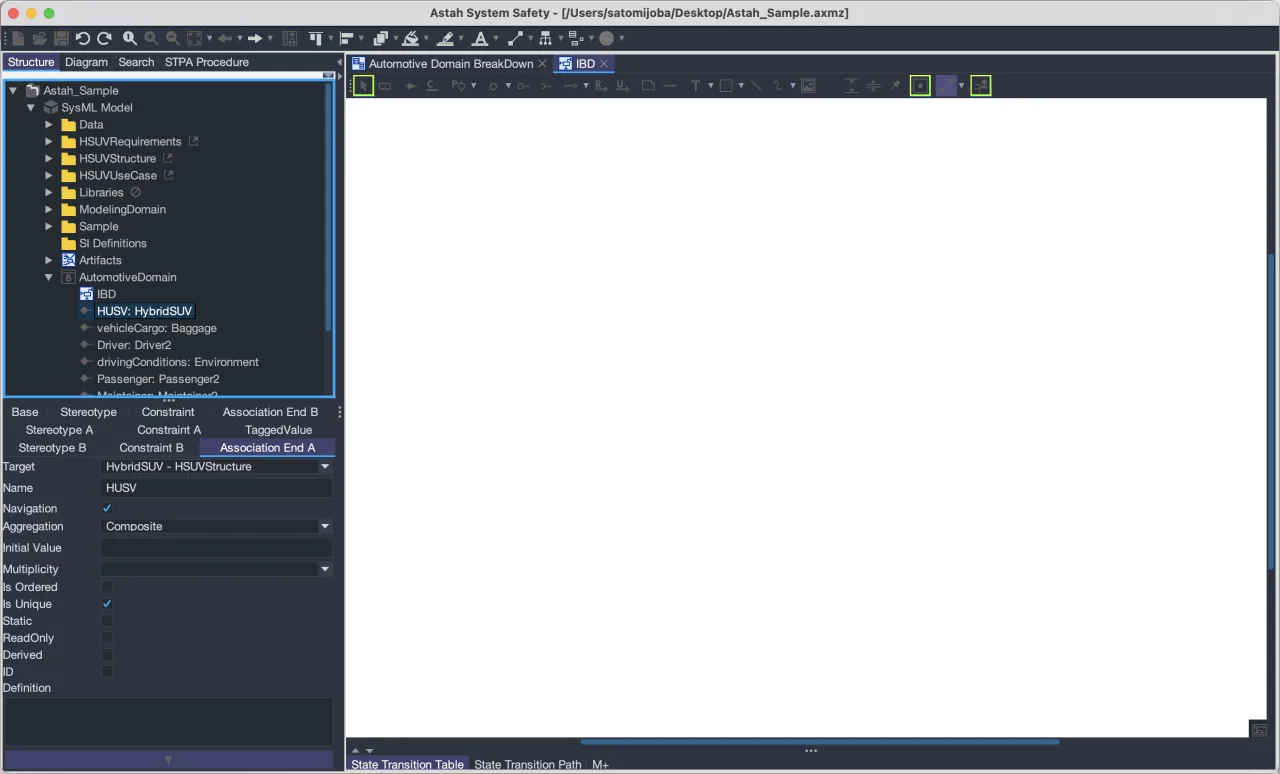
Atom One Dark (Material)
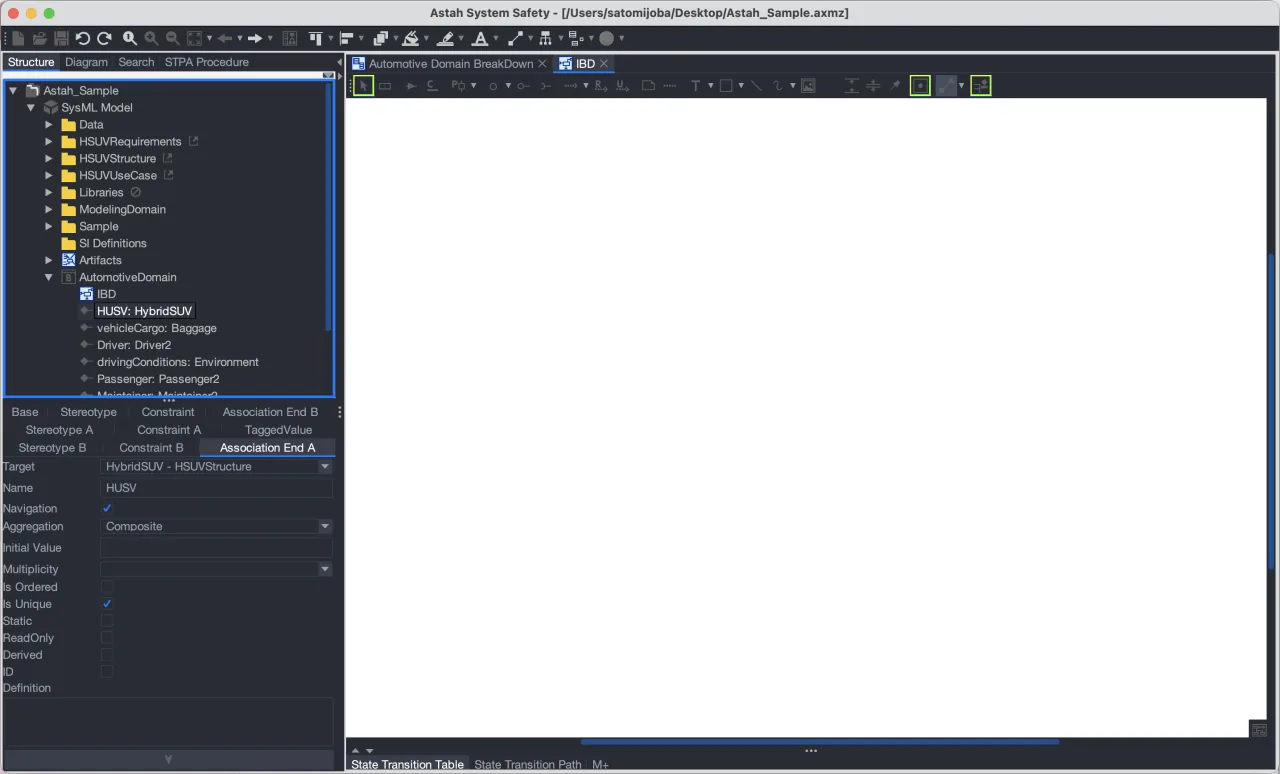
Atom One Dark Contrast (Material)
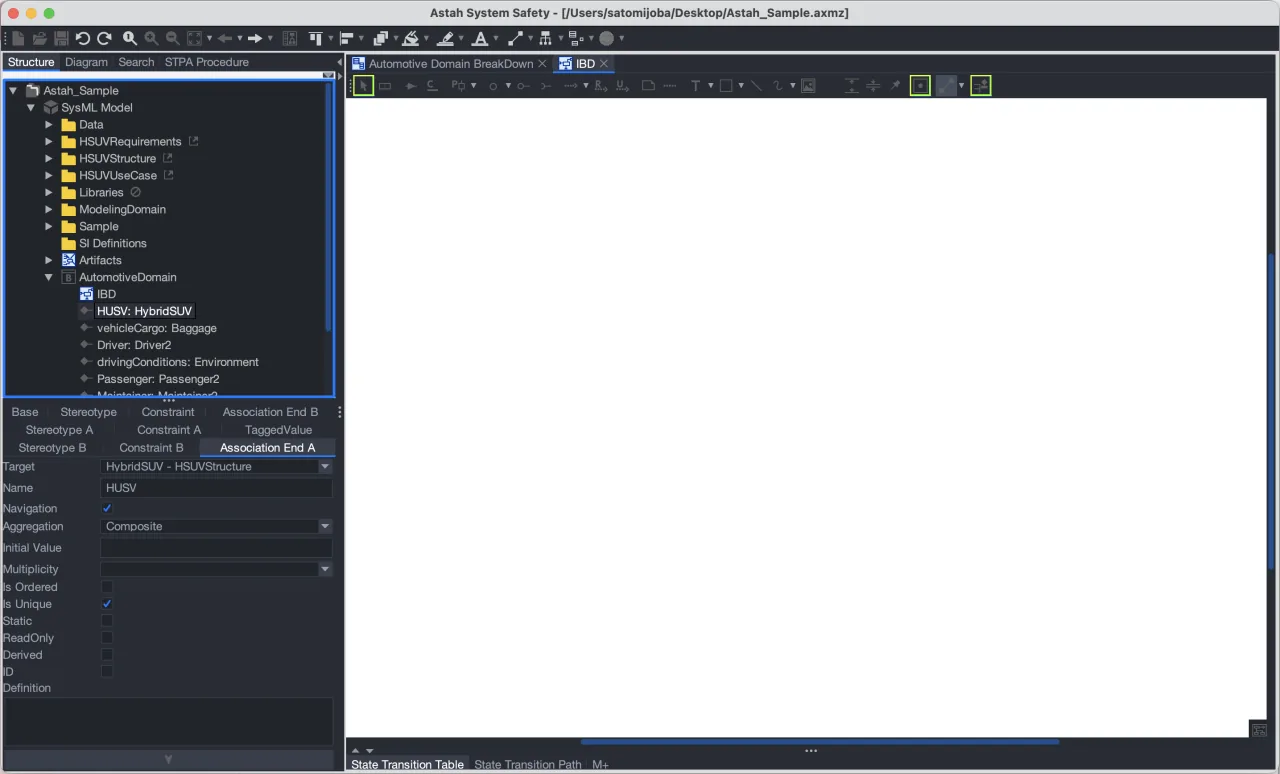
Dracula (Material)
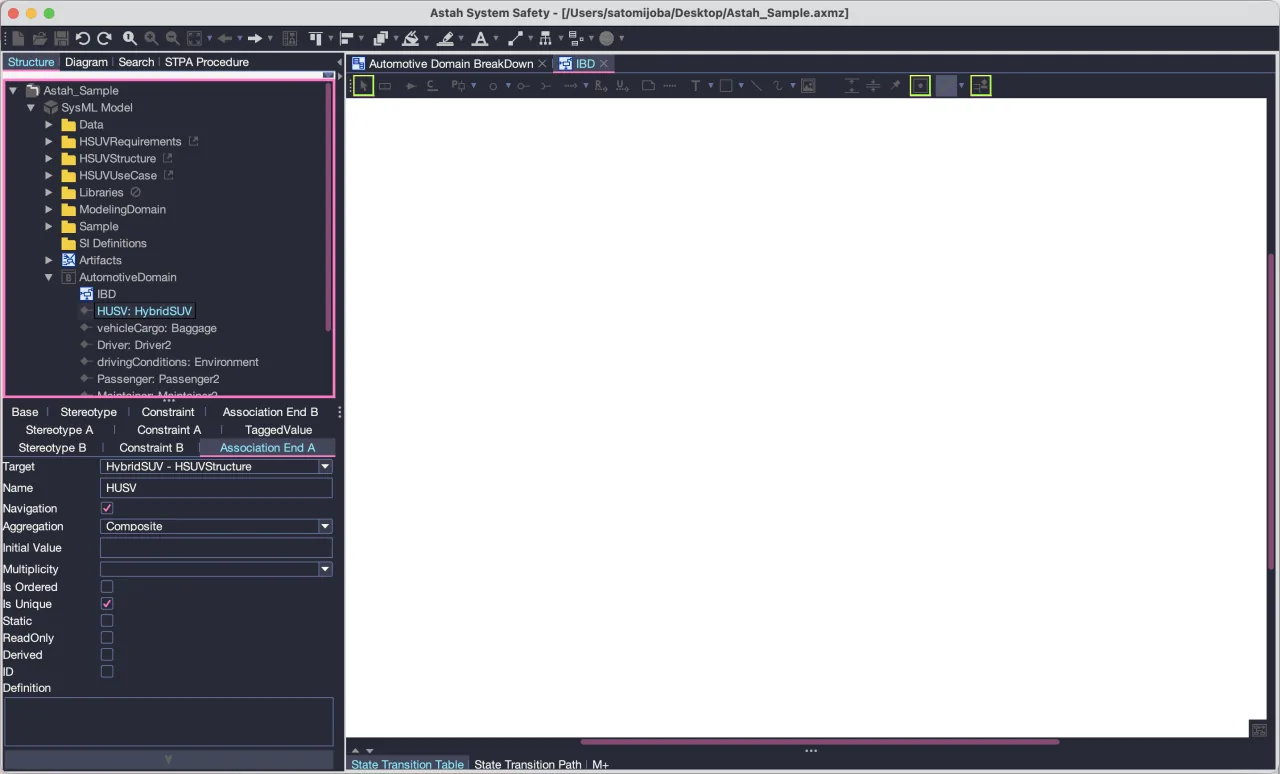
Dracula Contrast (Material)
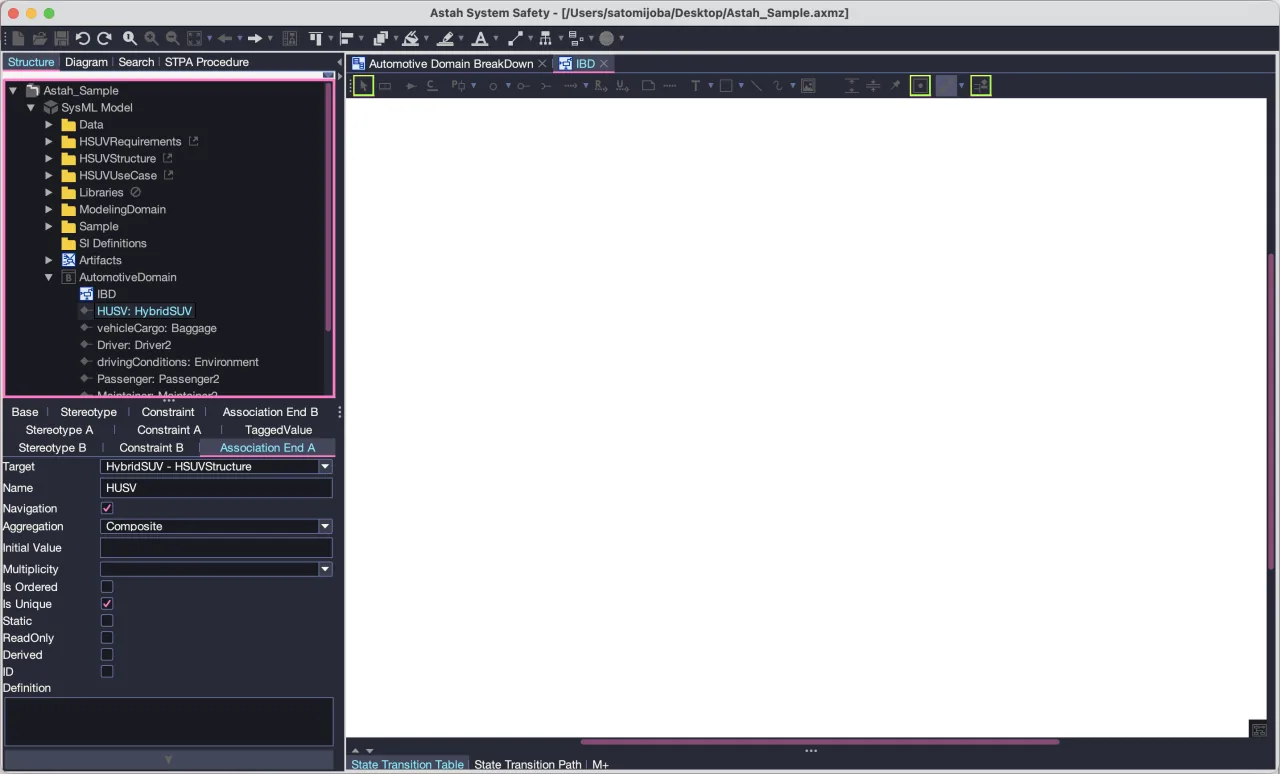
GitHub Dark (Material)
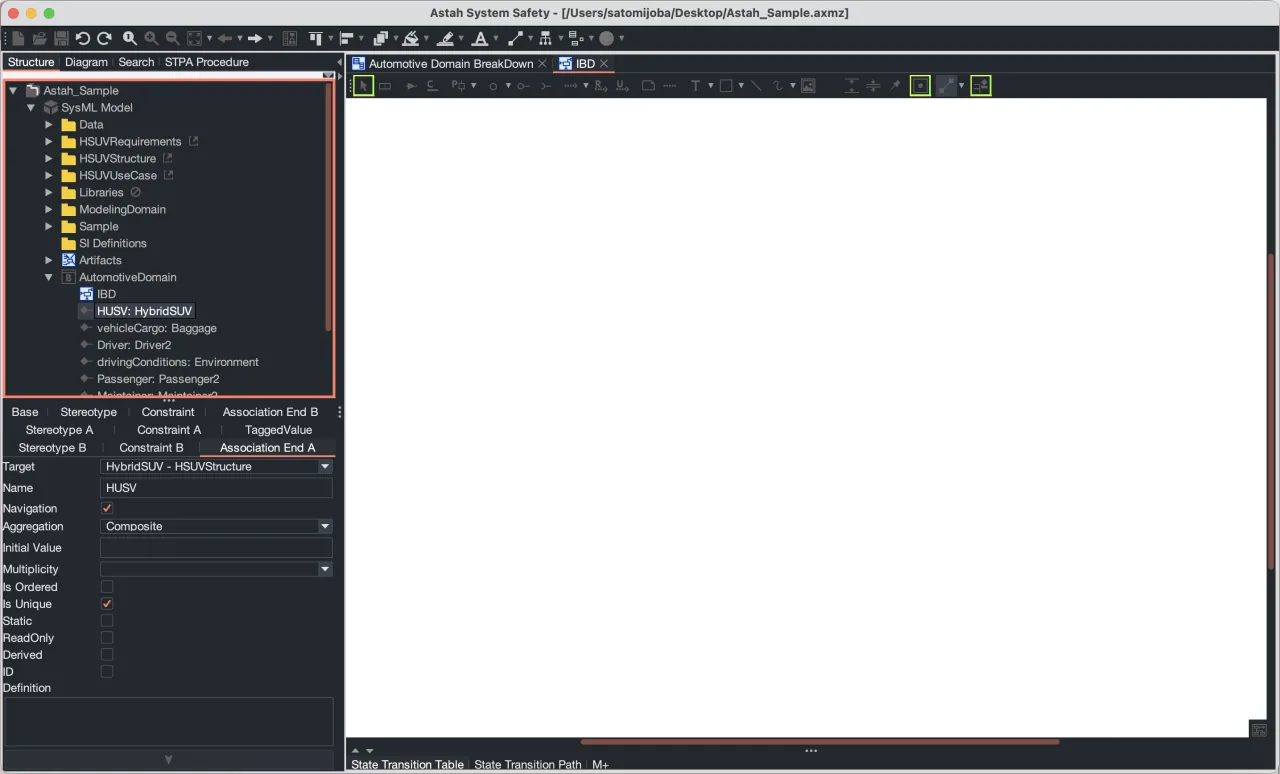
GitHub Dark Contrast (Material)
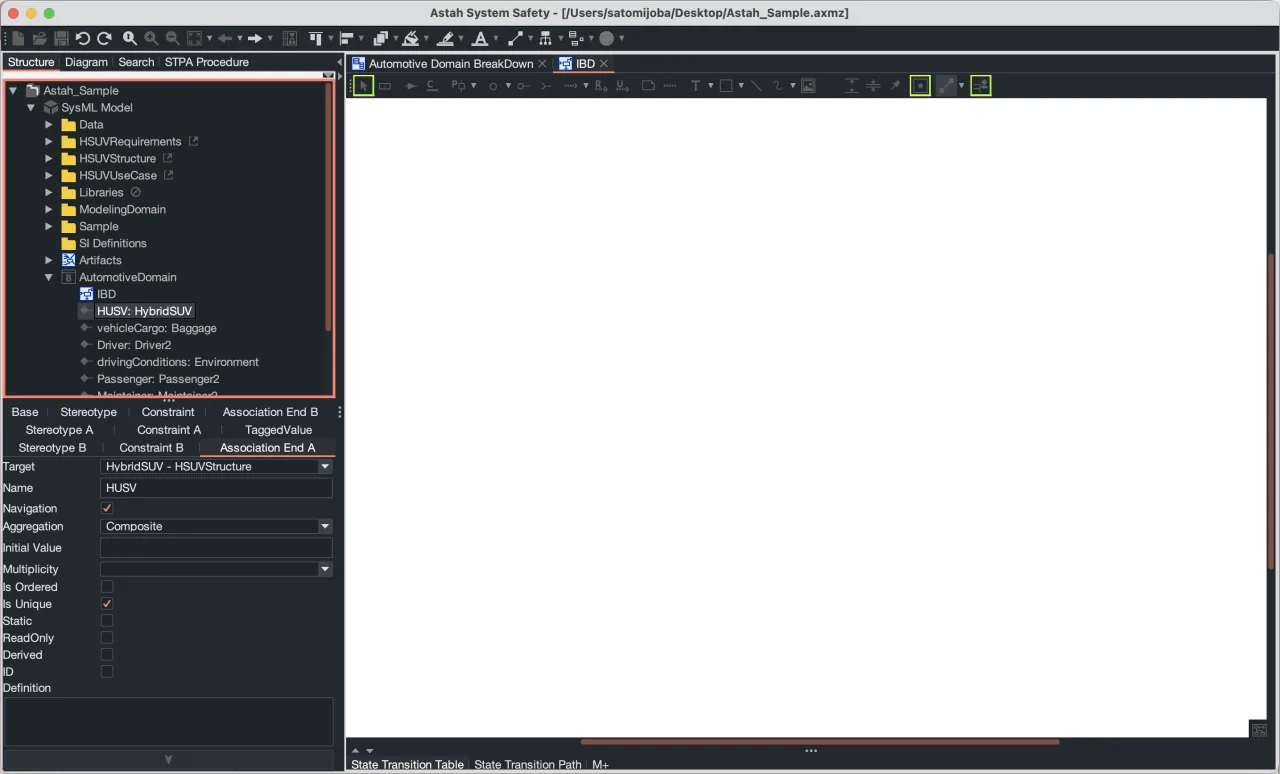
Material Darker (Material)
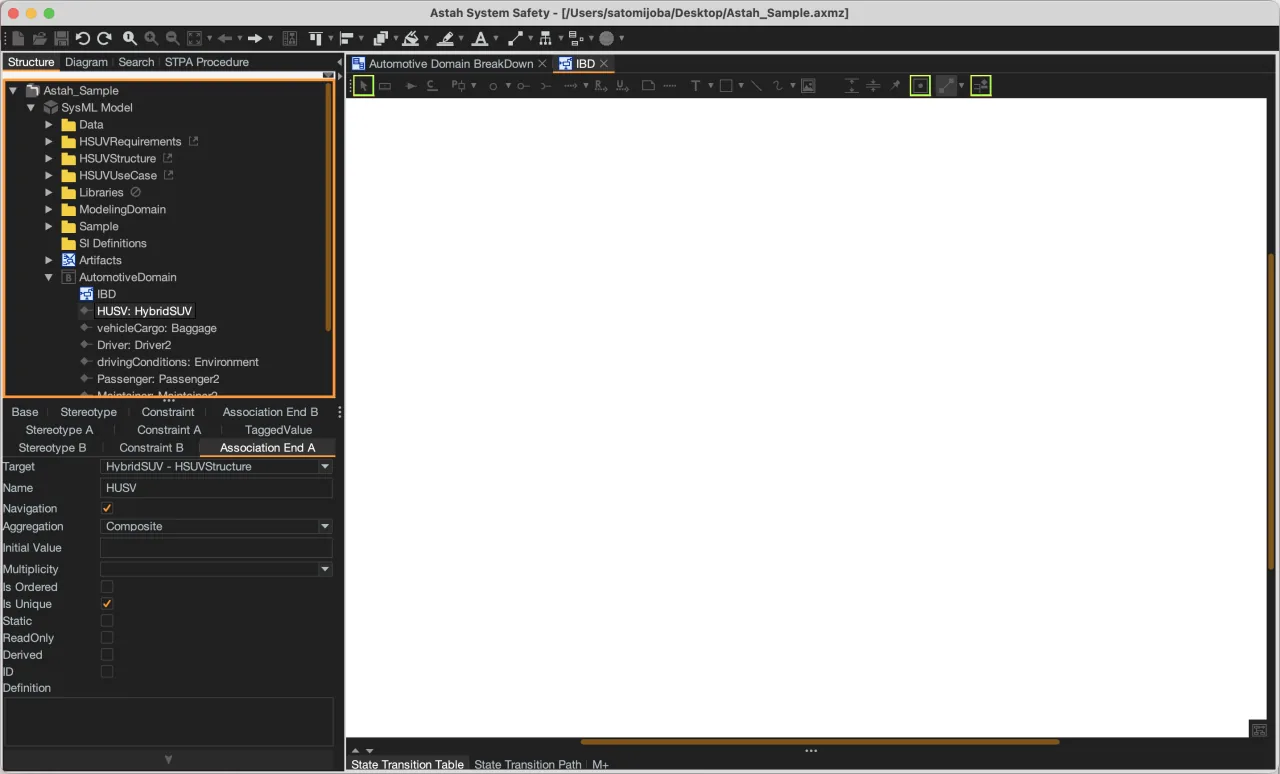
Material Darker Contrast (Material)
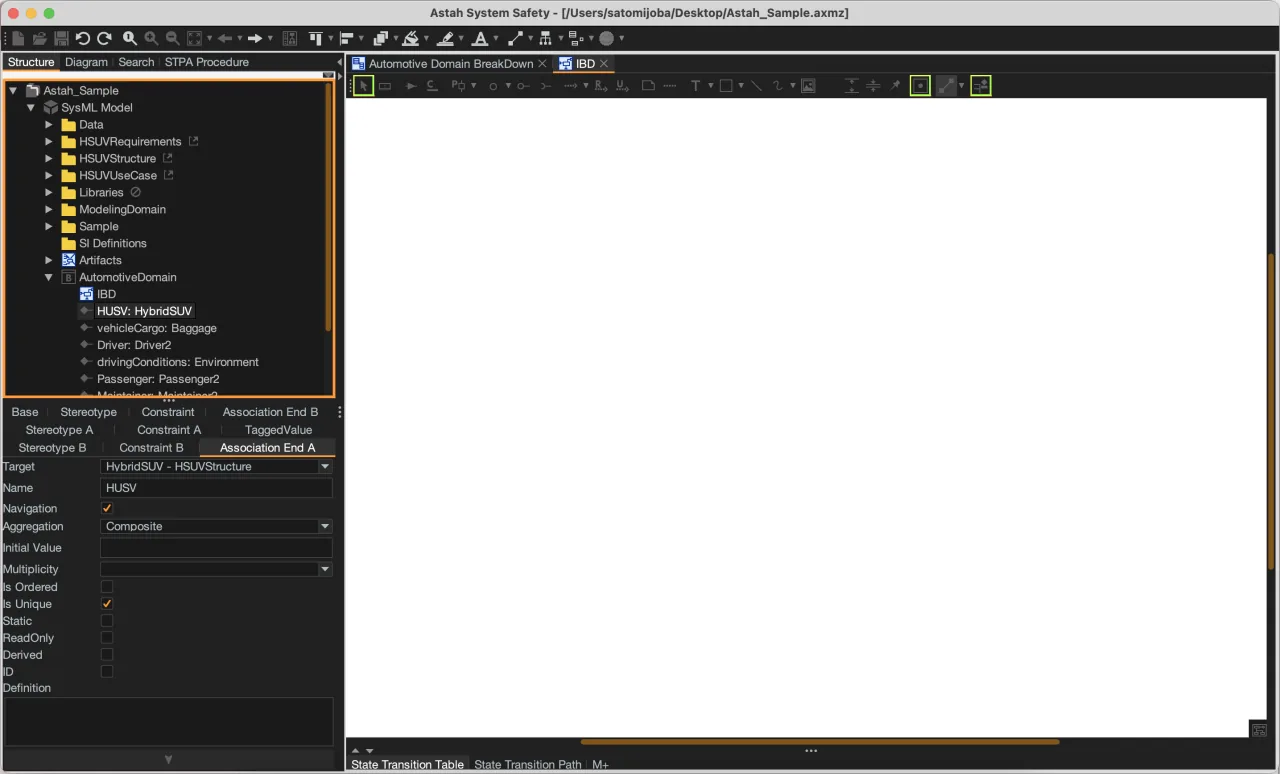
Material Deep Ocean (Material)
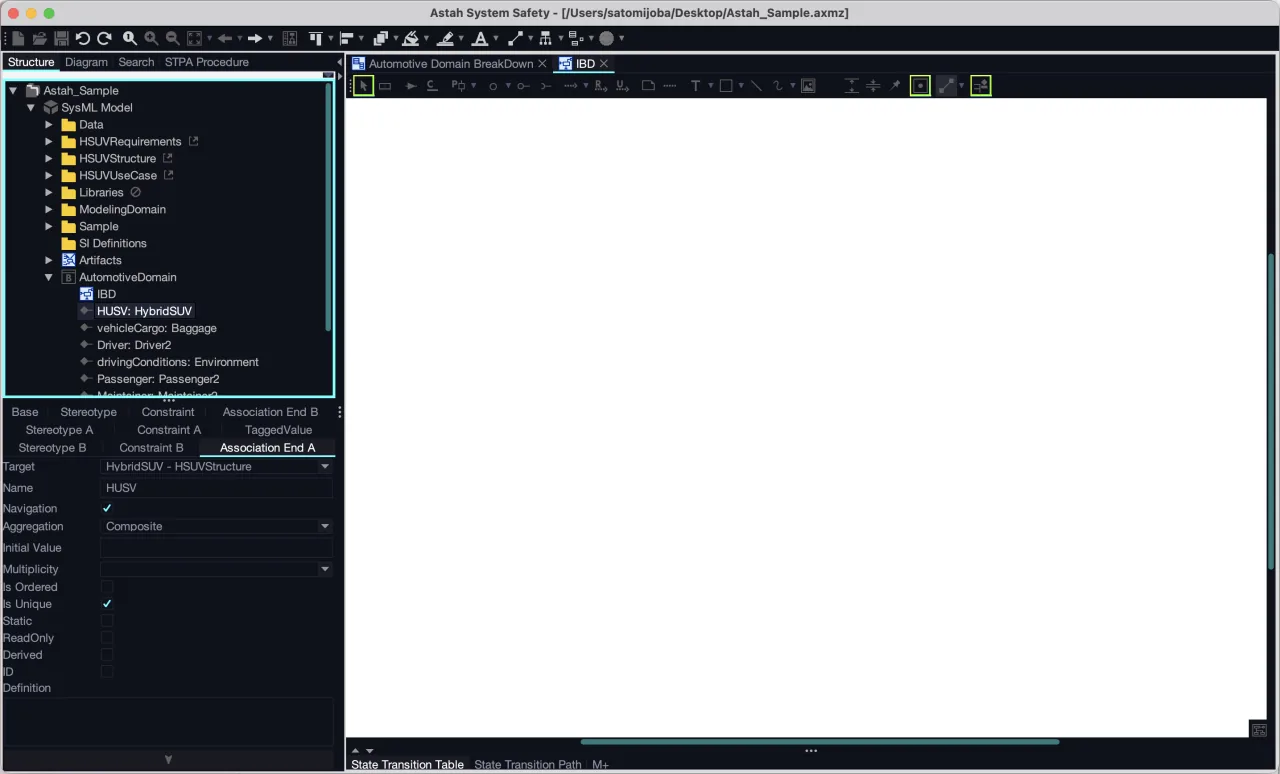
Material Deep Ocean Contrast (Material)
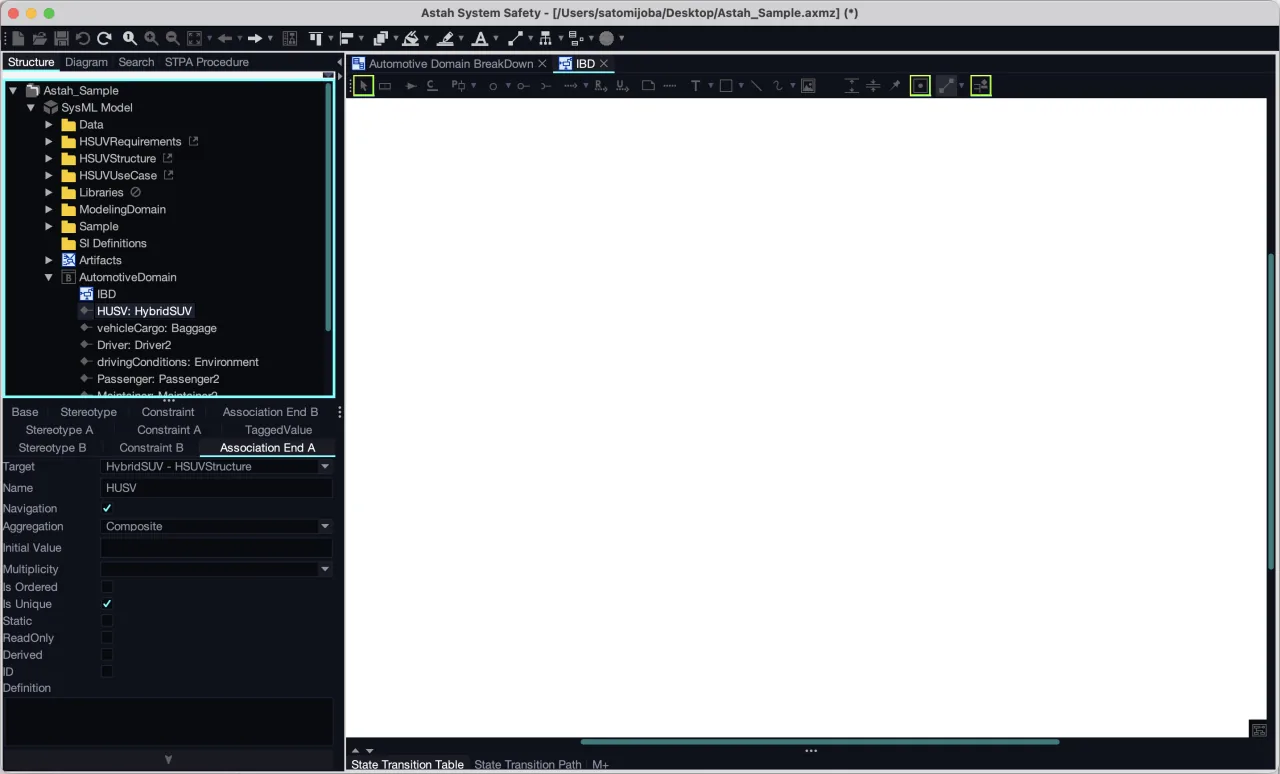
Material Oceanic (Material)
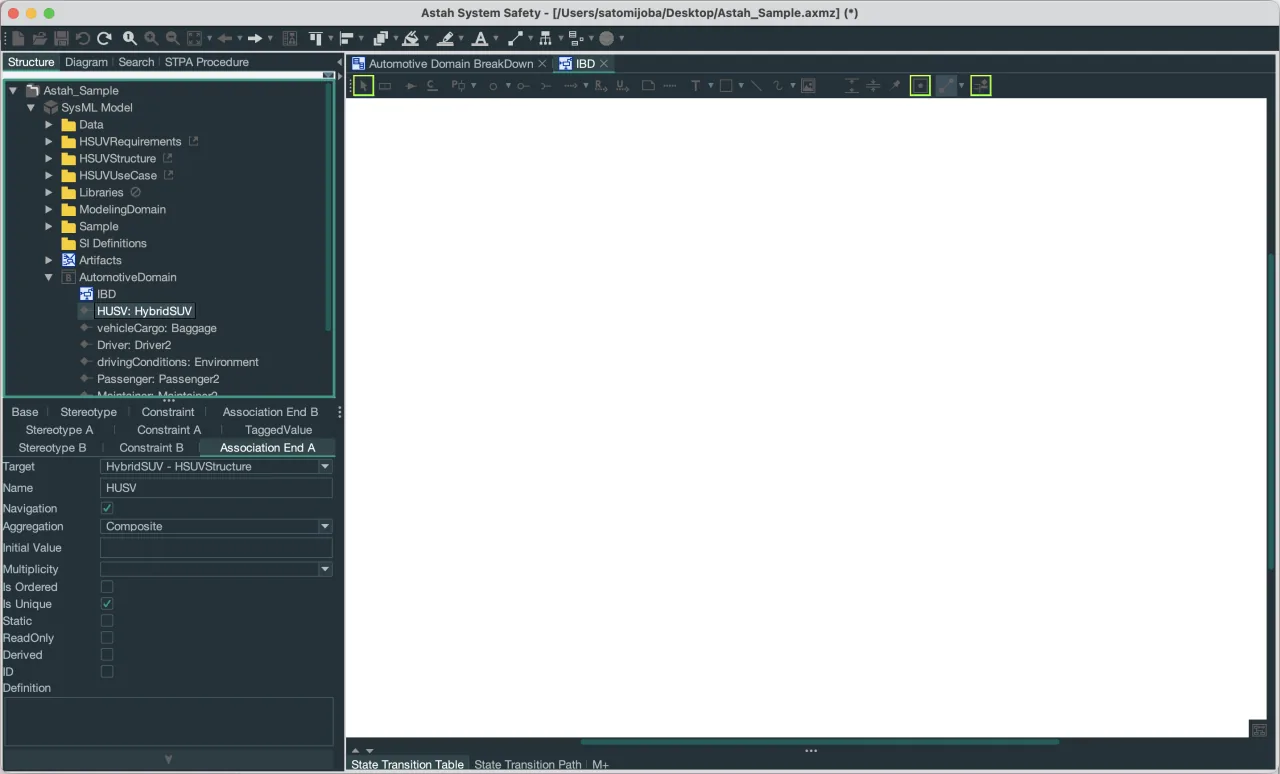
Material Oceanic Contrast (Material)
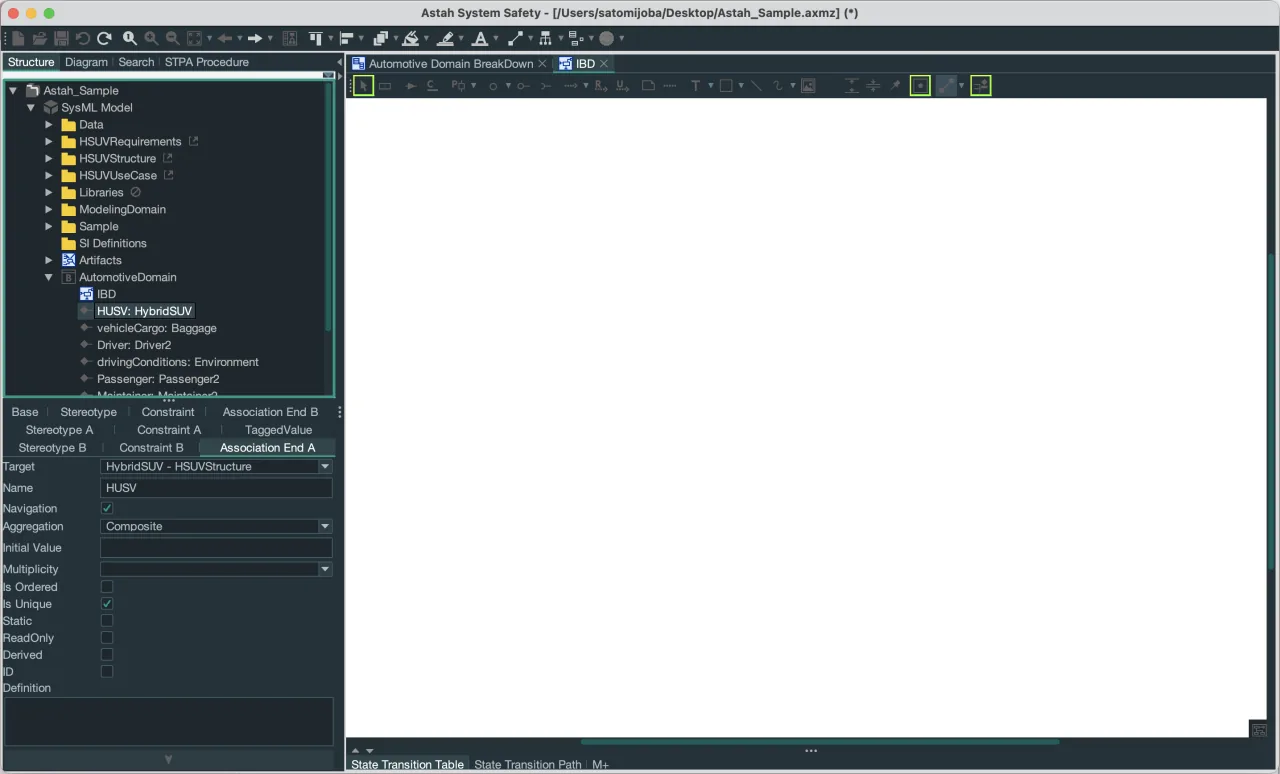
Material Palenight (Material)
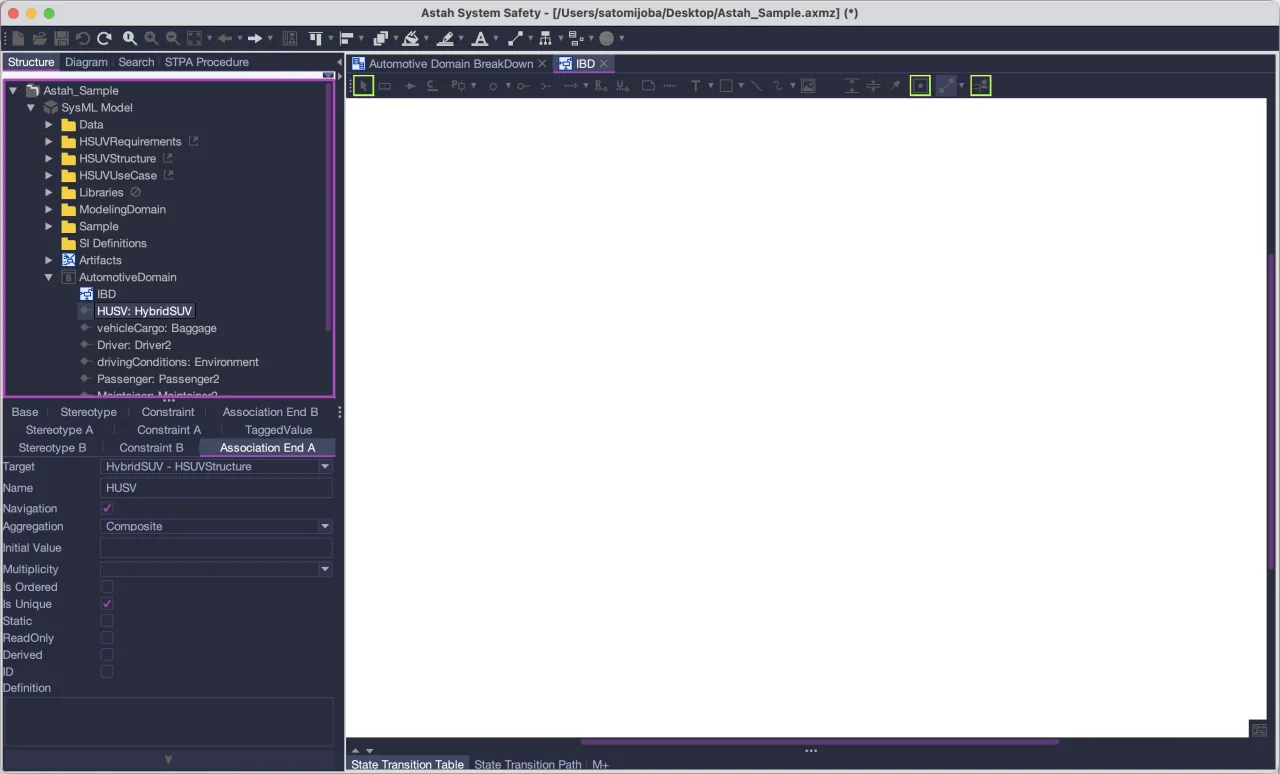
Material Palenight Contrast (Material)
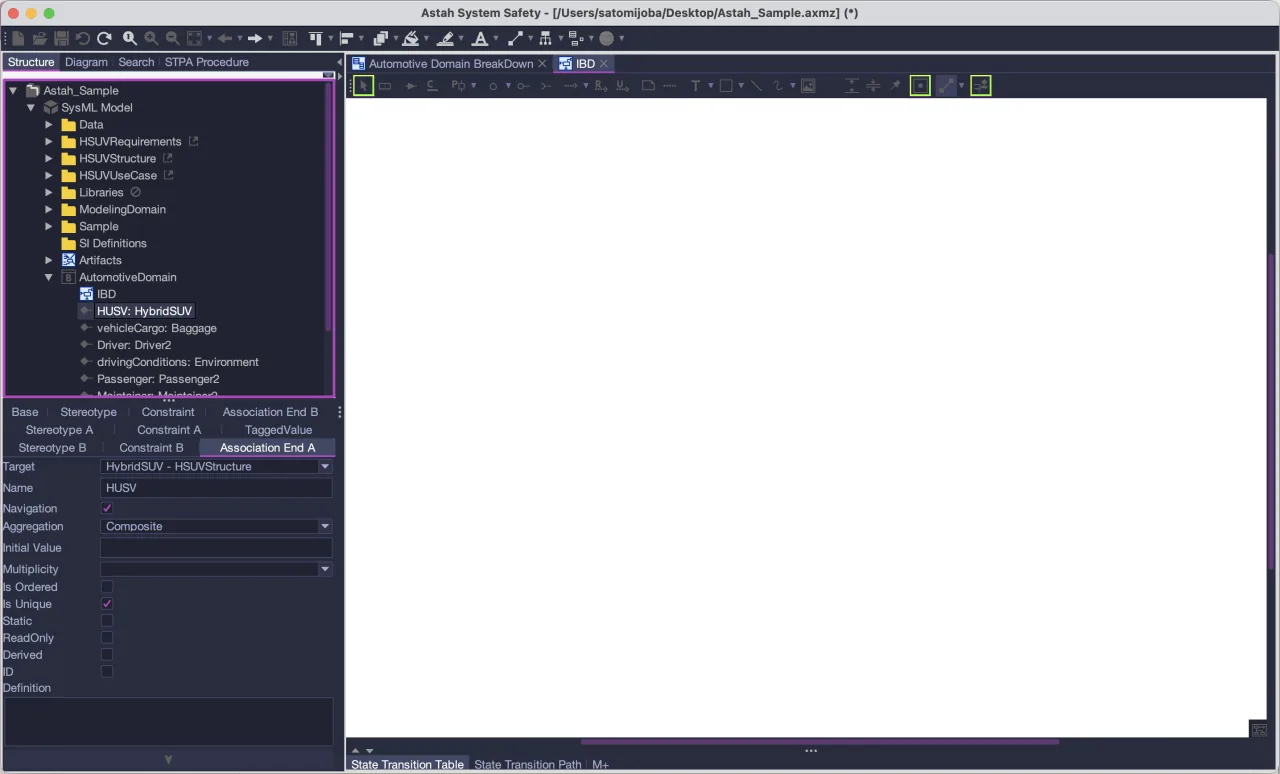
Monokai Pro (Material)
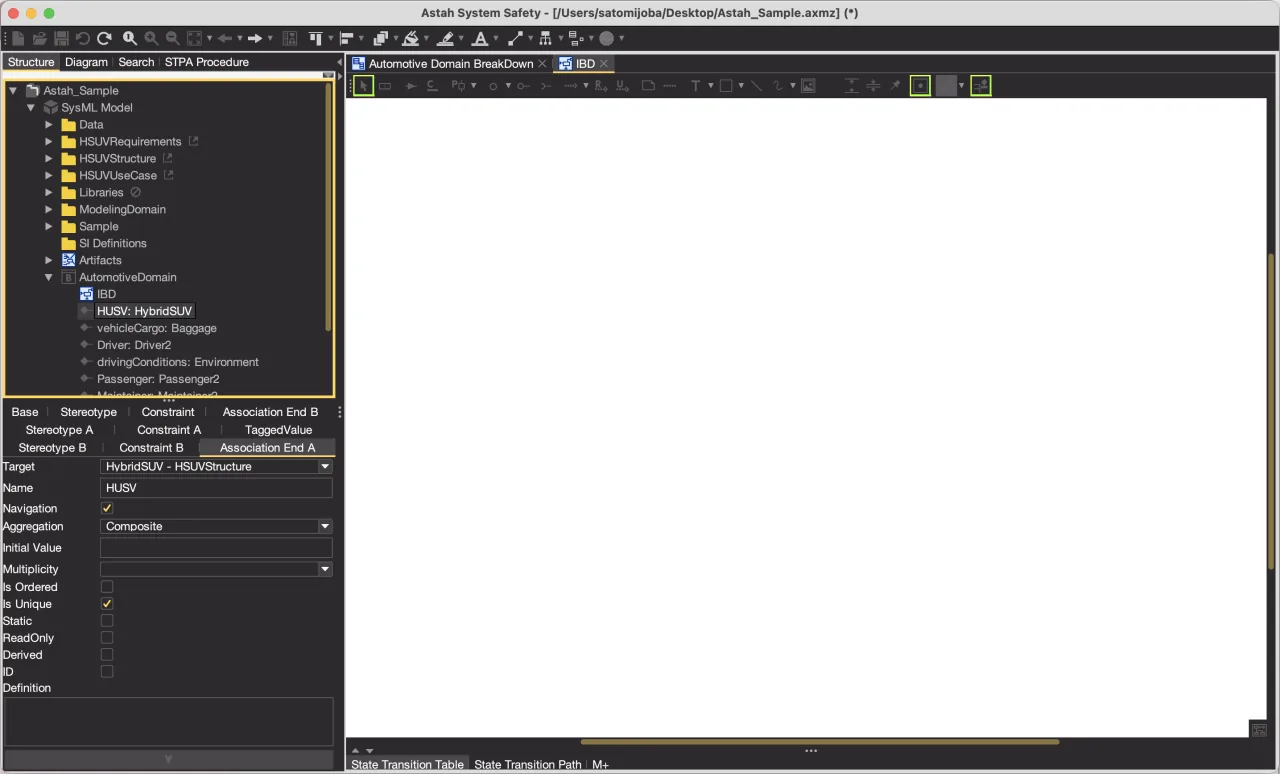
Monokai Pro Contrast (Material)
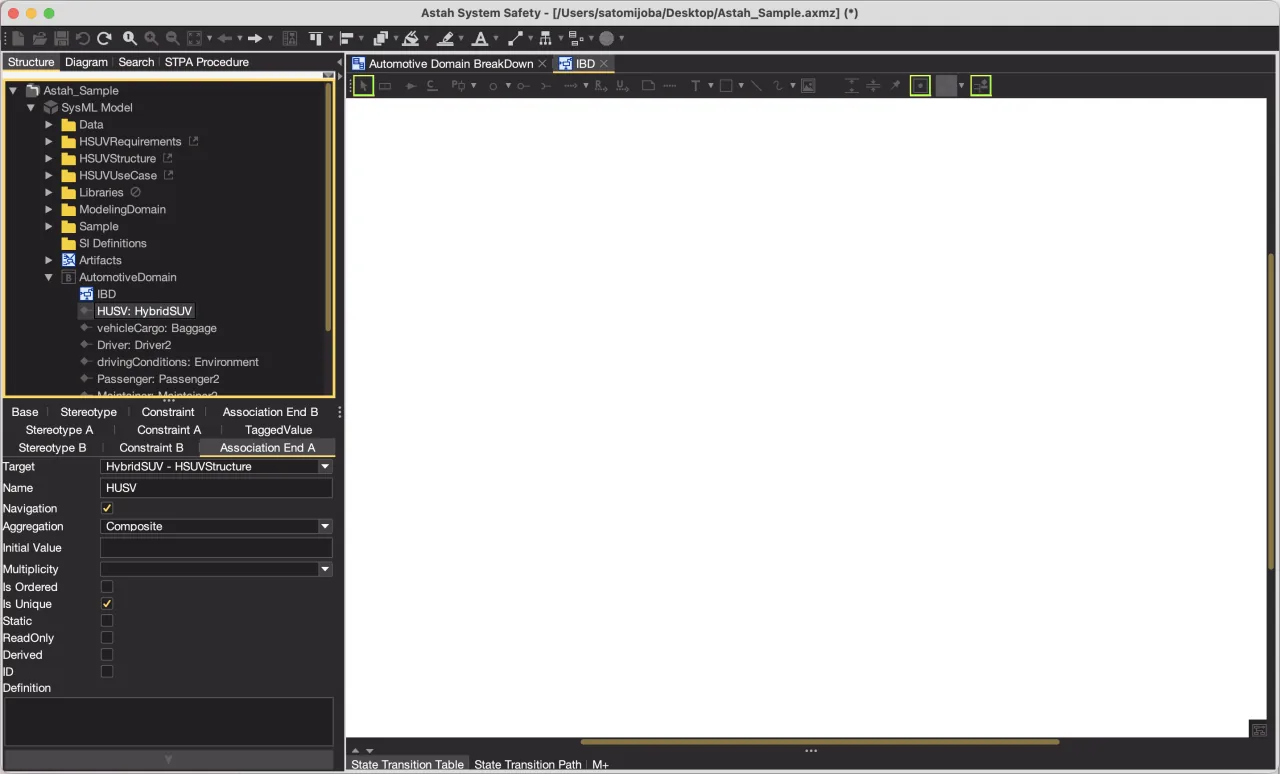
Moonlight (Material)
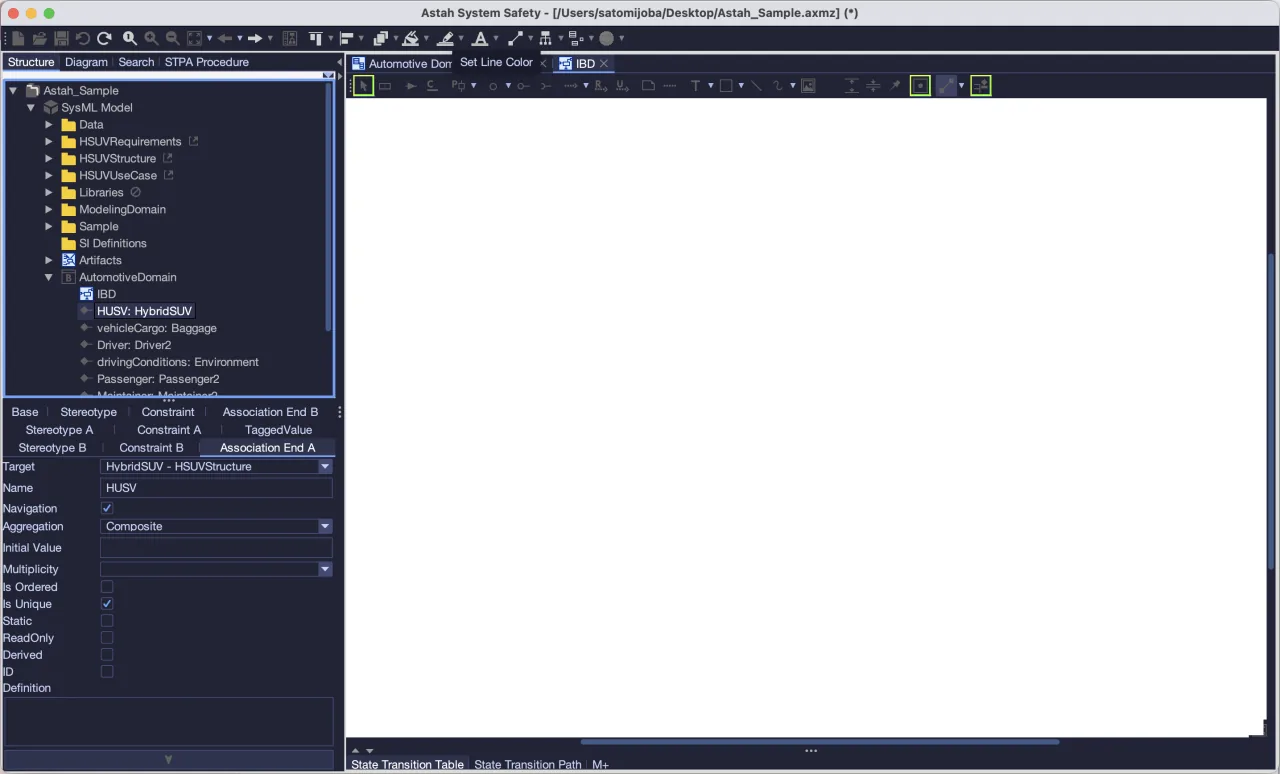
Moonlight Contrast (Material)
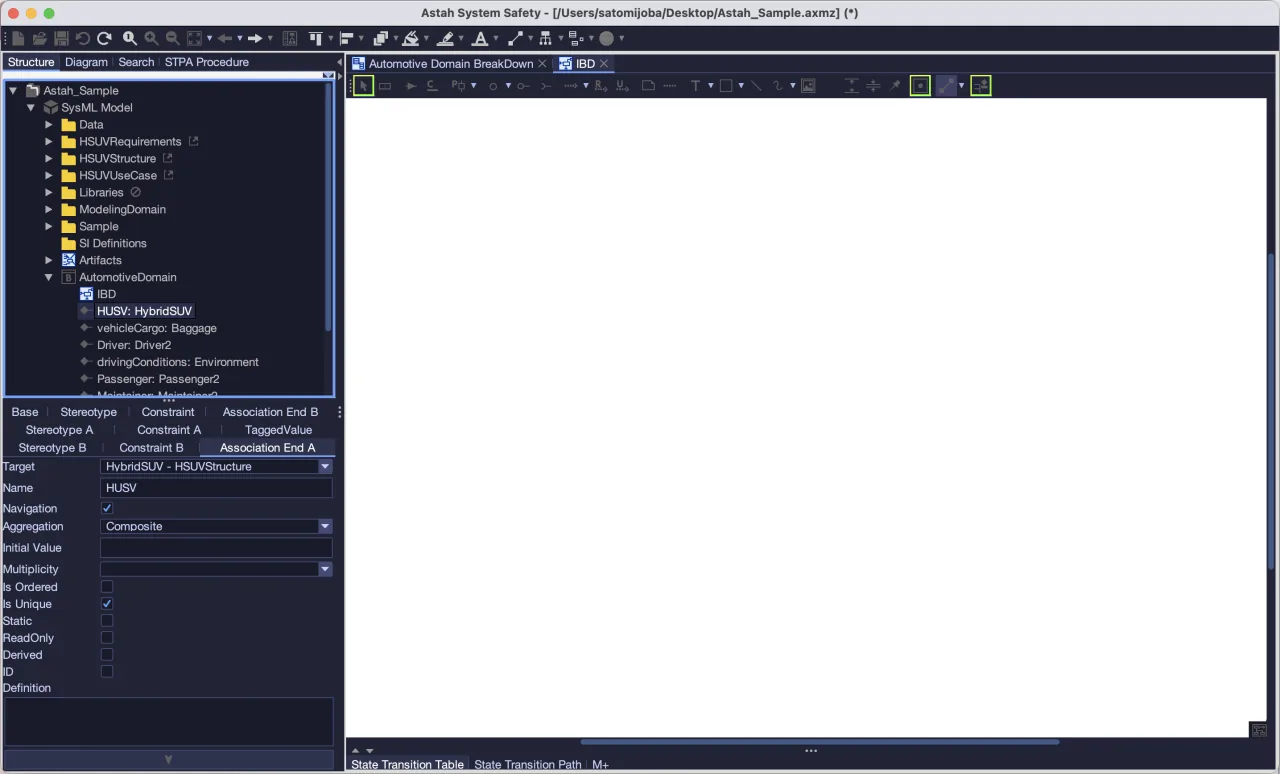
Night Owl (Material)
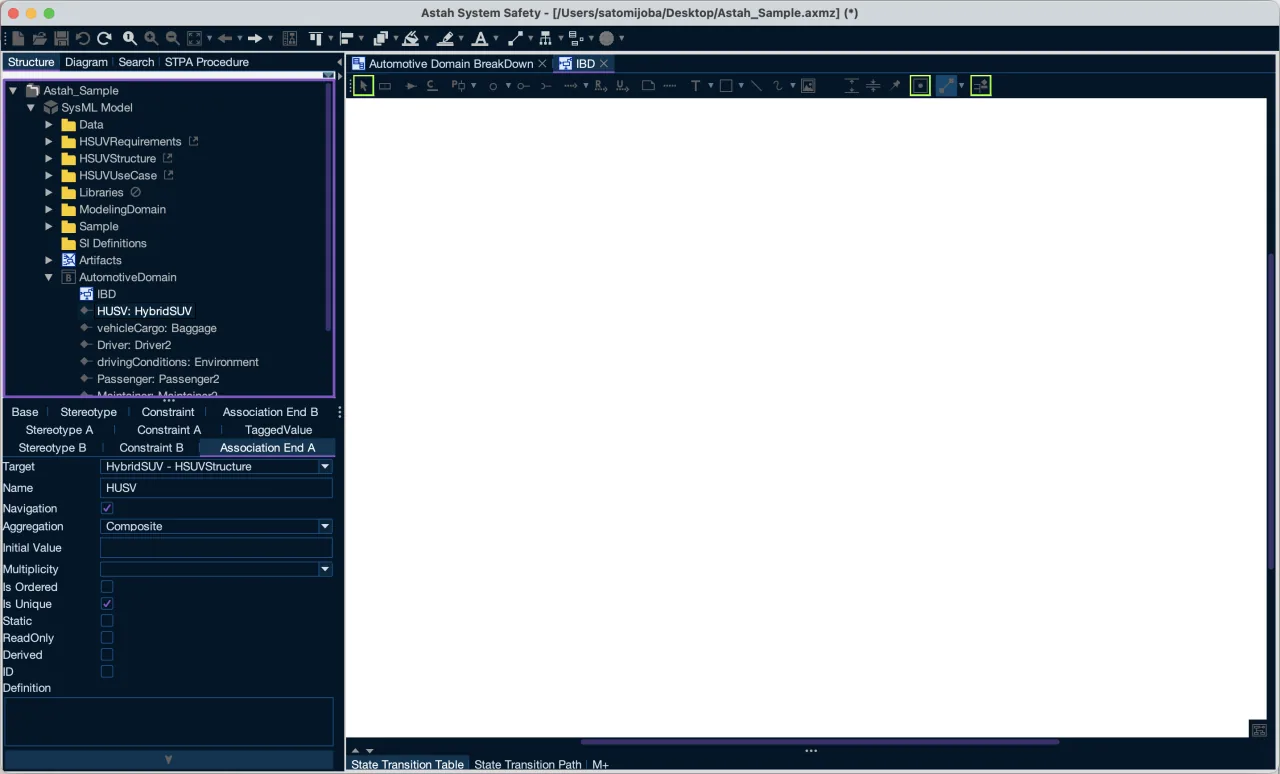
Night Owl Contrast (Material)
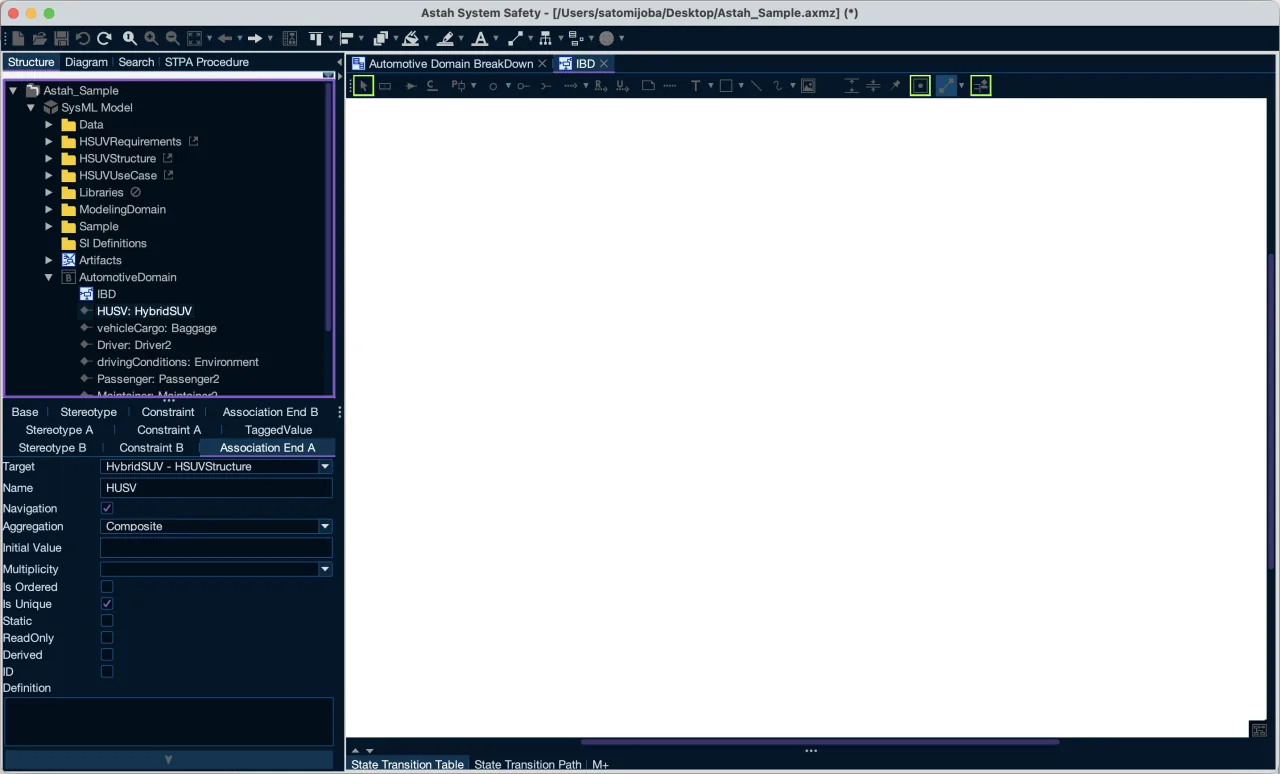
Solarized Dark (Material)
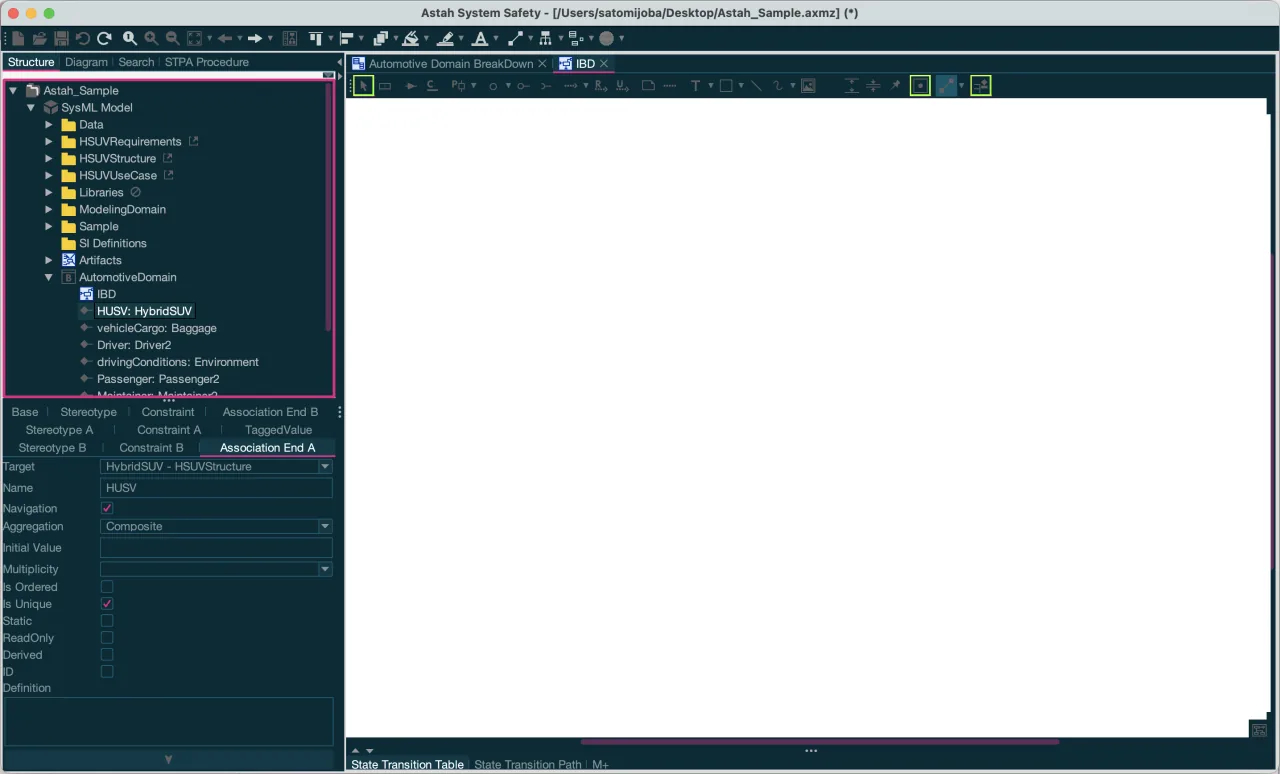
Solarized Dark Contrast (Material)