
Team License Guide
About this guide
This guide applies to users of Astah Professional and Astah UML with an Astah Organizational License. It explains how to activate your license and how to return it when you no longer need it.
This page covers:
License Activation
You can activate your organizational license on your own computer using the license file provided by your license administrator.
- Get the license file: receive a license file from your license administrator.
- Install Astah: download Astah and complete the installation.
- Open the License dialog: launch Astah, then go to Help → License.
- Set the license file: click Set License Key, then select the license file you received.
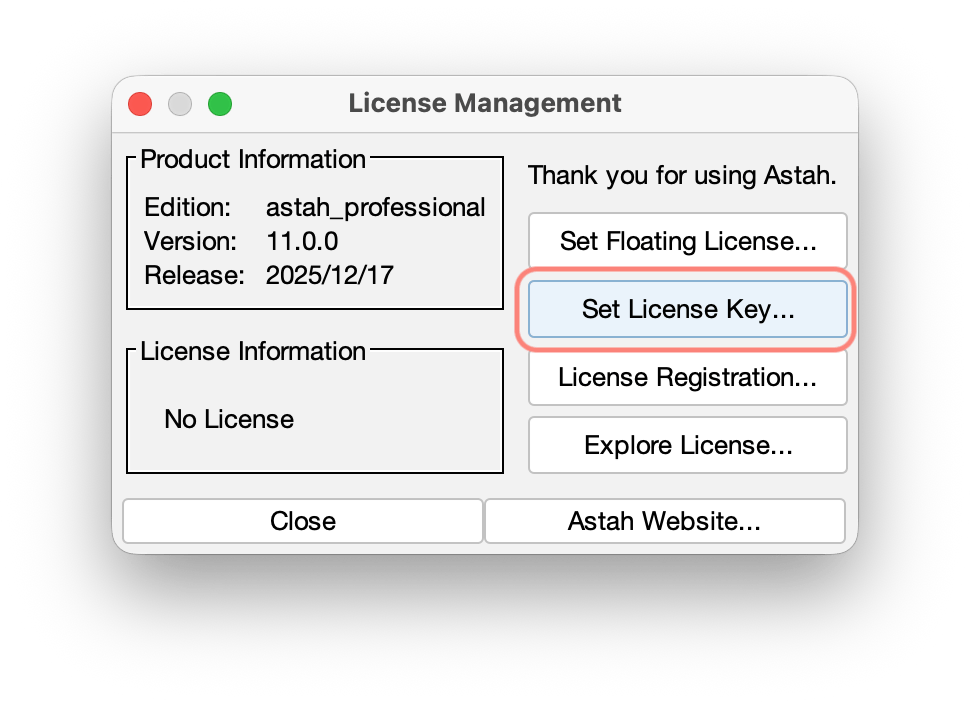
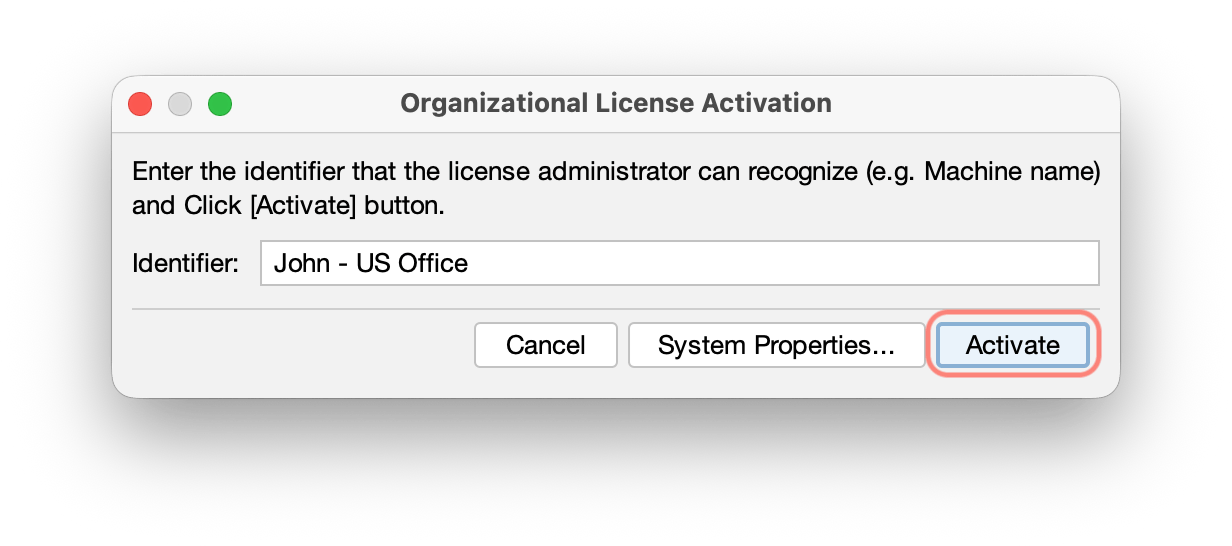
- Activate the license: enter a name or machine ID that identifies you, then click Activate. The name is shown to your license administrator as your user label in the license management screen. Internet access is required for this step.
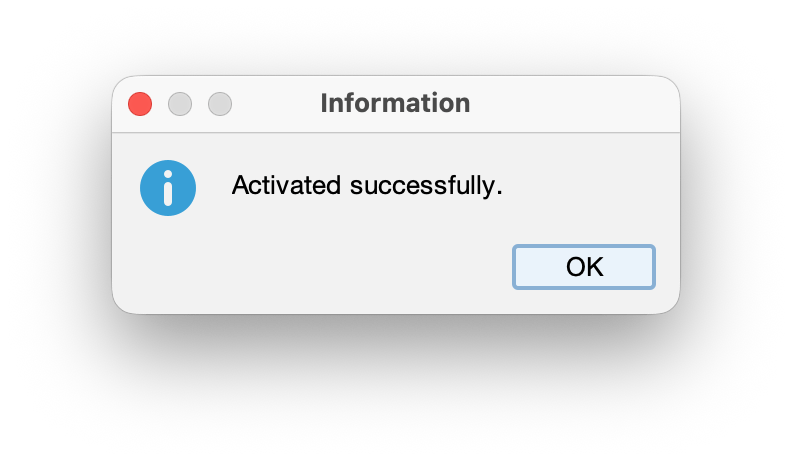
- Finish activation: when the confirmation message appears, click OK. After activation, you can use Astah without an internet connection until your license expires.
Returning a License (Deactivation)
Return your license when you stop using Astah on this computer so that the seat can be reassigned to someone else.
- Launch Astah and open Help → License.
- Click Deactivate.
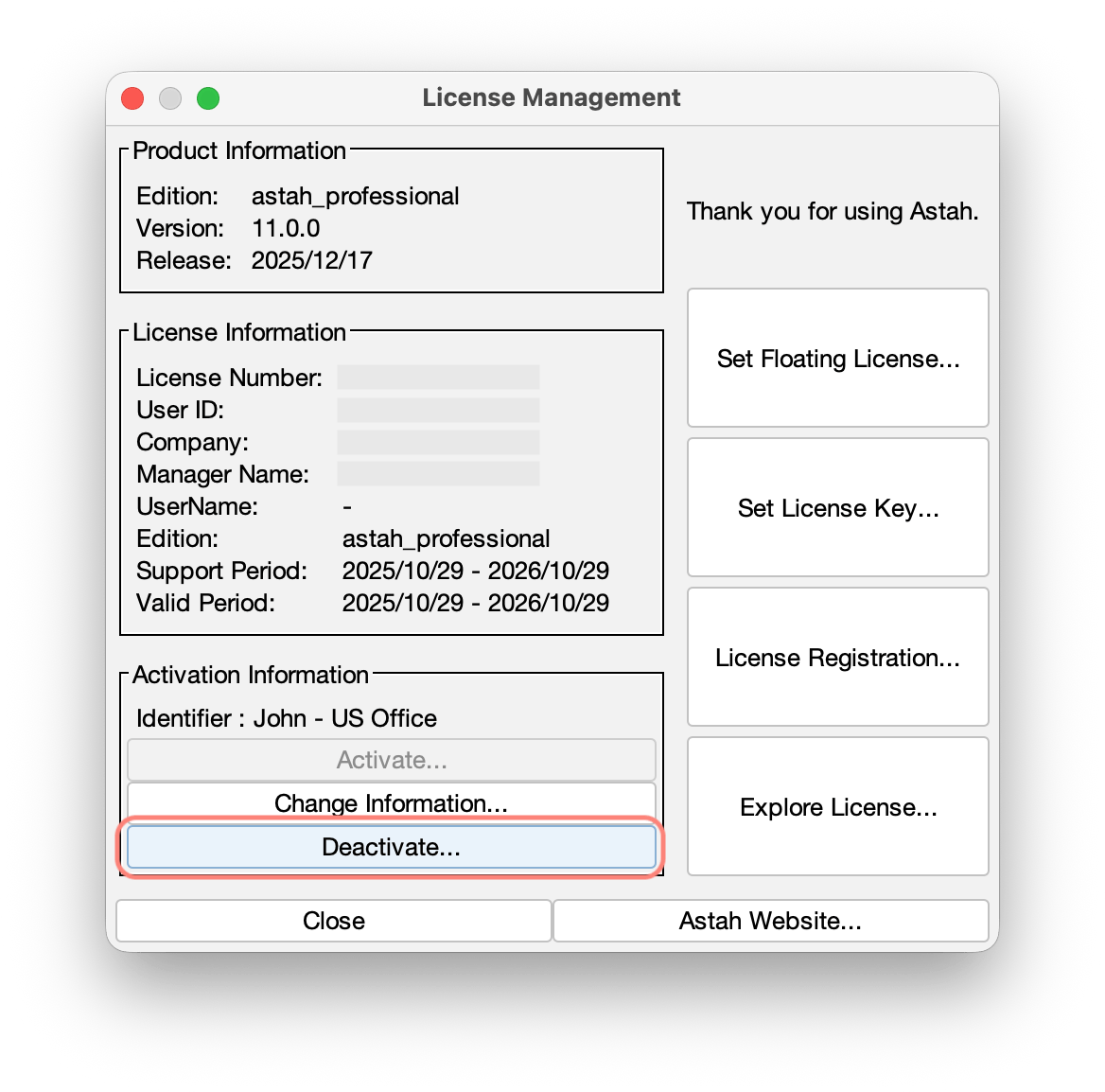
Your license is now returned and can be assigned to another user.
Note: A license administrator can also deactivate licenses from the license portal if needed.