HTML Export


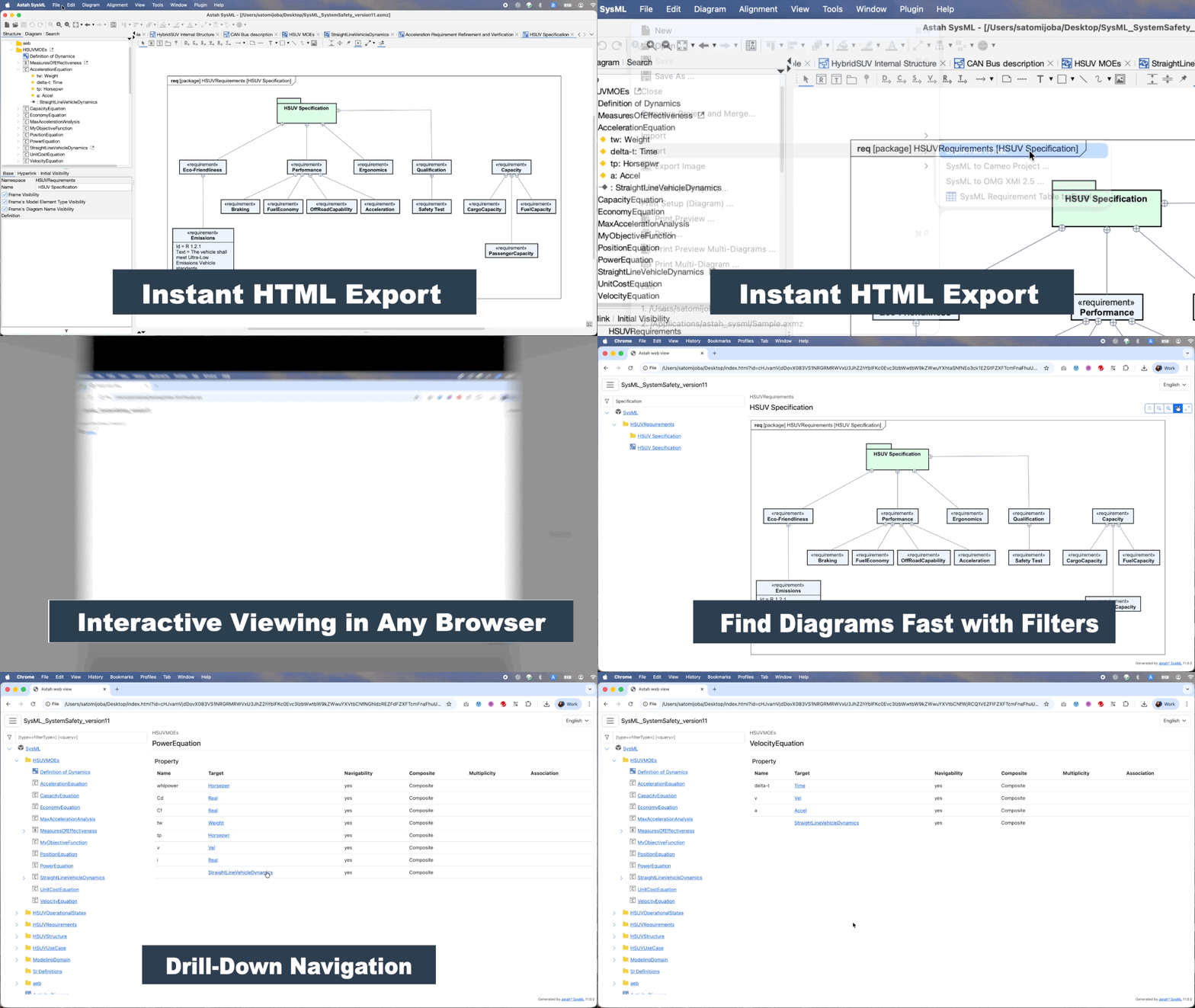
The HTML Export feature allows you to transform your engineering models into an interactive, browser-based format. This is the most effective way to share your architecture with stakeholders, clients, or team members who do not have an Astah license.
How to Export:
Follow these steps to generate your shareable model:
- Open the project file you wish to share in Astah SysML or Astah System Safety.
- Navigate to [File] – [Export] – [Export as HTML].
- Select your destination directory, name the file, and click [Save].
- When promoted, click [Yes] to open the export in your default web browser.

Browsing the Exported Model:
The exported HTML provides a professional, intuitive interface for project visualization:
- Sidebar Navigation: Displays your entire model and diagram hierarchy in a familiar tree structure.
- Details Panel: Clicking any element in the sidebar instantly reveals its properties and related data in the main view.
- Zero Footprint: Recipients can view the full model on any modern browser without installing additional software.

- Filtering:
- The built-in search box allows users to find specific elements using a powerful query syntax:
<query> or type=<filterType> <query>. - Example filters:
- Diagrams: Filters diagram-related items (e.g., block_definition_diagram).
- Tables: Filters table-related items (e.g., requirement_table).
- Specific Types like block, package, or use_case.

- The built-in search box allows users to find specific elements using a powerful query syntax:
Additional Information:
- Interfaces and Actors are represented as Classes in the HTML view.
- Astah System Safety Users: Please note that SCDL models cannot be exported currently due to specific API limitations.
Updating HTML Export
HTML Export is provided as a plug-in.
When updates with bug fixes or improvements become available, we provide an updated plug-in .jar file. Follow the steps below to update HTML Export to the latest version.
How to Update HTML Export
1. Download the latest HTML Export .jar file.
2. Drag and drop the .jar file into the Astah window while Astah is running.
3. Restart Astah to apply the update.
Current Version Information
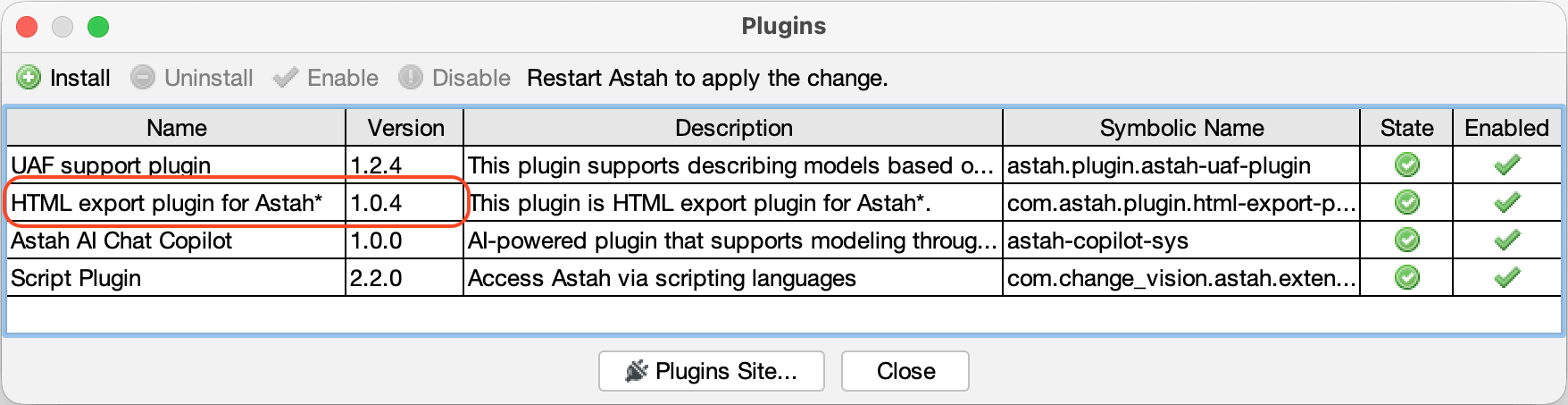
| Latest HTML Export Version | 1.0.4 (Released on 2026/04/08) |
| Astah SysML and System Safety v11 | Includes 1.0.2 |
How to Check Your Installed HTML Export Version
- Open [Plugin] → [Installed Plugin].
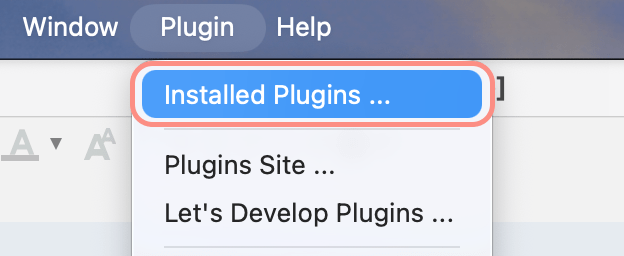
- A list of installed plug-ins will appear.
- Locate “HTML export plugin for Astah” and check the Version column.