
Merge Files

With Astah System Safety, you can merge one project file into another, so you can distribute the work among team members and then combine it into one file.

How to merge
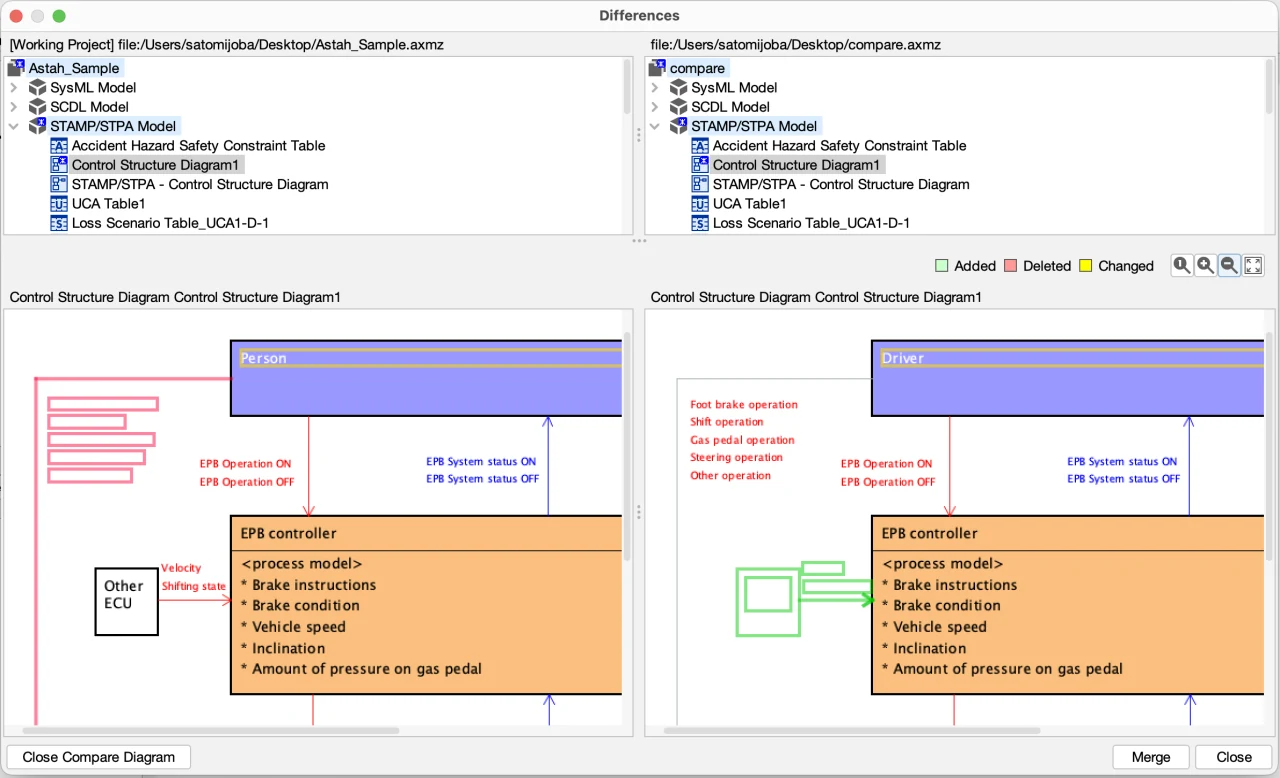
- Open one .axmz file and go to [File] – [Compare Project and Merge].
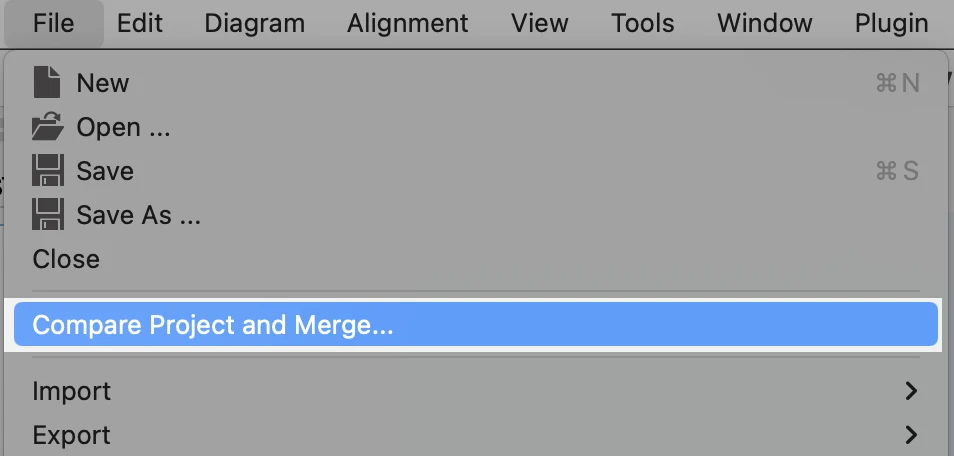
- Select another .axmz file.
- The [Differences] pop-up opens, showing the diagrams and models of both project files side by side in a tree view.

- Click the [Merge] button.

- Two merge options appear. Choose which file to prioritize, and click [OK]. All the models that exist in only one file are merged. If the same model exists in both files but differs, the one in the file you chose is kept.

To see the differences between the diagrams and models in the two files, click the [Open Compare Diagram] button.
How to compare models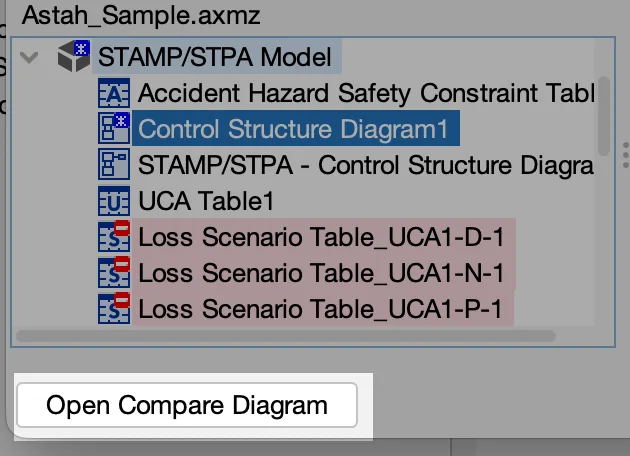
Notes
[Merge] does not merge the contents of the following. For these, the version in the file you chose in step 5 is kept.
- Activity diagrams
- Statemachine diagrams
- Sequence diagrams
- Changes related to decompositions in Safety Concept Diagrams
Reset Model ID
Every model element you create in Astah System Safety has an internal ID, called the “Model ID”. When you merge files, Astah merges model elements that have the same Model ID.
When you copy (clone) an .axmz file, the Model IDs are not regenerated, so the copy uses the same IDs as the original. If you merge a file with a copy of it, reset the Model IDs in one of the files first to avoid unintended results.
To reset the Model IDs, go to [Tools] – [Correct Model] – [Reset All Models’ ID].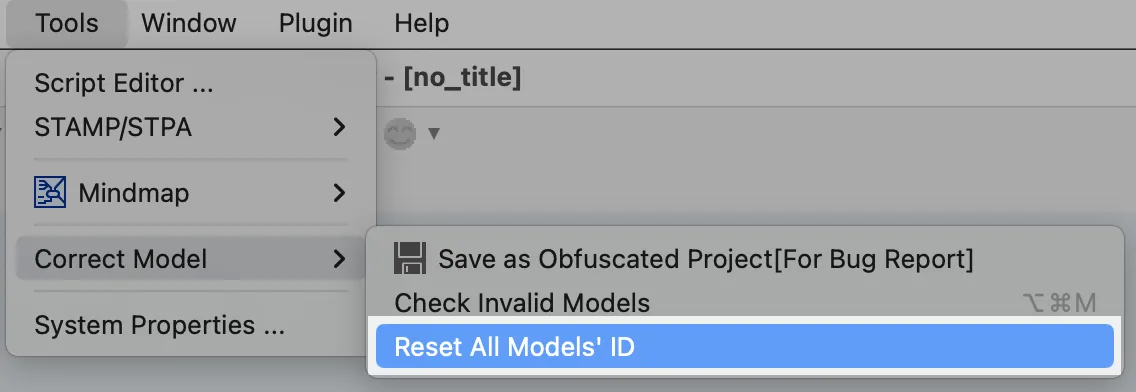
Read before you reset Model ID
- You cannot [undo] after resetting the Model IDs.
- We recommend creating a backup file before you reset the Model IDs.