


AI-assisted modeling in Astah
Astah UML v11 introduces new ways to use AI tools with Astah.
Use AI assistance to model faster, understand existing systems more easily, and stay focused on design quality – from early analysis through implementation.

AI Chat Copilot
AI assistance inside Astah.
- Work with AI without leaving Astah while editing diagrams.
- Get help to think, review, and design faster as you model.
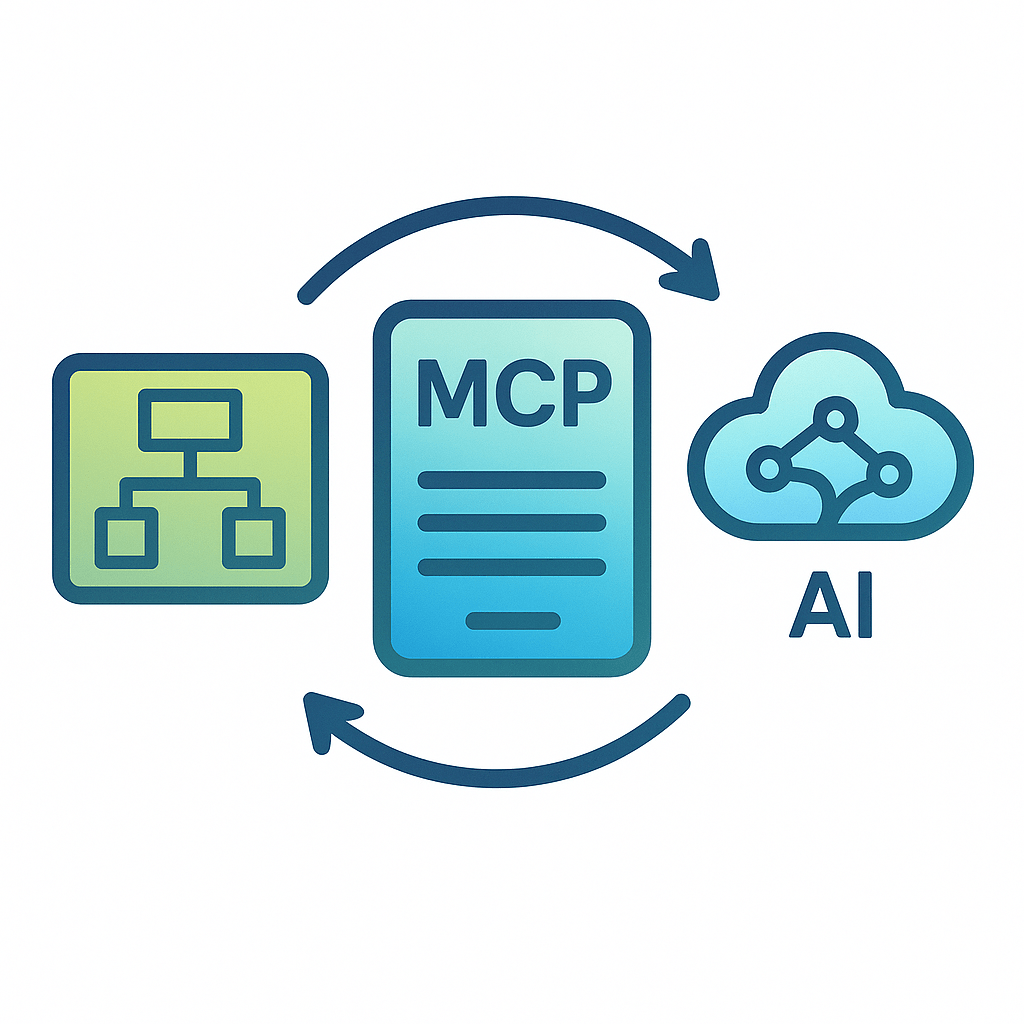
MCP Server
Connect Astah to external AI clients.
- Use your preferred AI client to work with Astah models.
- Use documents or files into AI-assisted modeling.
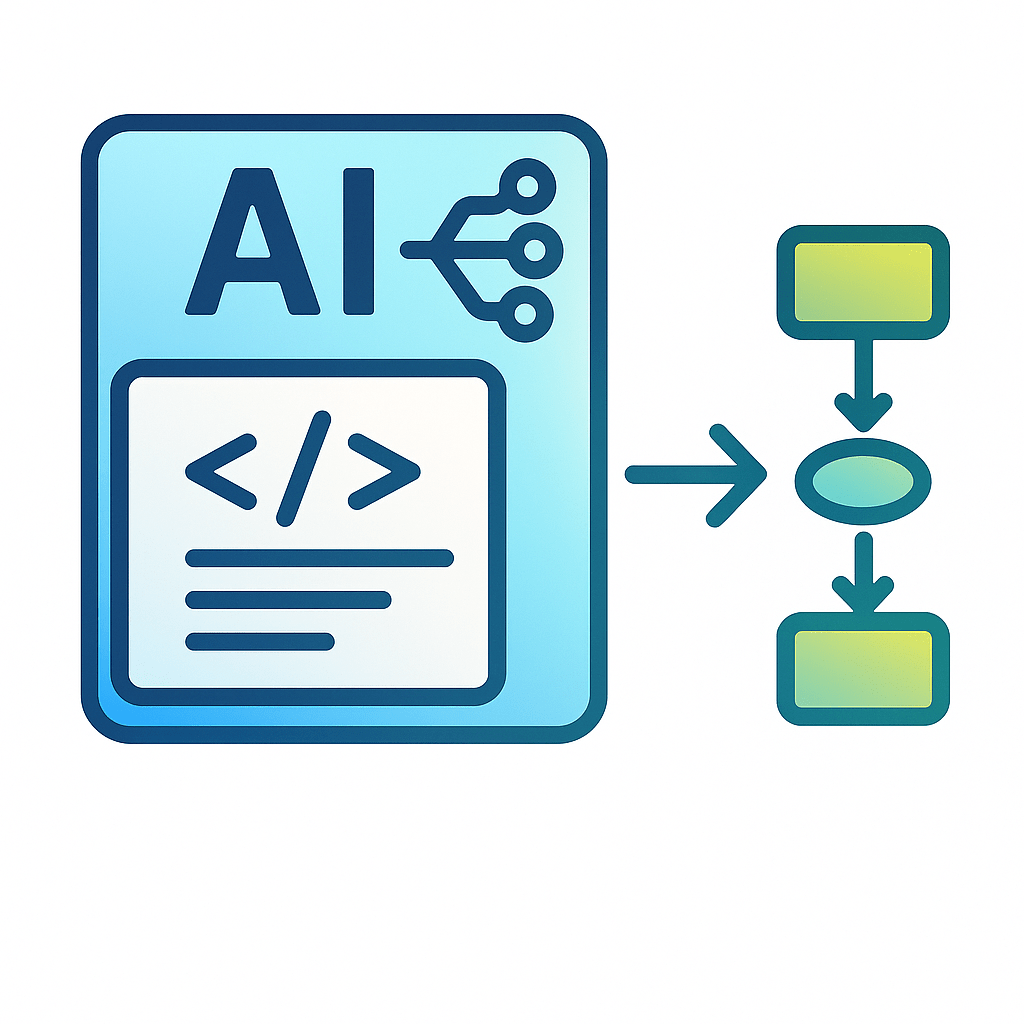
AI Code Reverse
Turn code into diagrams with AI.
- Generate Class and Sequence diagrams from source code.
- Support multiple programming languages.
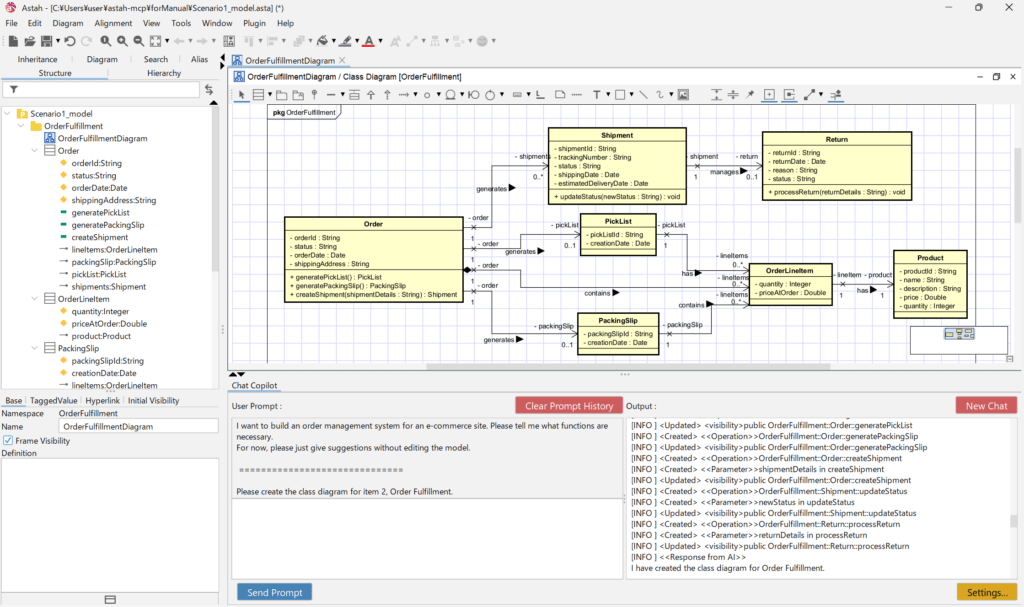
AI Chat Copilot
Chat with your models – right inside Astah
AI Chat Copilot adds a chat panel directly inside Astah, allowing you to interact with your diagrams and models using natural language. Ask questions, explore design ideas, and get suggestions while staying focused on your modeling work.
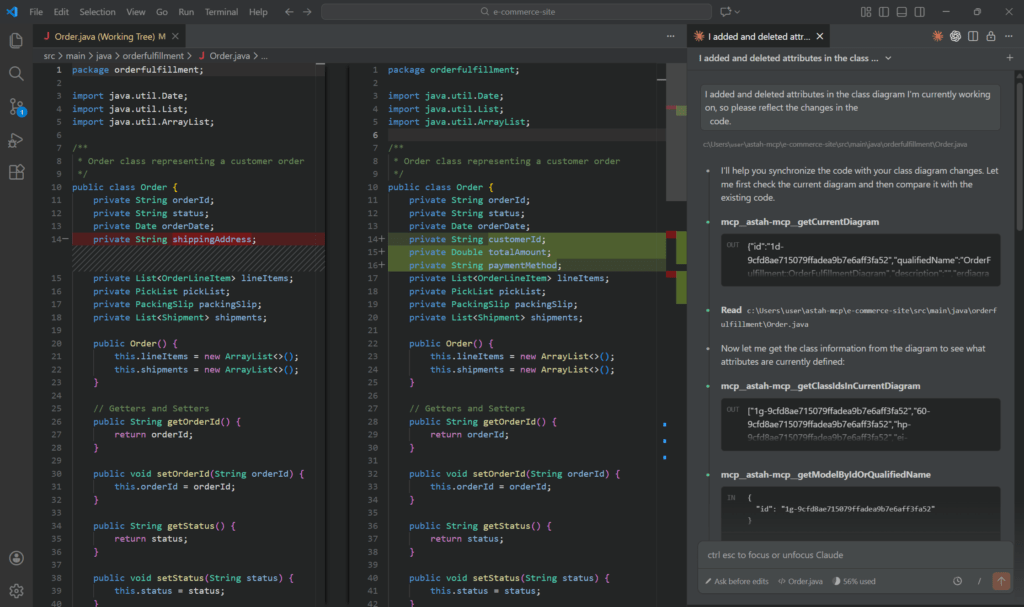
MCP Server
Enable AI tool integration with Astah
The MCP Server lets your preferred AI tools connect to Astah models.
Use AI from the environment you already work in – such as an IDE or AI agent –
to retrieve model information and run operations in Astah.
AI Code Reverse
AI-powered code reverse – now with sequence diagrams
AI Code Reverse builds on Astah’s existing code reverse capabilities. In v11, AI enhances code-based diagram generation by enabling automatic Sequence Diagram generation and expanding programming language support.
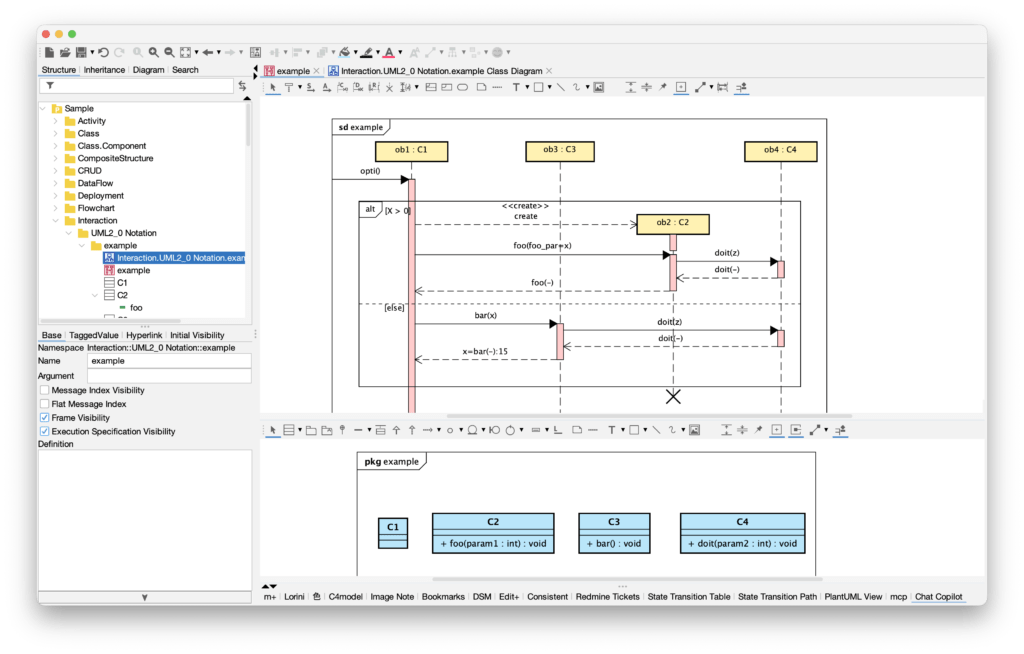

Enhancements and Resolved Issues
General | Common Diagrams
- [9059] Adopted Java 25, the latest Long-Term Support (LTS) version.
- [9043] The macOS version now natively supports Apple Silicon (ARM64).
- [9007] Fixed an incorrect label in the popup menu for displaying Definitions as Notes.
[9072] Fixed an issue where selecting the <<definition>> section of a Definition Note caused an exception.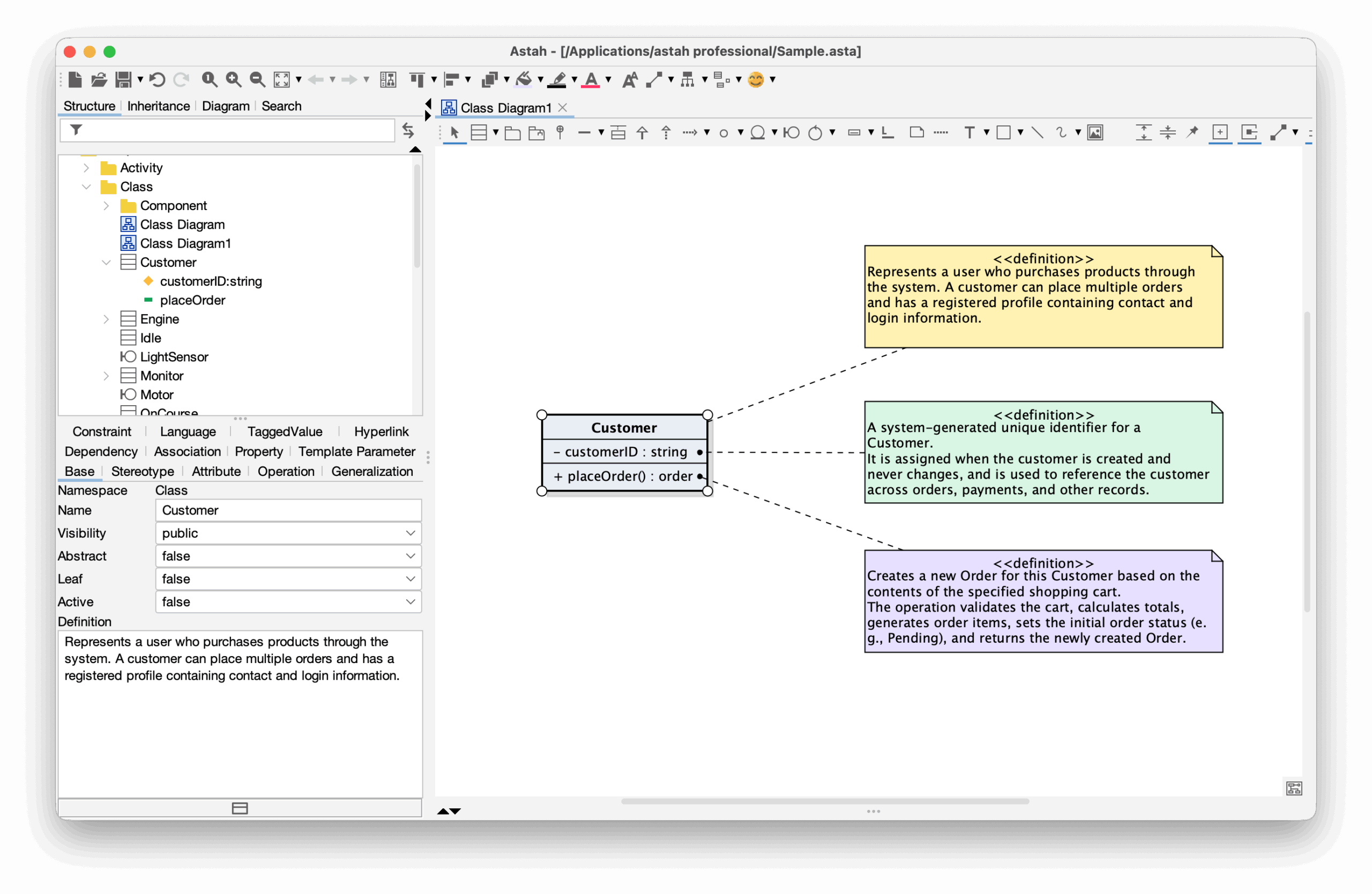
- [9023] Fixed a bug where relationship lines between nested model elements were not copied when copying parent model elements.
- [9024] Improved model duplication so that relationship line styles reflect the editor’s line-style settings.
- [9008] Fixed an issue where hyperlinks became invalid when converting the same model multiple times.
- [8999] Fixed an issue where Note Anchors remained incorrectly after deleting a model.
- [9013] Improved an issue where SVGs displayed in diagrams looked rough/pixelated.
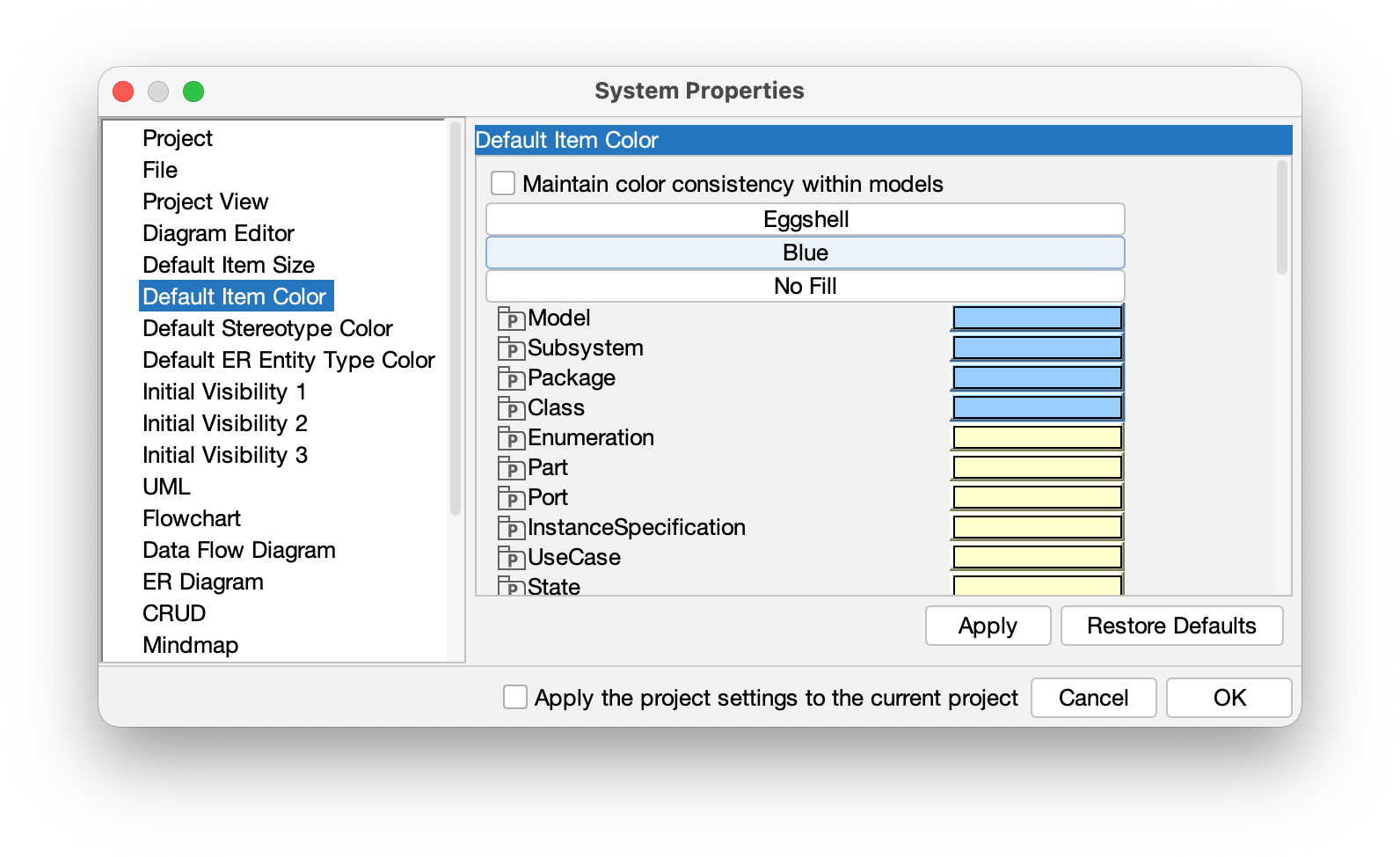
- [9064] Fixed a bug where settings did not change even when clicking “Eggshell” or “Blue” under [Tools] – [System Properties] -[Default Item Color].
Class Diagram
- [9030] Fixed a bug where literals were not displayed when showing an Enumeration in a class diagram via the API.
- [9034] Fixed an issue where attributes/operations could not be deleted from the property view unless the diagram was open.
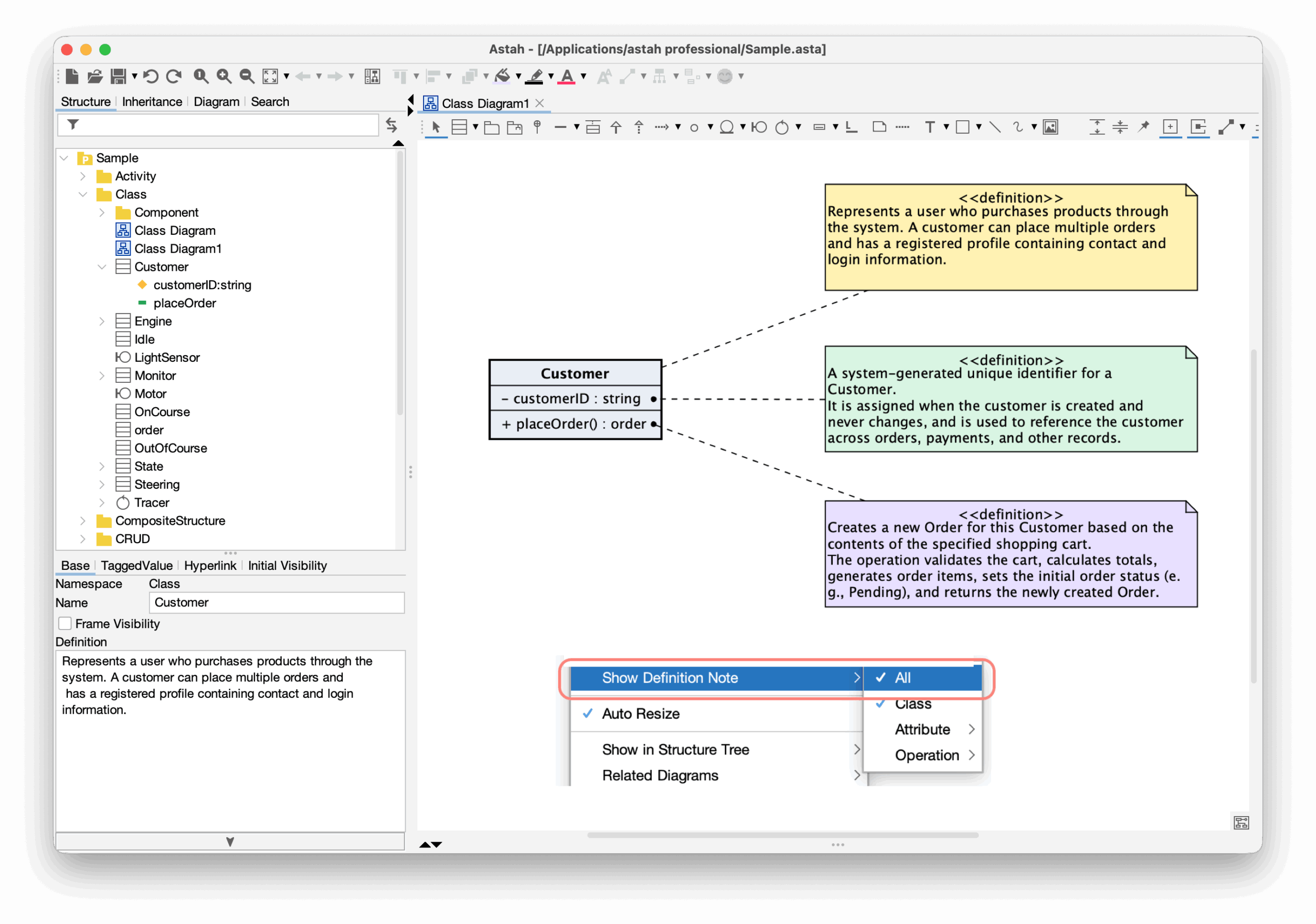
- [9037] Improved Definition Notes so definitions of attributes and operations can be displayed together by selecting [Show Definition Note] → [All].
- [9044] Fixed an issue where moving a combined interface with multiple usage dependencies caused an infinite loop.
Activity Diagram
- [9009] Fixed an issue where weight labels overlapped guard/action text if they contained line breaks.
- [9039] Fixed an issue where an exception occurred when creating a new template from a project that includes partitions.
- [8993] Improved the candidate base-class list for part targets and object nodes so it is sorted.
UseCase Diagram
- [8990] Changed UseCase diagram frames to display the diagram name.
Component Diagram
- [9044] Fixed an issue where moving a combined interface with multiple usage dependencies caused an infinite loop.
- [8993] Improved the candidate base-class list for part targets and object nodes so it is sorted.
- [9020] Fixed a bug where links between instance specifications inside a component were not duplicated when duplicating the component on a diagram.
Sequence Diagram
- [9011] Improved usability in Sequence diagrams so messages are easier to select when message labels are long.
- [9040] Fixed an issue where an exception occurred when creating Create messages in Sequence diagrams.
Deployment Diagram
- [9004] Fixed an issue where invalid models appeared when pasting an interface into a deployment diagram of a different process.
Communication Diagram
- [9012] Removed “Jump to Diagram Element” from the Lifeline context menu in Communication diagrams.
Composite Structure Diagram
- [9071] Fixed an issue where an exception occurred when a subsystem was specified as the type of a part in a Composite Structure Diagram.
Project Merge
- [576] Fixed a bug where “version” was incorrectly shown after package names in the [Detail Merge] dialog.
- [9028] Fixed an issue where an infinite loop occurred during merge when multiple actual parameters were bound to the same class in template binding.
Others
- [9025] Enabled text searching in exported SVG images.
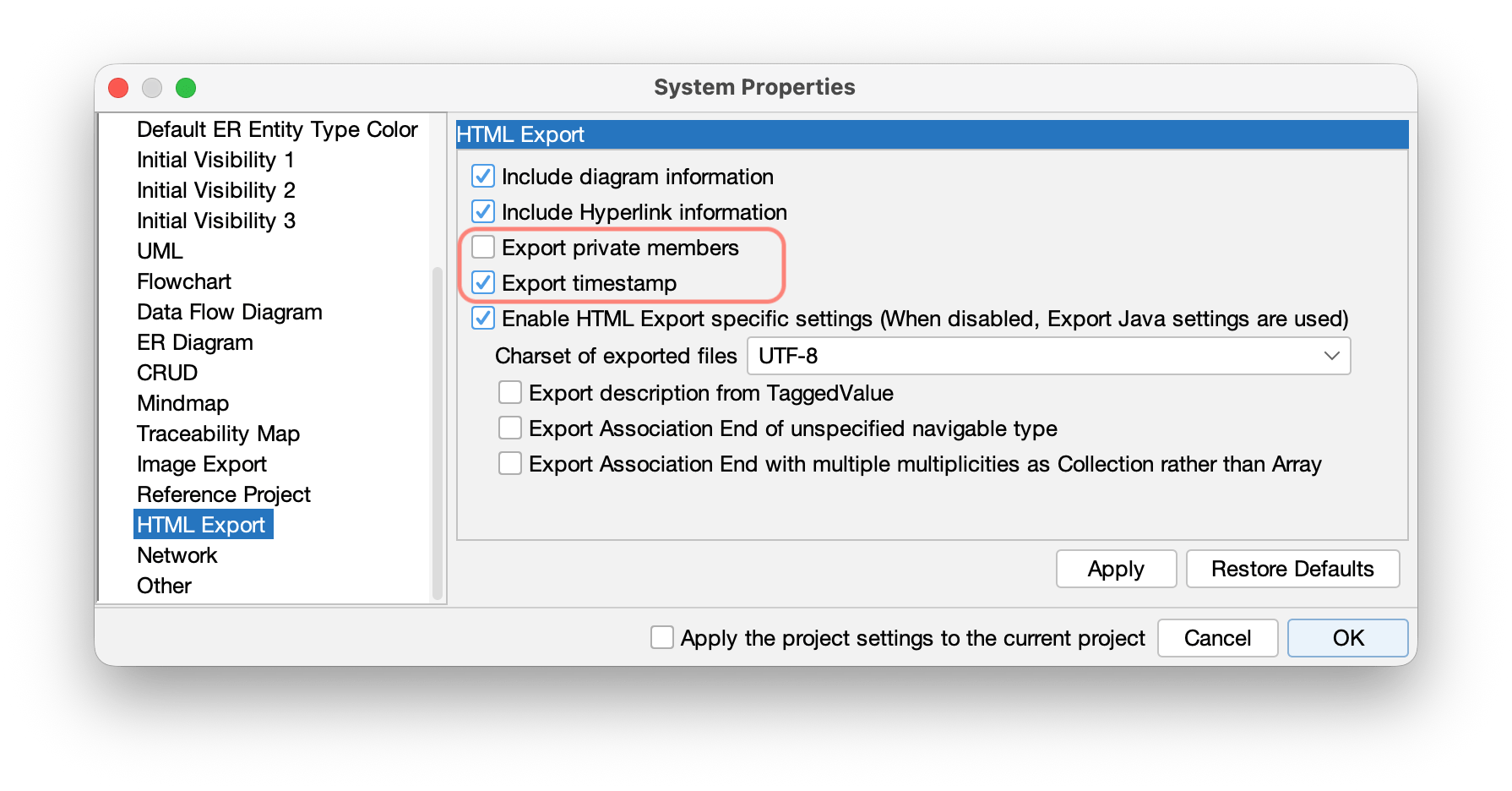
- [9021] Made it possible to configure options for Javadoc output.
- [7326] Fixed an issue where sample programs could not run on macOS.