Astah User’s Guide
This User’s Guide covers both Astah Professional and Astah UML. It is a complete reference guide for the software. We also offer a guide to the various types of diagrams you can create with the software and online tutorials for those new to Astah or looking for more guided training.
Start and Basics
AI
Diagrams
….more to come!
Team Collaboration
Source Code
Import, Export and more
Class Diagram Tutorial
3 TIPS to make UML Class diagrams faster.
If this video does not play,
please click here .
VIDEO
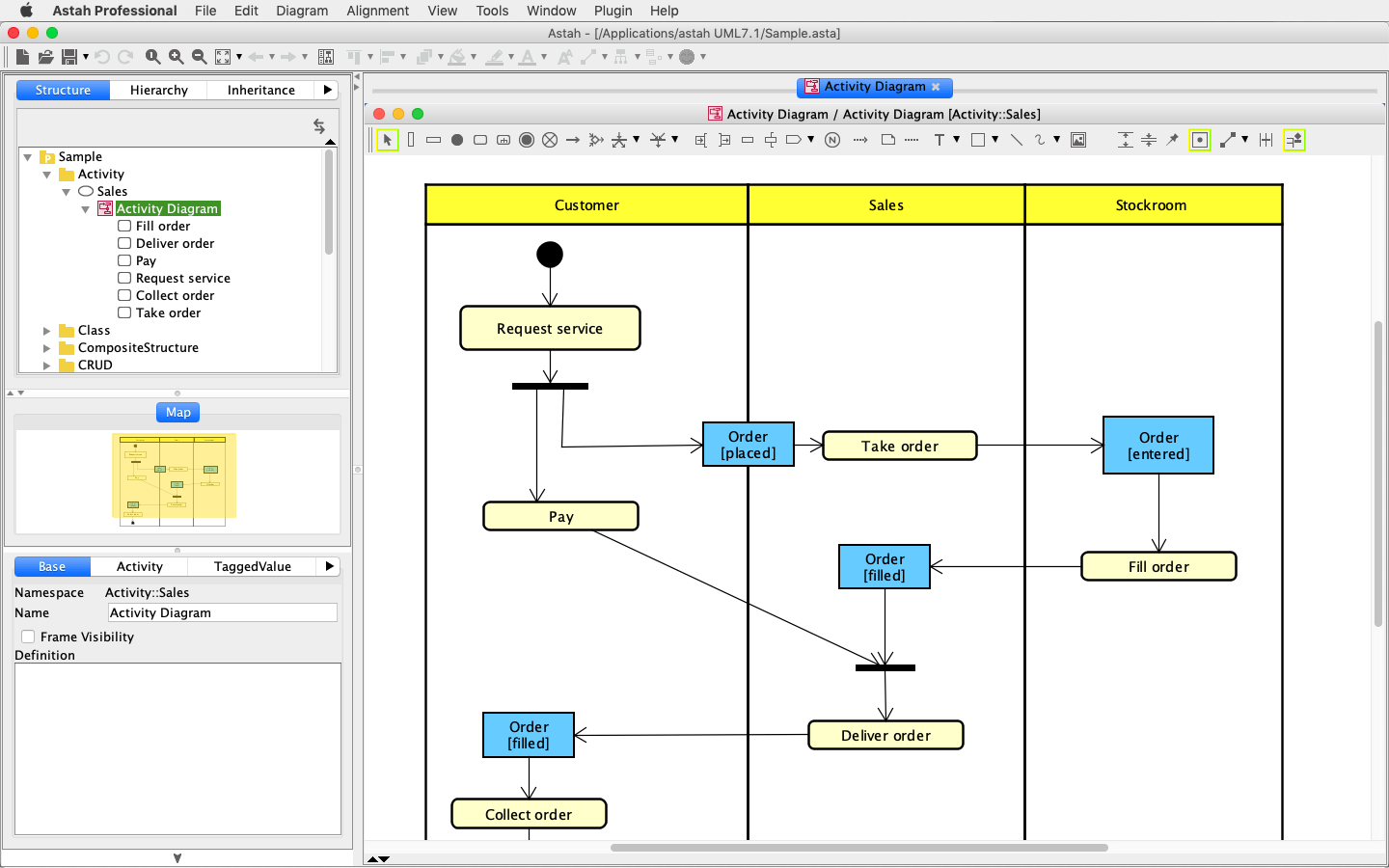
Activity Diagram Tutorial
VIDEO
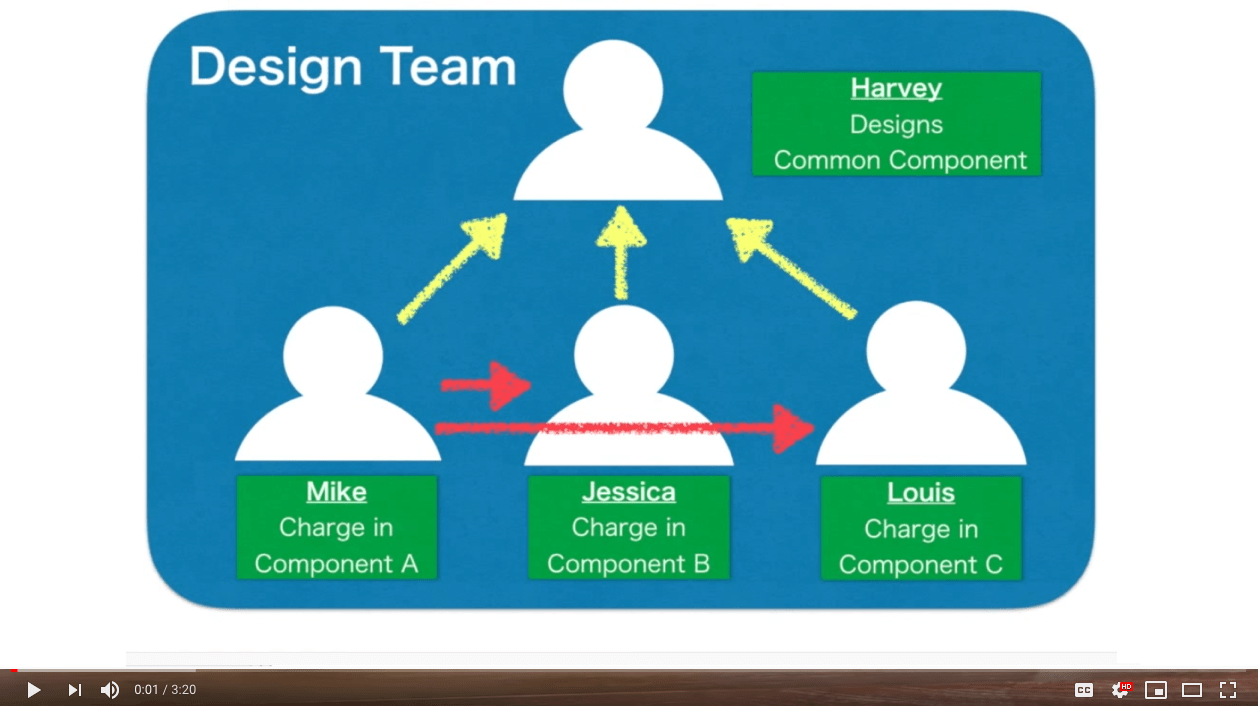
Team Development
How to use Astah's team development feature.
If the video does not play,
please click here .
VIDEO
Modeling Myth
Michael Chonoles talks about "Modeling Myths" - most common misconceptions on modeling.
If the video does not play,
please click here .
VIDEO
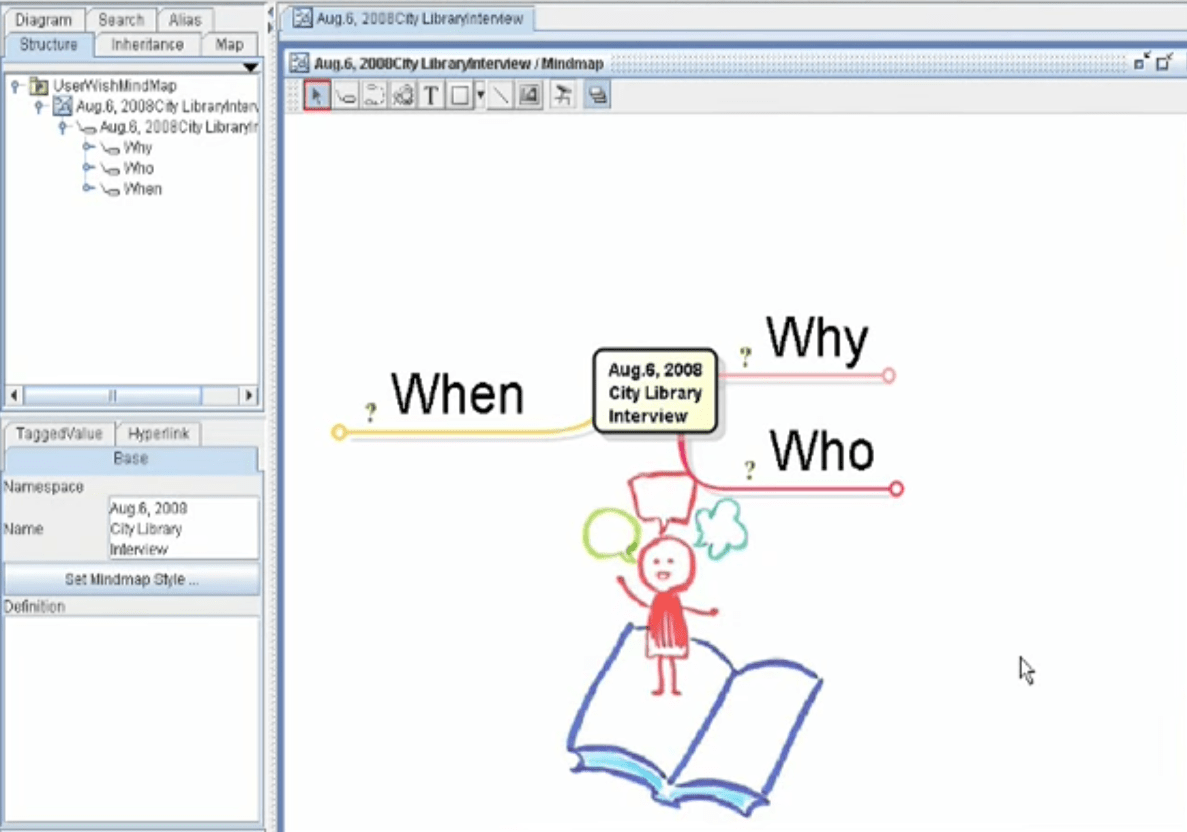
Convert UseCase diagrams to Mind Map
CTO - Kenji Hiranabe explaining how to convert UseCase Diagrams to MindMap.
VIDEO
UML Class Diagram - Basic
CTO - Kenji Hiranabe explaining the basics of UML Class diagram with a sample diagram.
If the video does not play,
please click here .
VIDEO
What are you looking for?
×