
Easy Code Reverse
Visualize your software design in Astah instantly from your repositories like Github, Bitbucket with just a drag and drop! (Currently it works with Java source code only.) Also import .java files via a drag and drop is available!


Latest Version
1.0.3 (Aug.18, 2015)
Developer
Change Vision, Inc. Support
No technical support is provided.
How to Install
- Download the Plug-in file.
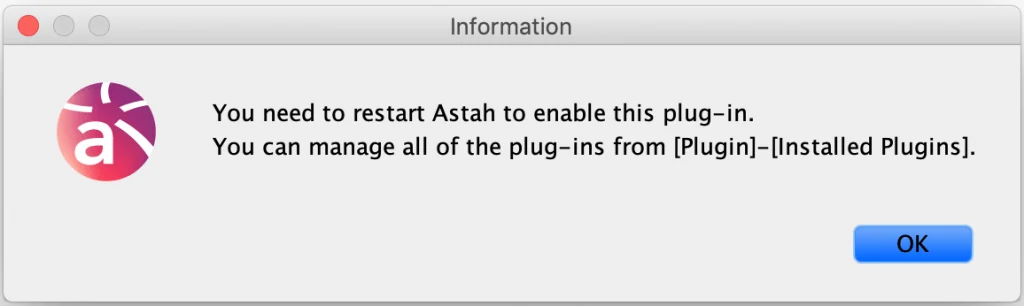
- After the download is complete, drag the downloaded .jar file to an open instance of Astah. A pop-up will appear asking you to confirm installation, choose [Yes]. If the pop-up below opens, restart Astah.
How to Use
Please refer to our online guide.
Download Old Versions
| Version | Update | Compatible with | Download |
|---|---|---|---|
| 1.0.2 | 2015.3.17 | Version 6.6.4 or later |  |