
m+ plugin
This m+ plugin enhances model-driven development with Astah by adding five key features, including auto code generation and diagram map visualization.


Latest Version
3.1.2 (2025/02/28)
Developer
Takaaki Teshima Support
No technical support is provided. For inquiries, please use the QA forum.
Developer Support & Documentation
Model & Code Sample Features of m+
m+ adds six functions to Astah. For details on each function, see the usage guide on the plugin author’s website.
- Code generation: Generate source code for multiple programming languages.
- Structural diagram creation: Automatically create structural diagrams to visualize model structures.
- Directed graph creation: Generate directed graphs to clarify relationships between model elements.
- Diagram map creation: Output diagram maps to trace models and links intuitively.
- Relationship matrix creation: Export relationship matrices to Excel for detailed analysis.
- Additional document creation: Generate a document that explains structural elements with text and diagrams.
How to Install
- Download the plugin file from the developer’s page.
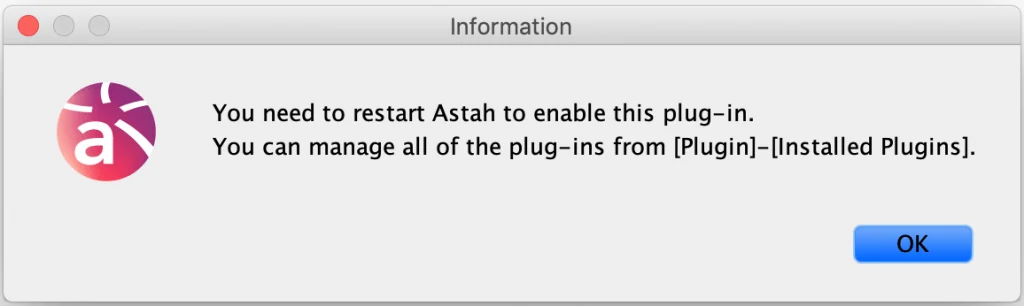
- Drag the downloaded .jar file into an open instance of Astah. When prompted, click [Yes] to confirm the installation. If the pop-up below opens, restart Astah.
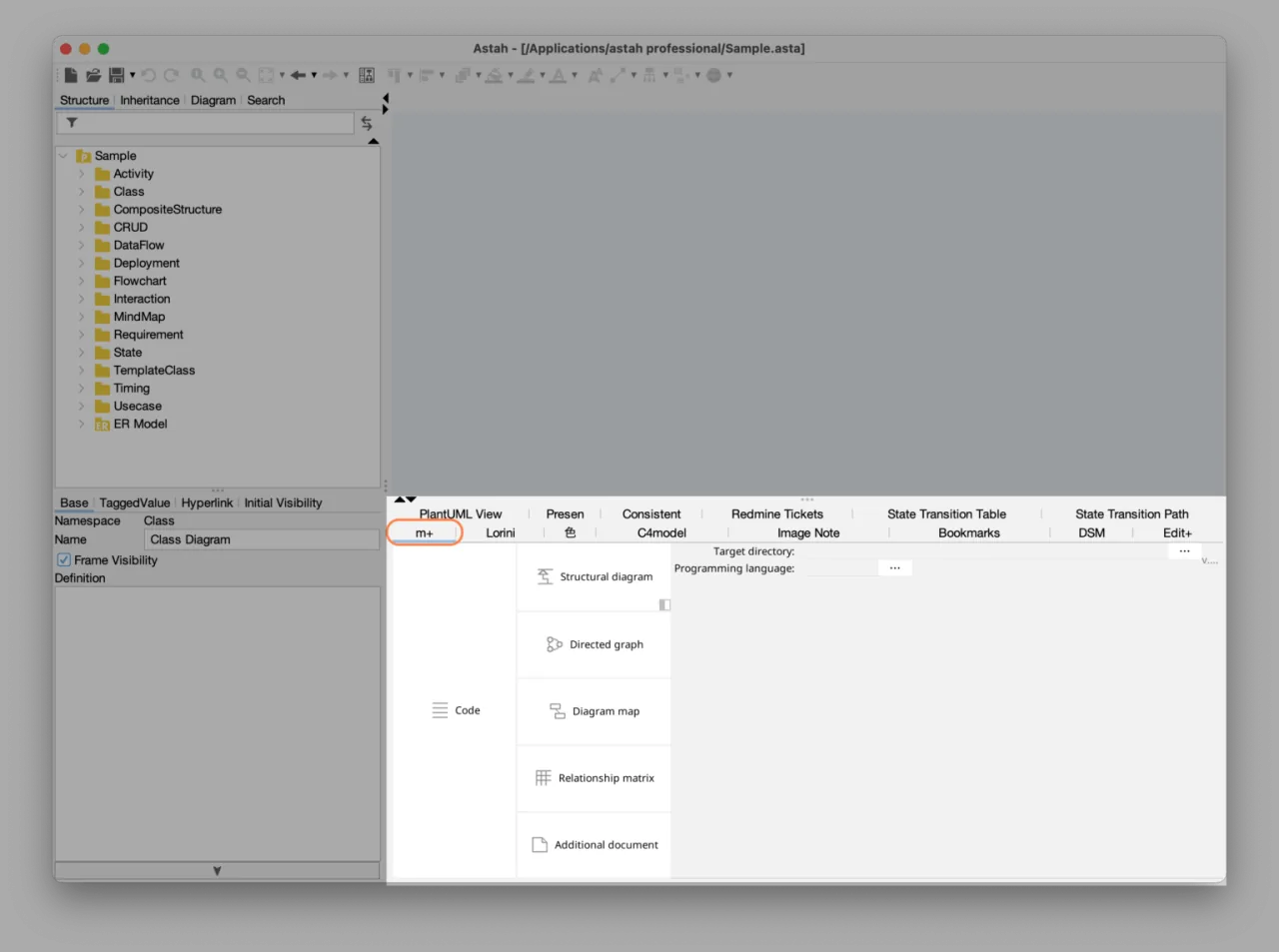
- The installation is complete when the [m+] tab appears in the Extra View below the diagram editor.
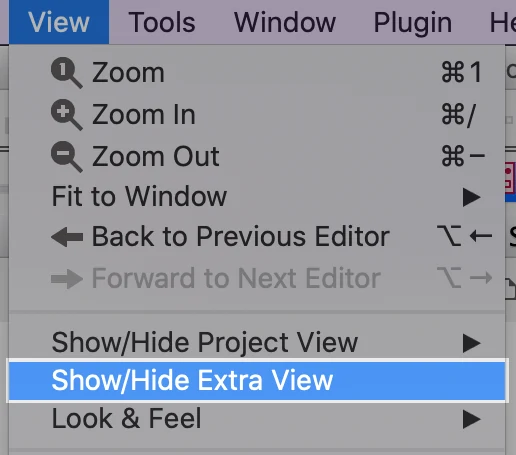
If the Extra View is not visible, go to [View] – [Show/Hide Extra View].
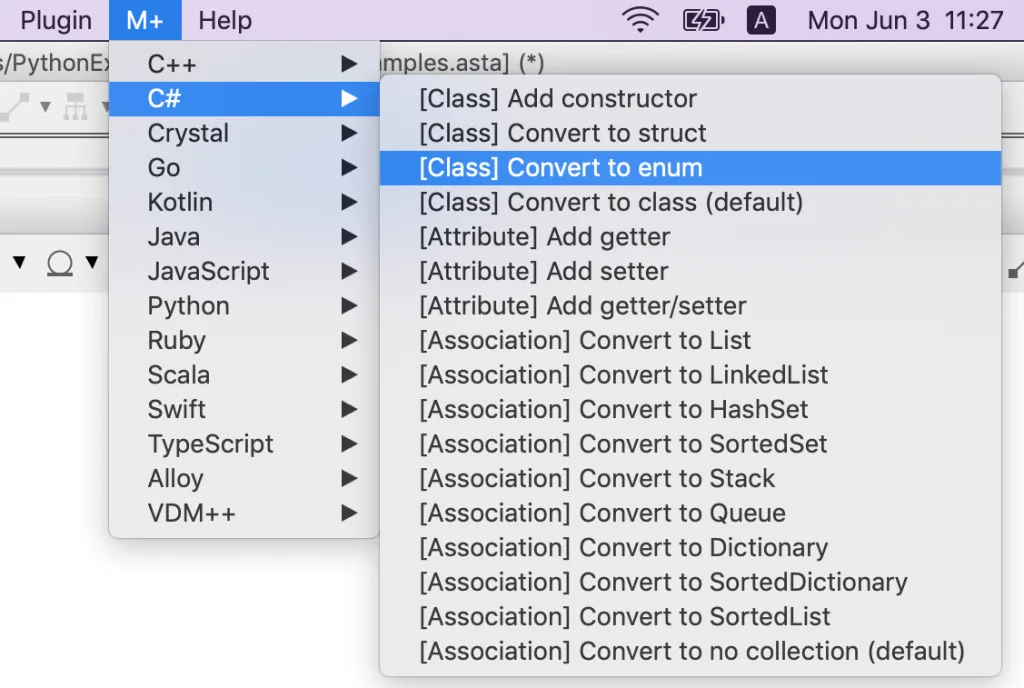
- We also recommend installing Helper for m+, which simplifies the settings of the plugin.
Learn More
For detailed instructions, see the plugin author’s website. These resources also help you learn more about m+:
- [Article] Diagram Map: tracing UML elements across diagrams
- UML specification diagrams in a single map, generated with the m+ plugin
