
State Transition Table
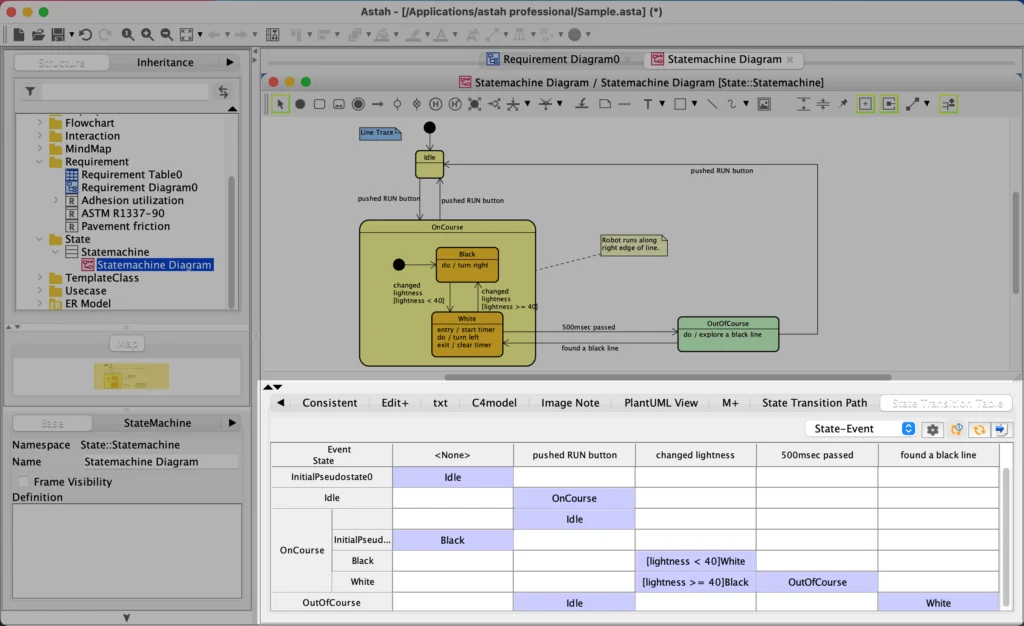
State Transition Tables give you a different perspective of your model. State Transition Tables enables you to easily monitor and report on the most complicated Statemachine Diagrams, revealing subtle errors before they have widespread effects.




How to Install
- Download the plug-in file.
- Drag the downloaded
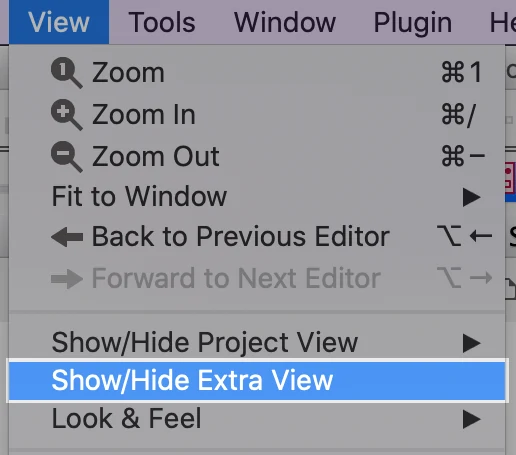
.jarfile onto an open instance of Astah. When the confirmation dialog appears, click [Yes], then restart Astah. - If the [State Transition Table] panel appears below the diagram editor, installation is complete.
If the panel is not visible, go to [View] → [Show/Hide Extra View] to open it.
How to Use
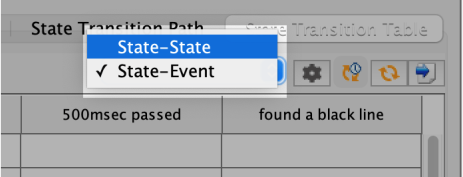
When you open a Statemachine diagram, the State Transition Table automatically appears below the diagram editor. Use the dropdown to switch between two views: States to States and States to Events.
Choose Which States to Show
You can filter which states appear in the table. Click the [Config] button, then check or uncheck states to include or exclude them. You can also reorder the states from this dialog.

Set “Ignore” or “Cannot Happen”
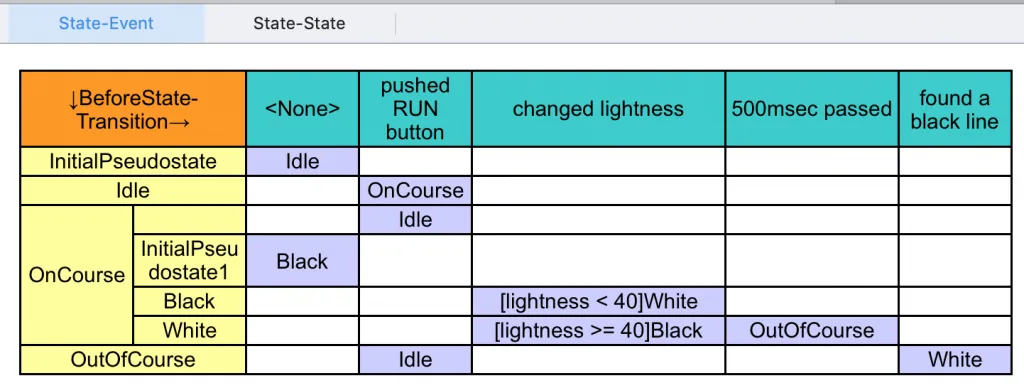
In the States to Events view, you can assign a value of ignore or cannot happen to any blank cell. This is only possible in the table — these values are not visible in the Statemachine diagram itself. Filling in all blank cells helps ensure your model is complete and accurate.

Export to Excel
Click the [Export] button to export the table to Excel. Reviewing the exported table alongside the diagram is especially useful once the Statemachine is complete and contains a lot of information.

Limitations
The following are not currently supported in the State Transition Table:
- Shallow History Pseudo States
- Deep History Pseudo States